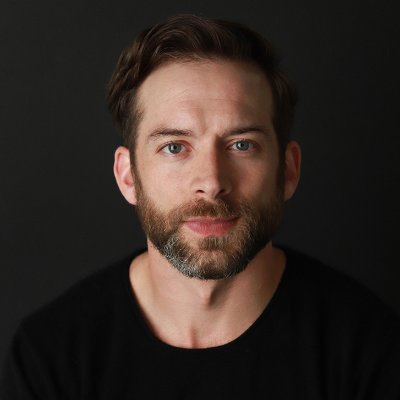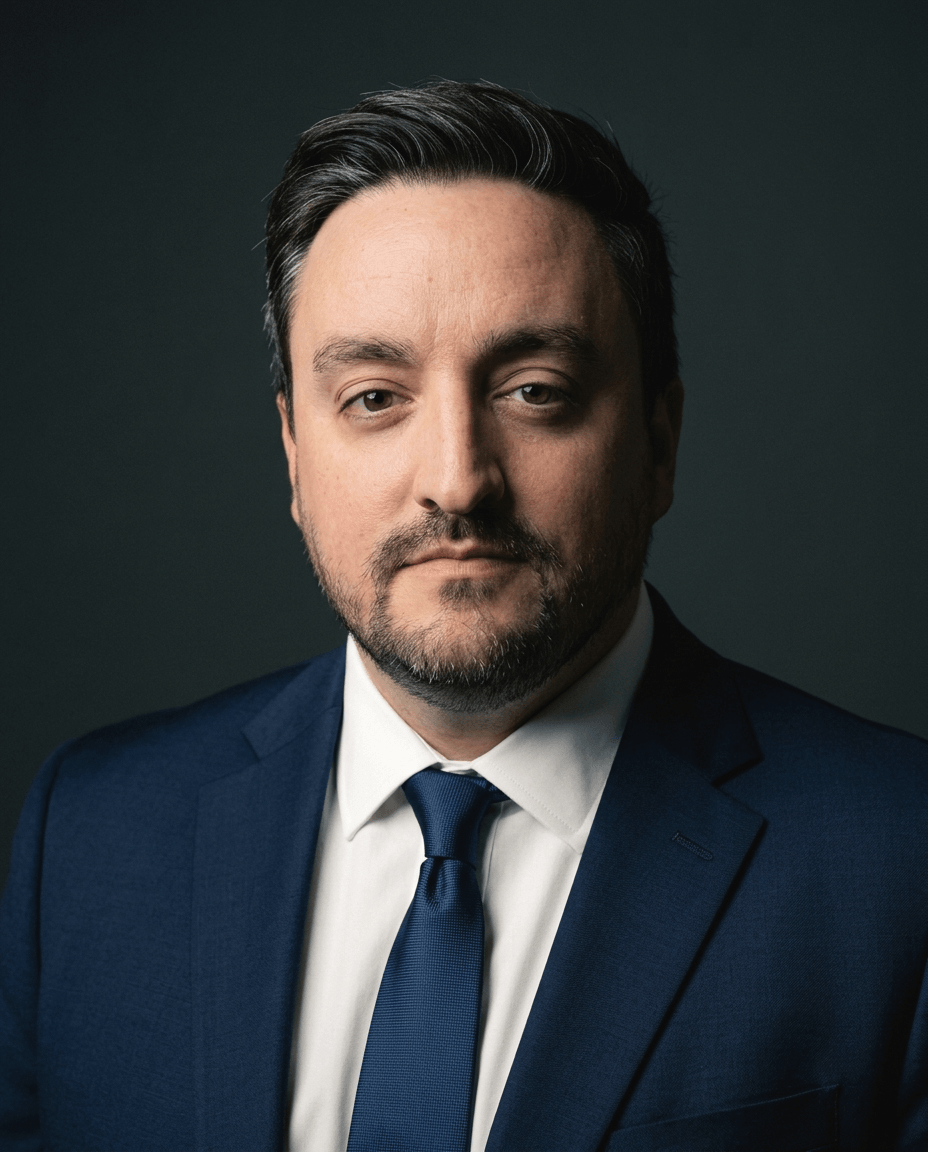
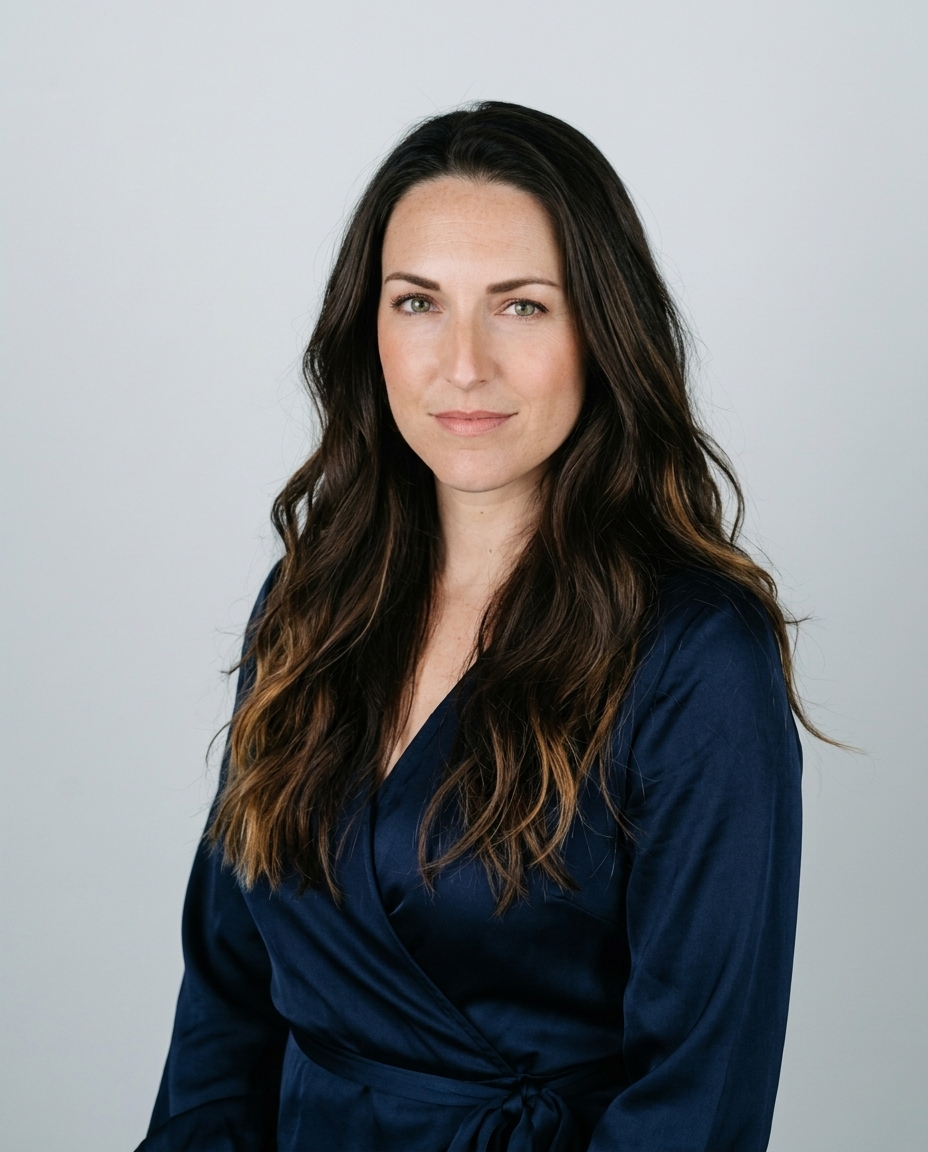
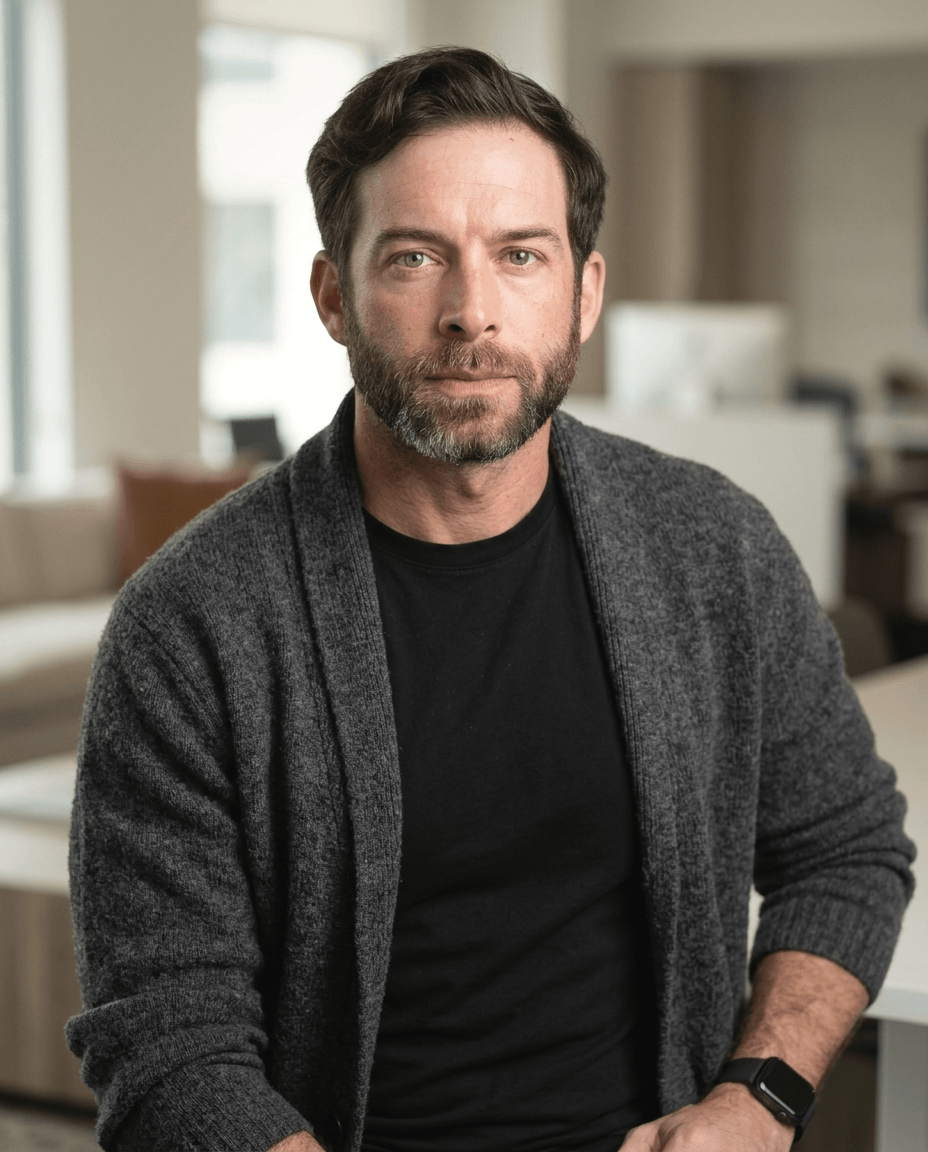
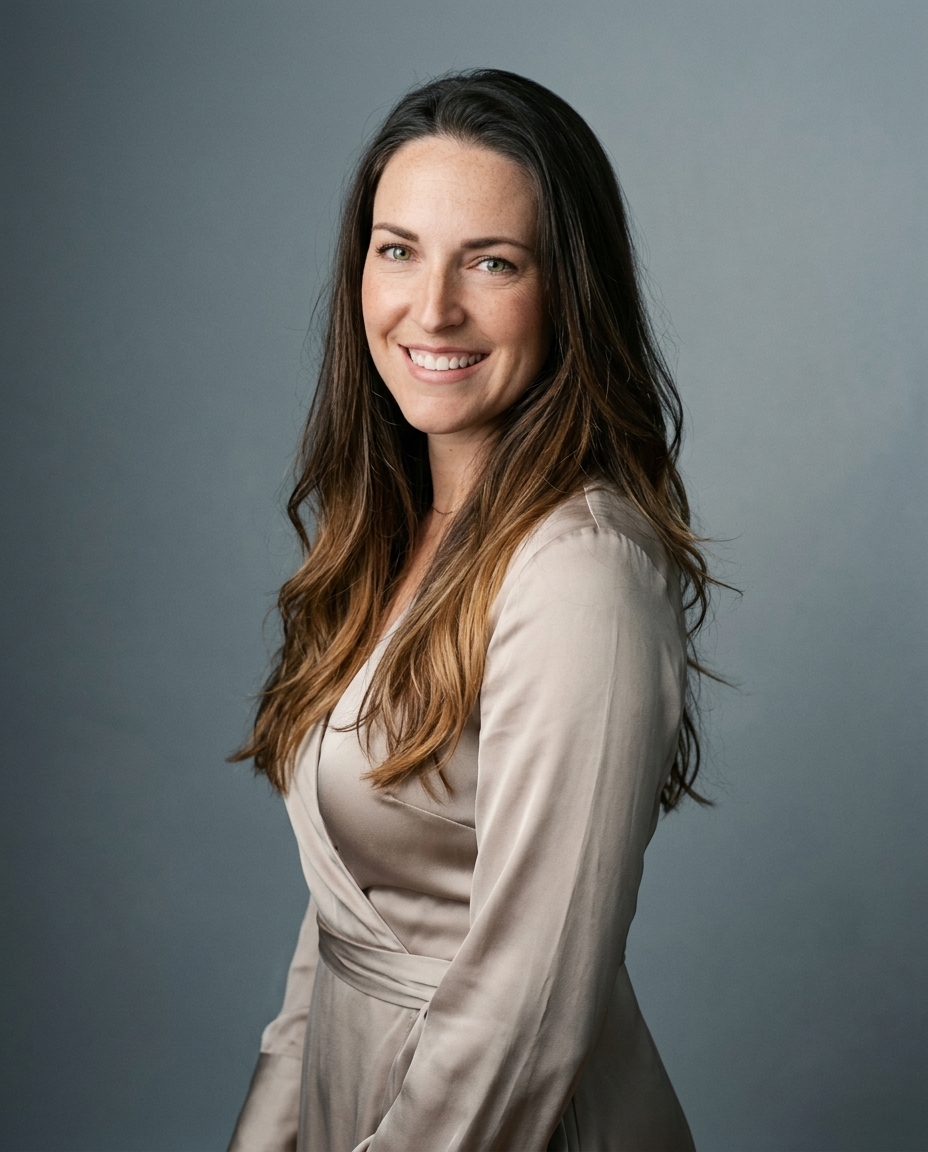
Solid, fitted clothing with clear contrast keeps the focus on your face. Choose your outfit with the background in mind, and aim for a polished look that still feels comfortable. We learned this from years of studio portrait work at Studio Pod, where the same lights and camera position keep results comparable across roles. Clothing that competes with your face takes attention away from it.
These rules apply in a studio and at home. Choose the color, fit, and neckline of the outfit you'll wear in the 10 to 20 phone selfies you upload to AiHeadshots. That way, your wardrobe choices are settled before the photos are processed.
Table of Contents
- 1. Choose solid colors over busy patterns
- 2. Pick colors that separate you from the background
- 3. Match the neckline to the frame
- 4. Fit comes before brand
- 5. Layer with a structured jacket for professional roles
- 6. Avoid logos, text, and fine stripes
- 7. Plan your outfit before the selfies
- Wardrobe rules at a glance
- Dress the part, then shoot it
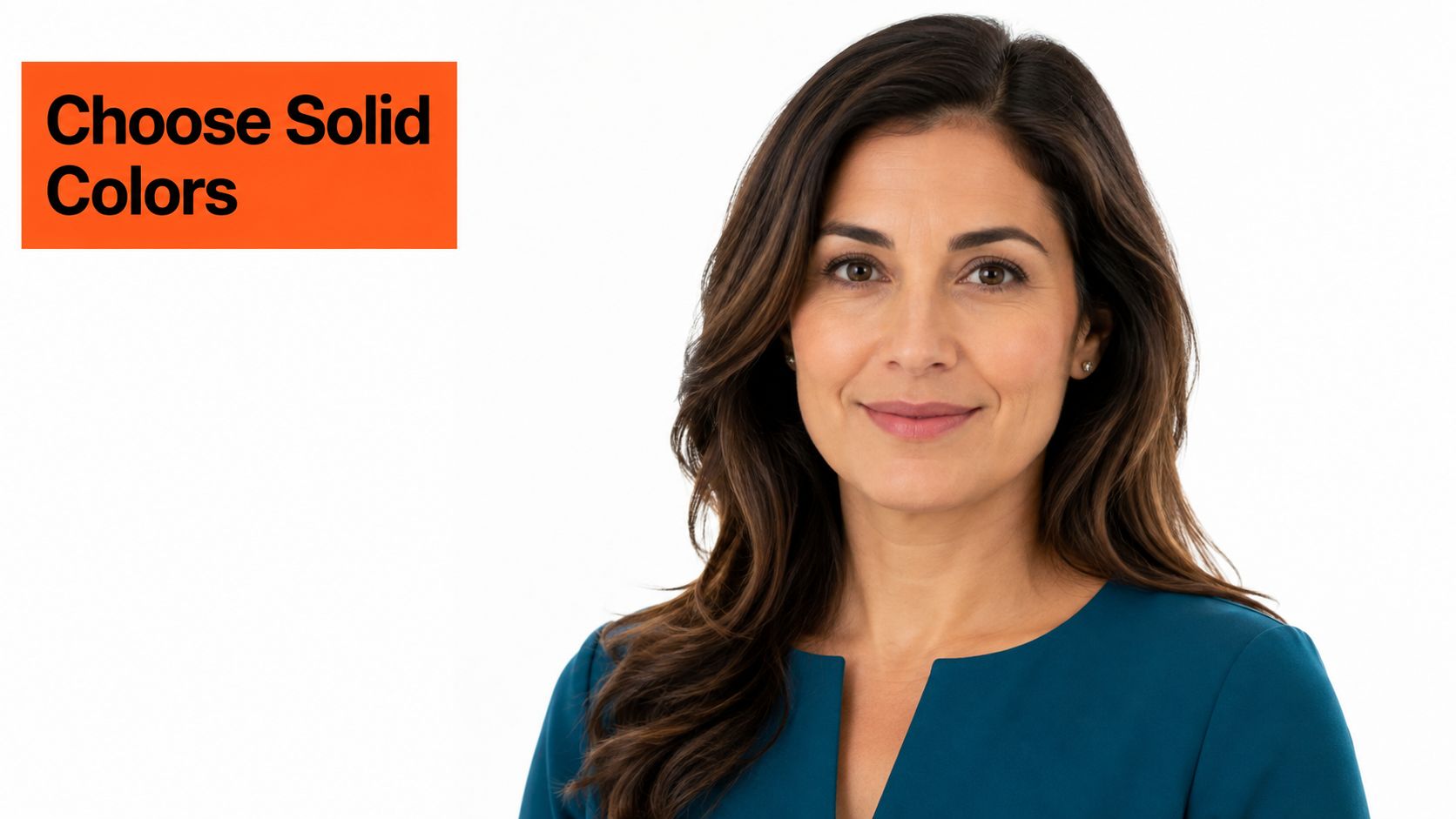
1. Choose solid colors over busy patterns
A solid top keeps the viewer's eye on your face at thumbnail size, where individuals often meet you first. Patterns compete with that focus. They also break up when the file is resized for LinkedIn, a company directory, or a speaker bio.
Pick one main color, two tones at most. A navy crew neck in solid knit against soft gray works. A deep teal blouse with a matte finish works for a consultant. You get interest from texture, a fine knit or wool weave, not from print. Skip neon and saturated red for your primary shot. They pull attention to your chest and date fast.
Wear the color. Don't let the color wear the frame.
Solid, mid-to-dark colors keep attention on the face, and Shoot for the Edit's headshot wardrobe guide points to navy, charcoal, burgundy, and forest green as reliable examples. That's our default too. It has held up for bankers, therapists, founders, and realtors in the same chair, under the same light.
2. Pick colors that separate you from the background
Contrast decides whether you read as a clear shape. A charcoal jacket on light gray separates. A navy top on a navy backdrop disappears. Choose the background first, then choose the clothing tone against it. Our guide to LinkedIn headshot backgrounds walks through the pairings we use most.
Wardrobe color belongs to the whole frame, not the garment alone. Lightz Out Studios' guidance on headshot clothing favors solid, mid-to-deep tones and warns that an all-white shirt can merge with a white or light gray background. Fix that with a darker jacket. Fix navy on a dark backdrop with a lighter background or a garment with clear tonal difference.
Test it before you commit
Hold the top against two background options. Check it against your hair color in daylight, too. Your shirt should sit a shade or two away from your hair so your head reads as one distinct form. A white shirt under a charcoal blazer on soft gray, or an olive crew neck on a warm neutral, both pass that test.
3. Match the neckline to the frame
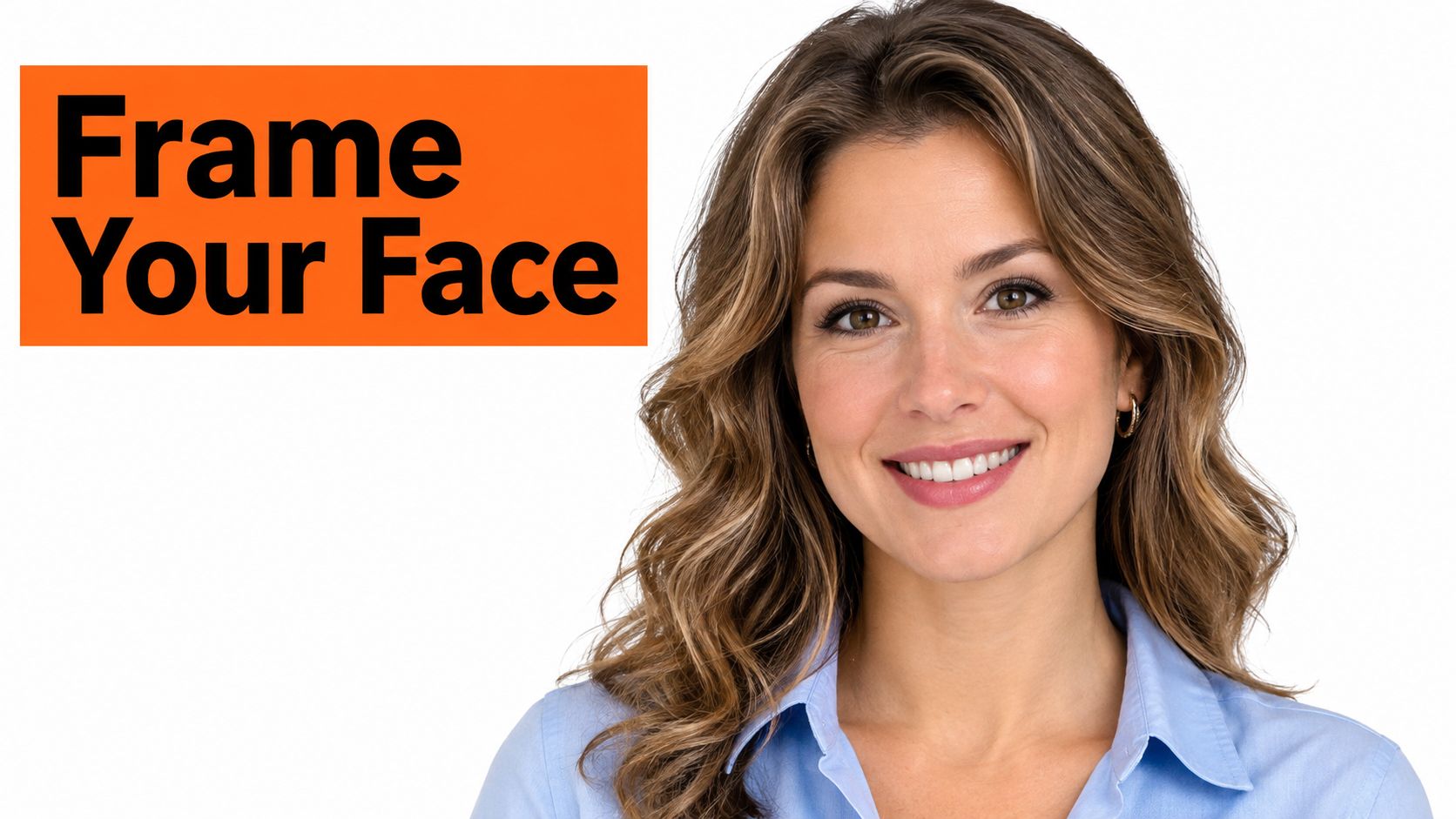
Headshots crop from the shoulders up. Your neckline is one of the few clothing details shown in full, and it sets the shape around your face. Treat it as framing, not decoration.
An open collar or V-neck shows the neck and creates a vertical line that leads up to your eyes. That's the right call for most corporate and sales headshots. A crew neck suits relaxed and creative roles. A turtleneck reads as deliberate and works for tech and design, but it crowds the jaw in a tight crop.
Steve Jobs made the black turtleneck his public uniform, so the neckline became part of his brand. Mark Zuckerberg's plain gray T-shirts do the opposite job and signal casual tech work. Both prove the point. People remember the neckline.
Practical rule: Photograph the neckline on your phone first. If it gapes, slides, or shows a strap when you lean forward, pick another top.
4. Fit comes before brand
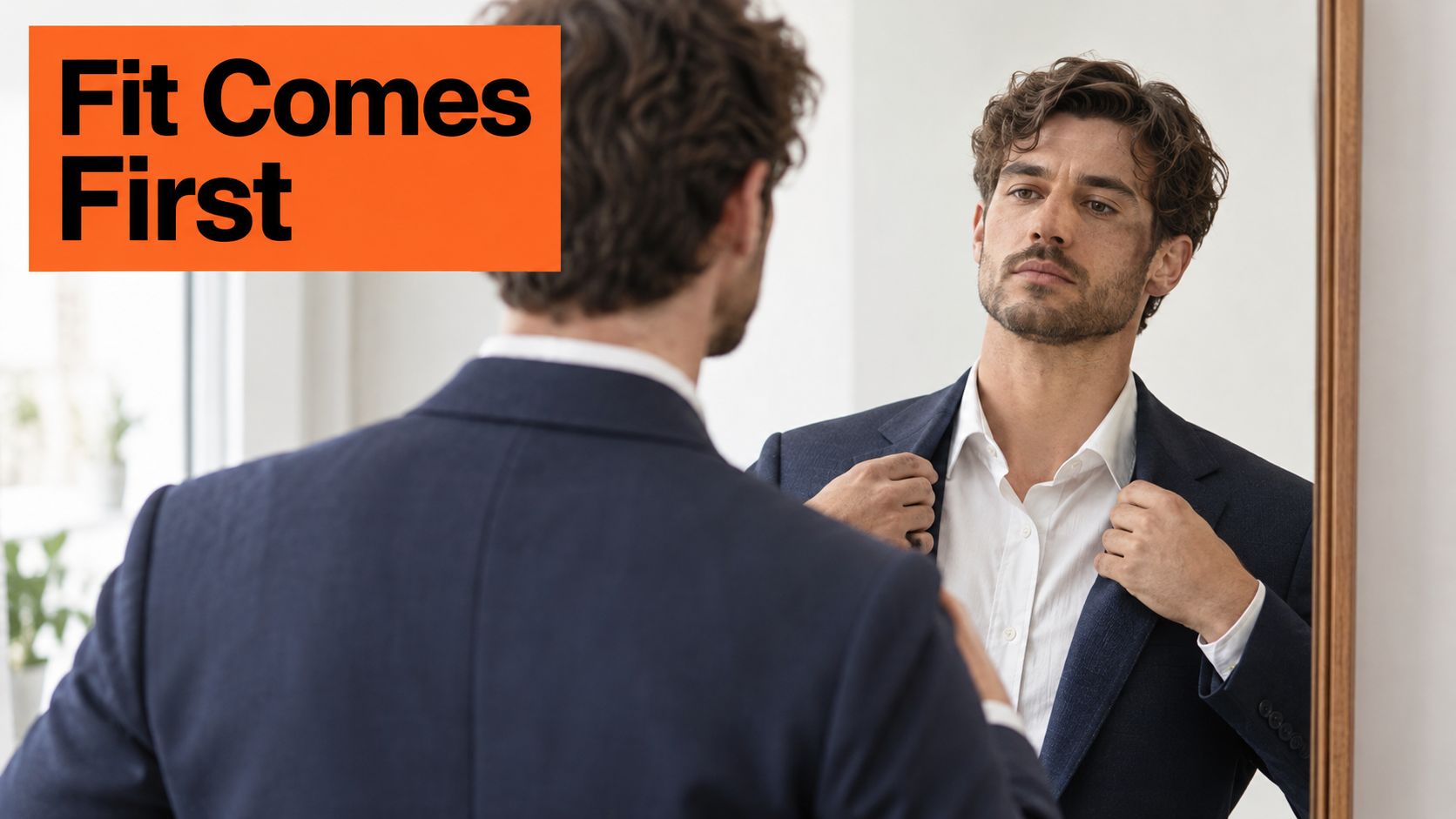
A well-fitted mid-priced shirt beats an expensive shirt that sits wrong. The camera doesn't read labels. It reads shoulder seams, collar gaps, and pulling buttons, and sharp studio light makes every one of them obvious.
Your shoulder seam should end at the edge of your shoulder bone, not drop down your arm. Sleeves should end at the wrist bone, with a half inch of shirt cuff showing under a jacket. Those collar and cuff fit essentials matter because the crop puts your collar inches from your face.
Check it seated and standing
Try the outfit on and check your posture in a mirror both ways. Fabric that lies flat standing can bunch at the collar once you sit. Press or steam everything the night before, run a lint roller over dark fabrics, and bring a spare shirt. One coffee spot ruins a set.
A white dress shirt with taken-in sides looks finished. An oversized designer shirt looks borrowed. Fit is the difference, and it's visible in every frame.
5. Layer with a structured jacket for professional roles
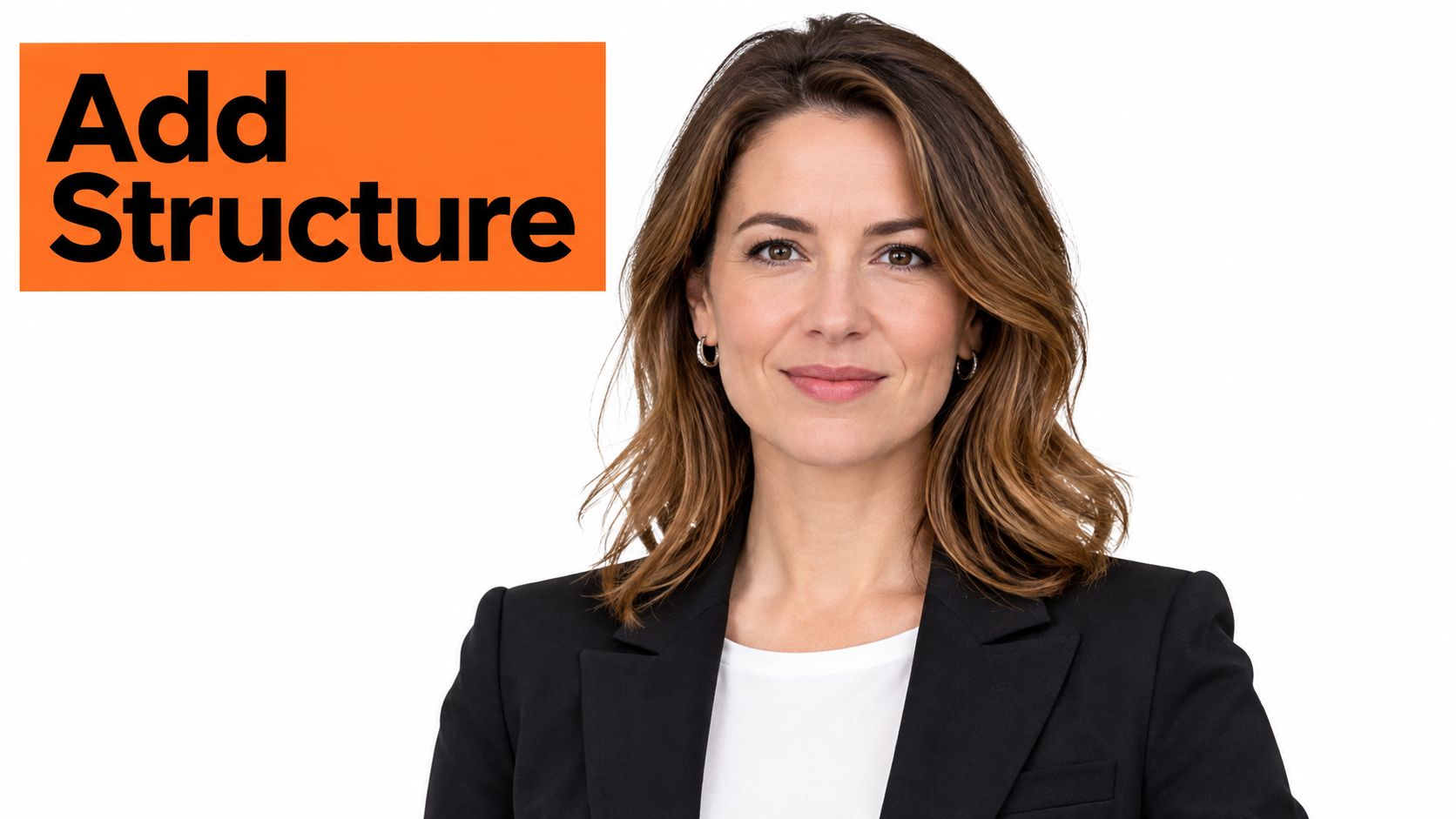
A blazer adds shoulder definition and a clean edge that a bare top doesn't give you. For executives, lawyers, consultants, and realtors, it's the default. Our executive headshot wardrobe guide covers the pairings we reach for in those sessions.
The jacket should hold its shape. You want a clean lapel and a neckline that sits smoothly against your collar, with no stacked fabric at the pockets or lapels. A navy single-breasted blazer over a white open-collar shirt works. So does a charcoal jacket over a fine-gauge crew neck for a consulting profile. Leave the top button undone and the look stays polished without going stiff.
Dress for your field, one level up from daily wear. MarketingProfs' summary of JDP's analysis of 2,000 LinkedIn profile photos found 42% of subjects wore business-casual attire and 24% wore formal clothing, with finance, banking, and real estate among the most formally dressed fields. Unstructured knits and soft cardigans suit creative and tech teams. They just won't give you the shoulder line a jacket gives you.
6. Avoid logos, text, and fine stripes
Text in the frame gets read. Reading is attention your face doesn't get. Logos also date the photo the moment your company rebrands or you change jobs, so leave the branded hoodie in the closet and wear a solid knit sweater instead.
Fine stripes and houndstooth cause a different problem. Roberto Falck's headshot clothing advice explains that tight repeating patterns can create moiré, a distracting interference effect from the camera sensor interacting with the pattern. You'll also see it when the image is compressed or scaled down.
Check your outfit on a phone screen at half size. If the fabric shimmers, it fails.
Broad stripes can work if they sit clean and straight across your shoulders, like a wide blue-and-white stripe with the collar open. Keep fabrics matte to cut glare, and remove watch faces with bold logos and busy bezels. In our studio, clean solid clothing has produced the most consistent results across every role we've photographed. Nothing else comes close.
7. Plan your outfit before the selfies
Your wardrobe decision happens before the session, not during it. You upload 10 to 20 phone selfies, so wear the top, jacket, and accessories you'd want in the finished headshot. Our selfie prep guide covers angles, expressions, and light in detail.
Stand near a large window with soft light on your face and a neutral background behind you. Then judge the outfit the way a viewer will. Does the color separate from the wall. Does the collar sit flat. Does anything pull, shine, or shimmer at small size.
Bring two options
Say you're a realtor torn between a solid teal top and a light gray blazer. Shoot selfies in both and compare them side by side. A second option costs you five minutes at the window. It saves you from committing to a color that fights your background.
Keep meaningful items in the frame. Glasses, religious head coverings, hearing devices, and culturally significant garments are part of how clients recognize you. Control reflections and glare with angle and light. Don't remove part of your normal appearance to fit a template.
Wardrobe rules at a glance
| Rule | What to do | What to avoid | Best for |
|---|---|---|---|
| Choose solid colors over busy patterns | Wear one main mid-tone or jewel color; use subtle fabric texture | Busy patterns, neon, saturated red, or flat-looking fabric | Keeping attention on your face and reading clearly at small sizes |
| Pick colors that separate you from the background | Choose clothing that contrasts with the background, hair, and skin tone | Matching the background or harsh pairings that wash out your complexion | A clear silhouette across different backgrounds |
| Match the neckline to the frame | Choose an open collar or V-neck for a vertical line; select a neckline suited to your role | Deep V-necks in conservative fields or bulky, poorly fitted turtlenecks | Framing your face in a shoulders-up crop |
| Fit comes before brand | Check shoulder seams, sleeve length, collar fit, and wrinkles | Clothing that pulls, gapes, or sits poorly, regardless of its label | A polished look without needing expensive clothing |
| Layer with a structured jacket for professional roles | Wear a well-fitting jacket with clean lapels and defined shoulders | Heavy or oversized jackets and bulky lapels | Executive, legal, consulting, and real estate headshots |
| Avoid logos, text, and fine stripes | Choose graphic-free clothing or broad, clean stripes; prefer matte fabrics | Logos, slogans, fine stripes, houndstooth, and busy details | Timeless photos without distracting graphics or moiré |
| Plan your outfit before the selfies | Test two outfit options in soft window light against a neutral background | Harsh overhead light and judging color from a single outfit test | Comparing looks before an AI headshot session |
Dress the part, then shoot it
A headshot outfit should read clearly in the frame and fit the work you do. Choose a solid color that separates from the background, make sure the shoulders fit properly, and pick a neckline that draws attention toward your face. Add a structured jacket when it suits your role. Aim for a polished version of what you would wear to meet a client.
For AI headshots, the input photos are casual phone selfies, not a finished studio portrait. Upload 10 to 20 photos with varied angles, expressions, and lighting. Choose an outfit that reflects the look you want, then select styles that fit your professional image. AiHeadshots generates professional headshots from your uploaded photos, with high-resolution results designed to match studio photography.
A professional headshot session costs an average of $232.50 in the US. The AiHeadshots Professional plan costs $39 and includes 50 headshots in 5 styles. You pay once, upload your selfies, and receive a full set in about 30 minutes. The right clothing choice makes those results more useful across professional profiles and other settings.
When your outfit is ready, upload your photos to AiHeadshots. Choose styles that suit your work and compare the finished headshots to see how the outfit reads in each look.