



Up to 21 times more profile views and up to 36 times more messages are associated with having a LinkedIn profile photo instead of leaving the image blank, according to historical LinkedIn profile-photo data. That makes your headshot more than a decorative detail. It is the first visual test of whether your profile feels current, credible, and worth opening.
After photographing thousands of professionals, the pattern is consistent. The strongest LinkedIn portraits don't look stiff or overproduced. They balance authority with approachability, using clear framing, controlled light, and an expression that looks like the person someone would want to meet.
Table of Contents
- Why a professional headshot changes your LinkedIn visibility
- Framing and composition rules for LinkedIn
- Expression, lighting, and wardrobe that read well on-screen
- Traditional photographer vs AI headshots for LinkedIn
- How to upload selfies and use AiHeadshots for LinkedIn
- Final checklist before you update your LinkedIn profile
Why a professional headshot changes your LinkedIn visibility
A blank profile image creates friction before anyone reads your headline. A casual crop, group photo, or dark selfie creates a different problem. It gives viewers a reason to question whether the profile is current or whether the person takes their professional presence seriously.
LinkedIn has stated that profiles with photos can receive up to 14 times more profile views, while older LinkedIn guidance has also cited up to 21 times more views, 9 times more connection requests, and 36 times more messages than profiles without a professional image. These figures appear in LinkedIn's guidance on why profile photos matter to employers. The exact multiplier matters less than the underlying behavior. People are more willing to click, connect, and write when a profile presents a recognizable person.
The first gate is visual
Trust judgments happen fast. LinkedIn materials reference judgments forming in as little as 0.2 seconds, or about 50 milliseconds, and note that the profile image is a leading driver of the first impression. LinkedIn's discussion of profile photos and trust also references Princeton research on impressions of trustworthiness, competence, and likeability forming in 1/10th of a second from a face alone.
That speed changes how you should think about composition. Viewers aren't studying your portrait at first. They're scanning a small circular thumbnail beside your name, then deciding whether the rest of your profile deserves attention. If your eyes disappear into shadow, your face is too small, or the background competes with you, the headline never gets a fair chance.
Practical rule: Treat the headshot as the entry point to your profile, not as an accessory added after the writing is finished.
Your photo also sits beside the rest of your profile activity. If you're refining your content as well, this LinkedIn post character limit guide helps keep your publishing decisions precise. The profile image and your written presence should tell the same story, competent, current, and easy to approach.
Framing and composition rules for LinkedIn
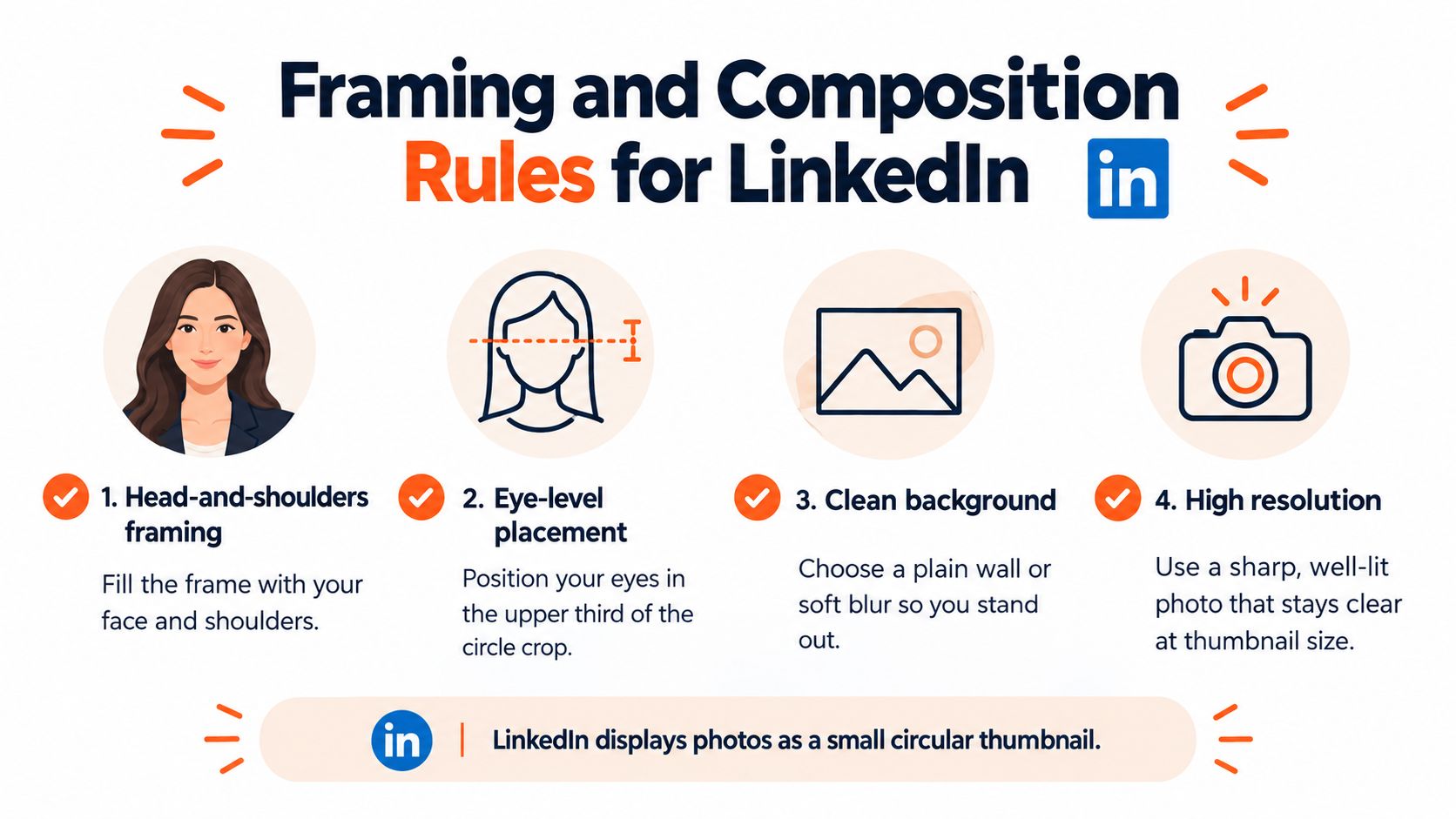
LinkedIn recommends a clear, high-resolution head-and-shoulders portrait with the face occupying 40 to 60 percent of the frame, a plain neutral background, direct eye contact, and a natural smile. Those rules aren't arbitrary. The platform's circular crop removes the corners of the original image, so loose framing often becomes awkward once the photo is displayed beside a name.
Keep enough room around the top of your head and shoulders to survive the crop. Your eyes should sit around the upper third of the visible circle, not directly against the top edge. Show the shoulders so the portrait has structure, but don't leave so much torso that your face becomes a small detail.
Read the crop before you upload
A professional photographer checks the final crop, not just the original frame. You should do the same. Extreme close-ups can make the forehead, chin, or shoulders feel cramped, while a full-body image loses the facial detail that matters at thumbnail size.
Use a neutral wall, a soft background blur, or an uncluttered studio-style backdrop. Bookshelves, kitchen counters, visible strangers, signs, and bright windows pull attention away from your face. Direct eye contact keeps the image personal, but it doesn't require a rigid square pose. Turn your body slightly if that helps you relax, then bring your eyes back to the lens.
Before replacing your current image, run this short check:
- Face scale: Your face covers roughly 40 to 60 percent of the frame, following LinkedIn's profile-picture guidelines.
- Shoulders: Both shoulders remain visible and balanced after the circular crop.
- Eye position: Your eyes sit in the upper portion of the circle with breathing room above your head.
- Background: The background is plain enough that the face remains the first thing people see.
For more detail on body angle, head position, and relaxed posture, use this practical guide to how to pose for headshots. A good pose doesn't announce itself. It stops tension from appearing in your jaw, shoulders, and eyes.
Expression, lighting, and wardrobe that read well on-screen
A polished LinkedIn headshot needs to communicate two things at once. You should look capable enough to handle responsibility and warm enough that a stranger feels comfortable contacting you. Push too far toward authority and you look inaccessible. Push too far toward casual friendliness and the image loses professional weight.
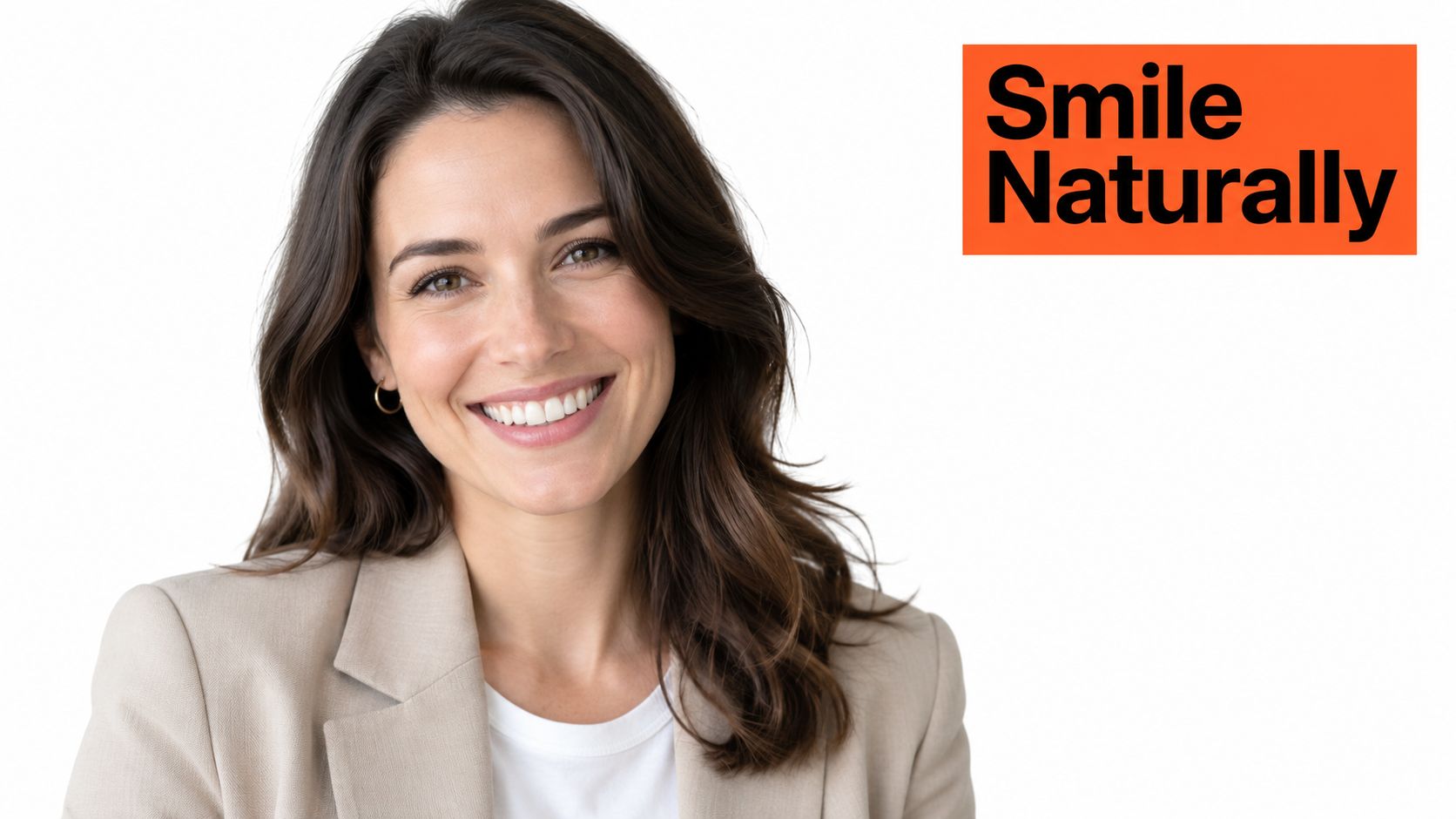
Expression carries most of that balance. A data-driven headshot analysis reported that a smile showing teeth increased likability by +1.35, while also improving perceived competence by +0.33 and influence by +0.22 in the underlying rating study, as summarized by HeadshotPhoto's LinkedIn headshot analysis. The useful takeaway isn't to force a wide grin. It is to find the expression you'd use when greeting a client you respect.
Build one coherent signal
Light should support the expression. Soft, directional light gives the face shape without carving deep shadows under the eyes or nose. Natural light works well when it falls from in front of you or slightly to one side. Artificial light can work too, but a bare overhead fixture usually produces an exhausted look.
Wardrobe should reinforce the role without overpowering the portrait. A structured jacket, collared shirt, or fitted blouse supports authority in traditional professions. A clean knit, simple shirt, or relaxed jacket can feel more credible in creative and technical fields. Solid colors keep attention on your face, while loud patterns and prominent logos compete with it.
The best outfit is one you can wear without adjusting it every few seconds. Tight collars, slipping jackets, shiny fabric, and distracting jewelry create tension that shows in the final expression. Use this guide to choose the best outfit for a headshot, then select clothing that matches how you meet clients and colleagues.
A natural smile doesn't make an executive portrait less serious. A forced expression does.
The same principle applies to retouching. Clean up distractions and balance the light, but preserve the features people will recognize in a meeting. A profile photo should look like you on a good day, not like a different person wearing your name.
Traditional photographer vs AI headshots for LinkedIn
A traditional photographer remains the right choice when you need a fully directed session, multiple wardrobe changes, or portraits for a broader brand library. You receive human guidance on posture, expression, lens choice, and lighting. The trade-off is time, travel, scheduling, and cost.
A photographer's day rate commonly runs $300 to $600 or more, while a booked session typically takes hours and results arrive over one to three weeks, depending on the photographer and retouching schedule. For a professional who needs one updated LinkedIn image quickly, that process can be more than the assignment requires.
AiHeadshots from Studio Pod takes a different route. Studio Pod was founded by photographers Joseph West and Chris Bailey, and the team has photographed 10,000+ real professionals since 2019, rather than starting as a software team retrofitting open models. That photography heritage informs the posing, lighting, wardrobe, and background decisions built into the system. More about that origin is available on the Studio Pod team and company page.
| Factor | Traditional Photographer | AiHeadshots |
|---|---|---|
| Cost | $300 to $600+ photographer day rate | $29 Basic, with Professional at $39 and Executive at $59 |
| Delivery | Typically one to three weeks | 30+ studio-grade headshots in about 30 minutes |
| Process | Book a session, travel, and attend in person | Upload 10 to 20 phone selfies, no studio visit |
| Team use | Arrange sessions for each person | Teams receive volume pricing at 10+ seats, from $22 to $29 per seat |
| Guidance | Photographer directs you during the shoot | Studio Pod's photographer-built system produces varied professional options |
The choice is practical, not ideological. A studio session gives you live direction and a controlled physical set. A photographer-built AI workflow gives you speed and a lower entry price. This comparison of whether AI headshots are worth it is useful if you're weighing the two paths for a single profile or a team rollout.
How to upload selfies and use AiHeadshots for LinkedIn
Start with 10 to 20 phone selfies that show your face clearly from different angles. Use natural light where possible, avoid heavy filters, and include enough variation for the system to understand your appearance. You don't need a studio visit.
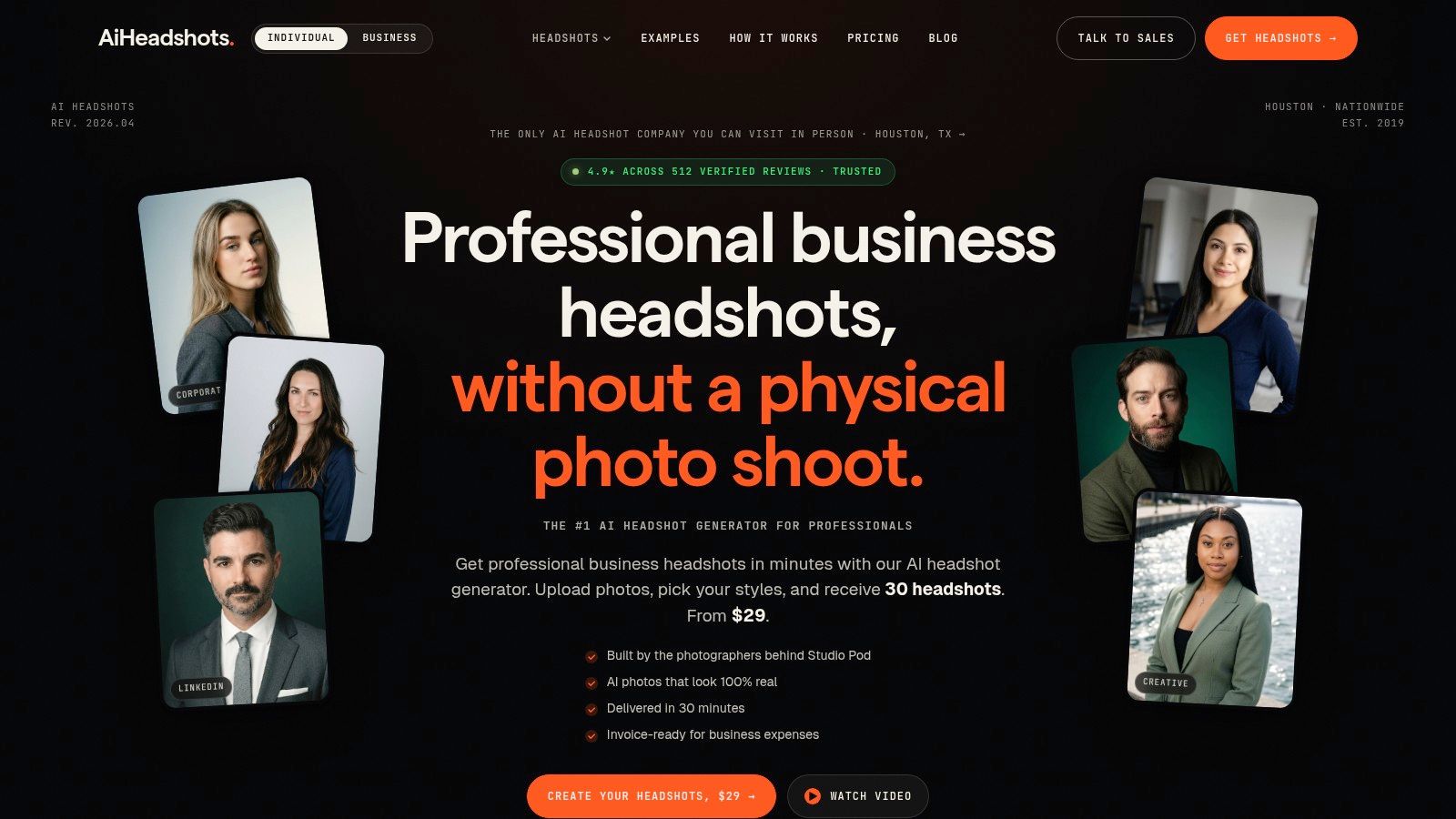
After upload, AiHeadshots delivers 30+ studio-grade headshots in about 30 minutes. Review the set at thumbnail size first, then inspect the finalists full-screen for natural eyes, believable skin texture, clean hands if visible, and a crop that leaves your face easy to recognize. The Basic tier costs $29, and the service includes a 100% money-back guarantee within 14 days.
Input files are retained for 7 days, generated outputs for 30 days, and billing records for 90 days. Teams ordering 10 or more seats receive volume pricing of $22 to $29 per seat.
See the workflow in action before you choose an image:
Final checklist before you update your LinkedIn profile
Check that the image is at least 400 x 400 pixels and stays within LinkedIn's recommended range, up to 7,680 x 4,320 pixels, as documented in Adobe's professional headshot sizing guidance. Preview the circular crop. Reject busy backgrounds, extreme close-ups, harsh shadows, and poses that look more formal than you do in real conversations.
Upload 10 selfies and review 30+ professional headshots in about 30 minutes, starting at $29. Visit AiHeadshots to create a LinkedIn portrait that looks polished, recognizable, and approachable.
