



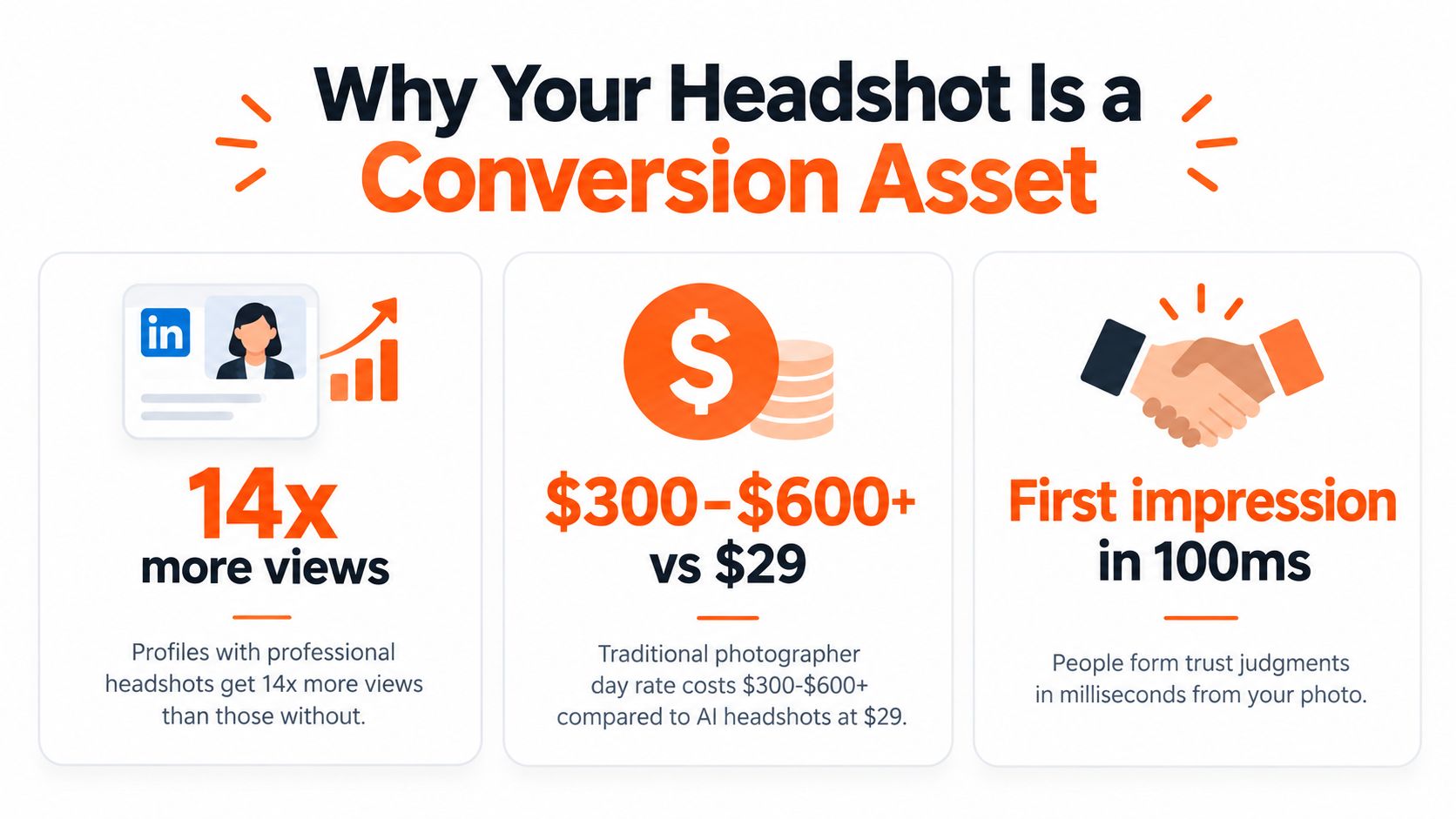
A professional headshot isn't decoration. LinkedIn-derived reporting says profiles with a professional photo can receive up to 21 times more profile views, 9 times more connection requests, and 36 times more messages than profiles without one, as summarized by Capturely's headshot research. The practical question is how to get that image without wasting money, time, or your likeness.
You have three credible options: book a traditional photographer, build a careful DIY setup, or use an AI headshot service. Each produces a different balance of direction, control, speed, cost, and volume. Here's how to choose and prepare for the one that fits your situation.
Table of Contents
- Why your headshot is a conversion asset
- Preparing your look before the shoot or upload
- Comparing the three paths to a professional headshot
- Getting the best results from an AI headshot service
- Formatting and delivering your final headshot
- Choosing the right path for your situation
Why your headshot is a conversion asset
A recruiter comparing two otherwise similar profiles often starts with the image, not the résumé. A clear, current portrait makes your identity easy to recognize and gives the viewer an immediate signal about your presentation before they read your experience. An empty avatar or casual vacation photo adds friction at the exact moment someone is deciding whether to continue.
A profile photo also affects how quickly people form an impression. Princeton research found that viewers can judge trustworthiness from a split-second glance at a face, and that first judgment can persist after longer exposure. That makes expression, lighting, framing, and background practical parts of your professional positioning, not decorative details.
The business case extends beyond profile views. A headshot can support more profile visits, messages, and introductions, but it cannot compensate for weak experience or an unclear offer. Its job is to reduce doubt and make the next action easier. This ROI guide for professional headshots offers a closer look at that business case.
The three practical routes
A traditional photographer provides live direction, controlled lighting, and on-the-spot adjustments. You pay for that expertise and time, then wait for the edited gallery. The result is usually the strongest choice for a highly art-directed portrait or a subject who wants hands-on coaching.
A DIY setup costs less when you already have a capable phone, usable window light, and someone to take the image. You control the setting, but you also handle posing, focus, exposure, editing, and quality checks. Small mistakes in angle or light can make the final image look less intentional.
An AI-generated headshot uses your selfies to create polished variations without a studio visit. It is faster and useful for multiple professional contexts, but the source images still control how accurately the result represents your face, hair, and proportions.
Choose based on the outcome. A collaborative portrait favors a studio session, a quick profile update favors AI, and a consistent team library may favor a repeatable digital workflow. Each route trades time, cost, control, and realism differently.
Preparing your look before the shoot or upload
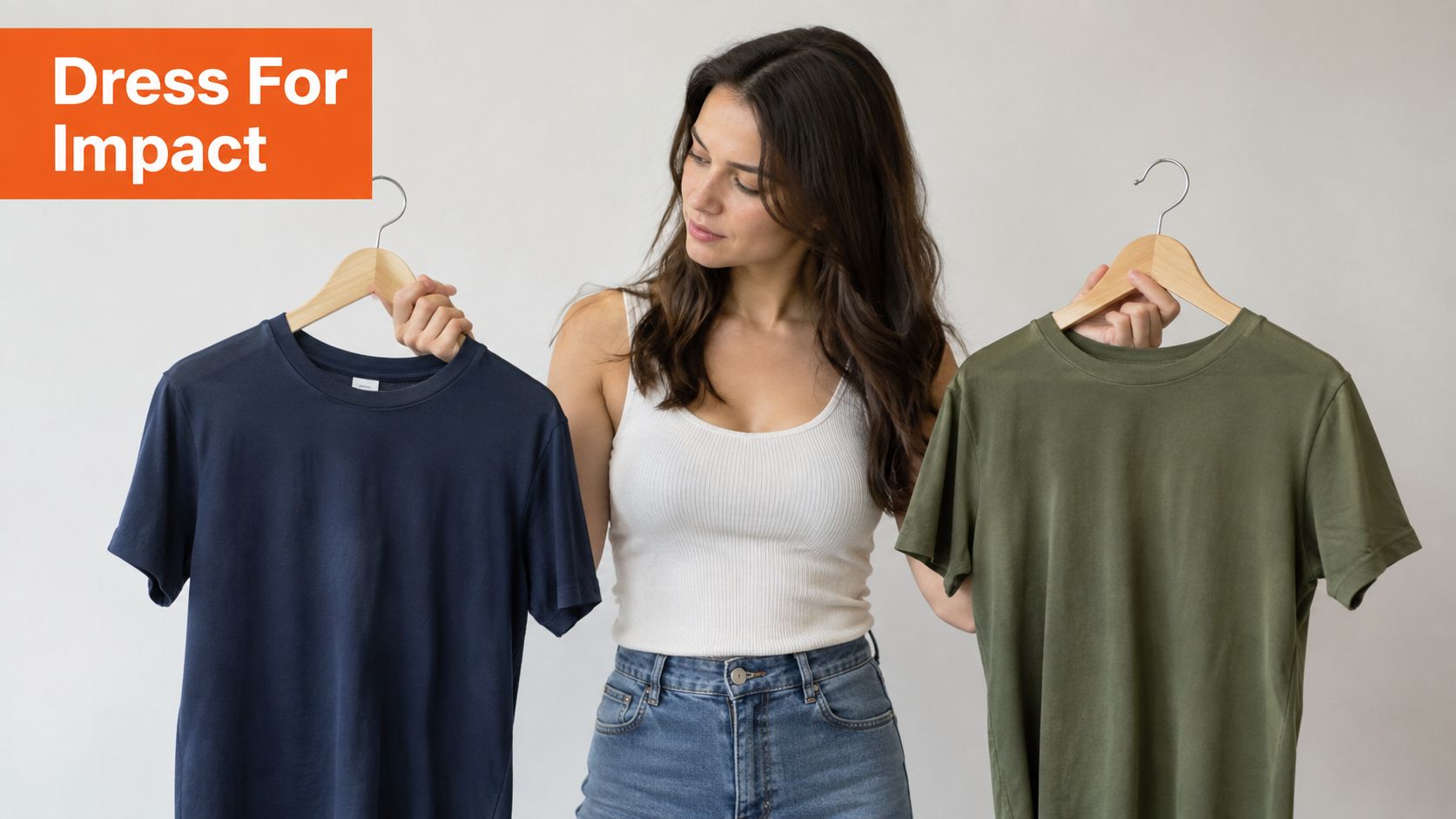
Start with clothing that supports your face instead of competing with it. Solid colors, restrained textures, and familiar professional pieces usually work better than busy patterns, tiny checks, visible logos, or novelty graphics. A blazer, knit top, collared shirt, blouse, or clean sweater can all work if the fit is comfortable and the neckline creates a clear shape around your face.
Choose one primary outfit and at least one credible alternative if your chosen method supports multiple looks. Dark blue, charcoal, muted green, cream, and other controlled tones photograph cleanly, but the best color is one that suits your complexion and reflects how you work. Don't dress as a generic executive if your professional presence is more approachable, creative, technical, or service-oriented.
Make grooming predictable
A headshot reveals small details, so handle grooming before the camera is out. Steam or press clothing, clean glasses, remove lint, and check collars and lapels. Keep hair close to the way clients or colleagues see you. A dramatic change makes the portrait less useful for recognition.
Makeup should support even skin tone rather than create a new identity. If you're checking detail before a session, a well-lit mirror is useful. This guide to makeup mirrors offers practical context on choosing lighting and viewing surfaces for grooming.
Expression matters more than a rigid corporate pose. Relax your jaw, lower your shoulders, and look directly toward the lens. A natural smile works for many professional profiles, while a calm, focused expression suits roles where authority and concentration matter. Take several source selfies with different expressions instead of trying to force one perfect face.
For AI workflows, preparation still matters because AiHeadshots works from what you upload. If your selfies show poor styling, harsh shadows, or an expression you never use professionally, the generated images inherit that visual information. The selfie preparation guide covers the source-photo choices that affect the final set.
Comparing the three paths to a professional headshot
A traditional photographer gives you the most direct human control. A skilled portrait photographer can adjust the key light, change your angle, coach your expression, and catch details you cannot see from the chair. The trade-off is cost and scheduling. A photographer's day rate commonly runs $300 to $600 or more, with delivery often taking one to three weeks, depending on the workflow and retouching queue.
DIY headshots suit a simple, controlled environment. Use a large window or diffused artificial light toward your face, then test angles until both eyes are evenly lit. Adobe's portrait lighting guidance recommends a soft key light with fill or a secondary light to manage harsh shadows. A tight head-and-shoulders crop, sharp focus on the eyes, and a longer focal length help reduce distortion. Adobe's composition guidance covers shallow depth of field and a working range around f/2.8 to f/5.6.
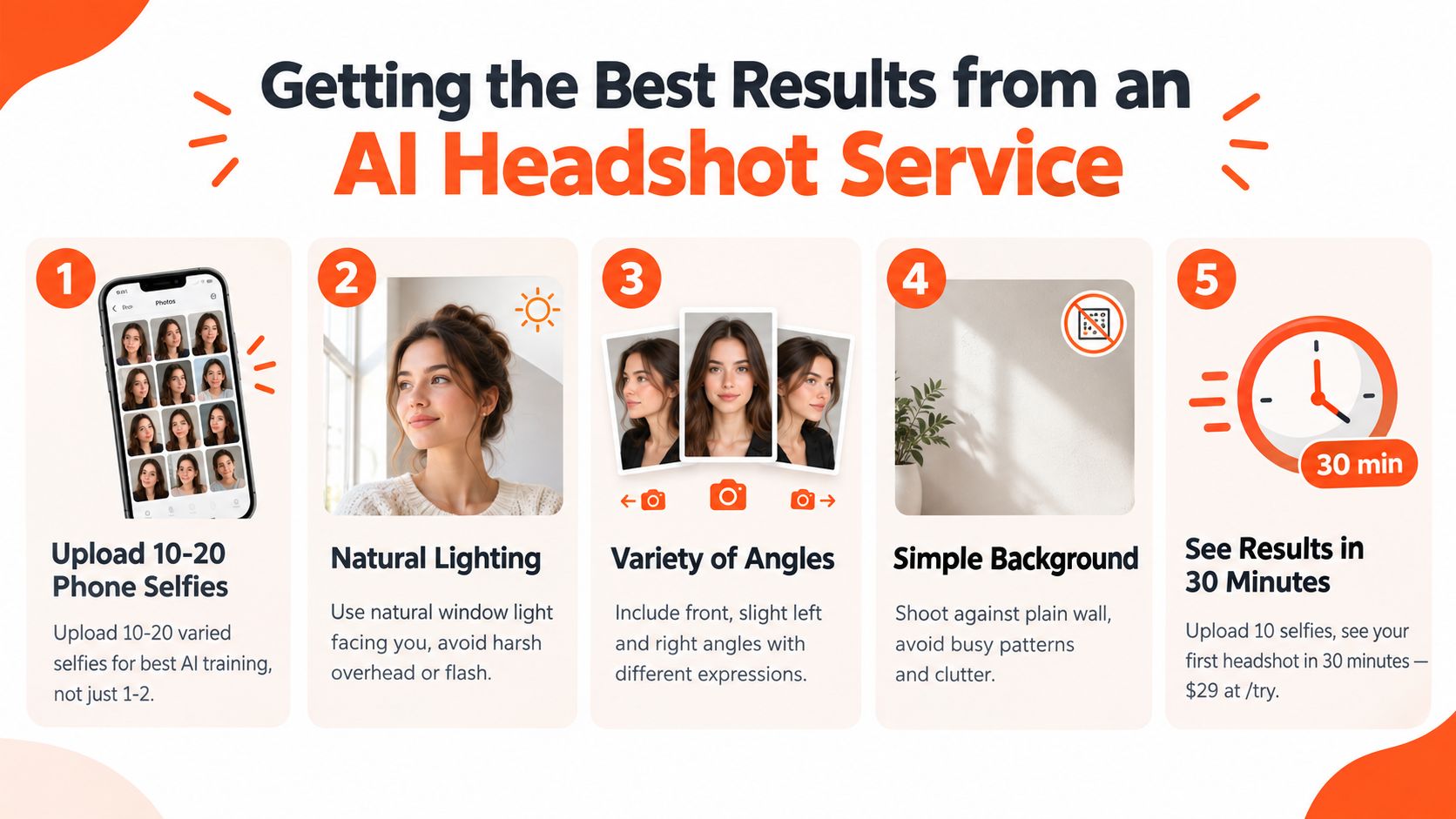
AI generation prioritizes speed and volume. AiHeadshots accepts 10 to 20 phone selfies, requires no studio visit, and delivers 30 or more studio-grade headshots in about 30 minutes. Pricing is $29 for Basic, $39 for Professional, and $59 for Executive, as listed on the AiHeadshots pricing page. Teams receive volume pricing at 10 or more seats, from $22 to $29 per seat.
| Method | Typical cost | Time to delivery | Photos delivered |
|---|---|---|---|
| Traditional photographer | $300 to $600+ day rate | One to three weeks | Selected retouched gallery |
| DIY setup | Equipment and time you already have | Same day if edited promptly | Usable images vary by execution |
| AiHeadshots | $29 Basic, $39 Professional, $59 Executive | About 30 minutes | 30+ studio-grade headshots |
Choose a traditional session for personal direction and art direction. Choose DIY when you understand light and want complete control. Choose AI when you need many polished options quickly and do not want to book a studio. Each path produces a different balance of guidance, control, cost, and turnaround.
Getting the best results from an AI headshot service
Your upload is the foundation. Use recent selfies that show your current haircut, facial hair, glasses, and general appearance. Avoid filters, group shots, sunglasses, extreme angles, and images where another person's face appears close to yours.
Upload 10 to 20 varied selfies, not one carefully staged image repeated from slightly different crops. Include direct views, slight left and right angles, relaxed expressions, and natural lighting. Face a window rather than standing beneath an overhead fixture. A plain wall helps the system separate you from visual clutter.
Choose for the job, not just the thumbnail
Select styles that match where the image will appear. A neutral background suits LinkedIn, a company bio, or a professional services profile. A warmer environment can fit a personal brand, while a darker or more formal treatment may suit executive communications. Keep your clothing direction consistent with your real role.
Think in outputs, not one “perfect” image. You may need a square crop for LinkedIn, a vertical portrait for a speaker page, and a wider composition for a website banner or press kit. Review the whole set for consistent likeness, natural eyes, accurate hair, believable clothing, and restrained retouching.
AiHeadshots comes from Studio Pod, an automated headshot studio in Houston founded by photographers Joseph West and Chris Bailey. The founders have shot 10,000 or more real professionals since 2019, so the product grew from portrait practice rather than a software team retrofitting open models. Studio Pod reports 30,000 or more customers served, 255,000 or more headshots delivered, and a 4.9-star rating.
The system retains input data for 7 days, output data for 30 days, and billing data for 90 days, as stated in the product's data-retention details. For upload mechanics, use the selfie uploading documentation.
This short walkthrough shows the basic workflow.
AI portraits should represent you accurately. If you're evaluating whether an image looks synthetic or manipulated, this resource on AI-exposed fake ID photos provides useful visual context, although a professional headshot has different use and compliance requirements.
Formatting and delivering your final headshot
A good portrait can still fail if the file doesn't fit the platform. LinkedIn recommends a square profile photo at least 400 by 400 pixels, with the face covering about 60% of the frame and the crop running from the top of the shoulders to just above the head, according to LinkedIn's profile-picture recommendations.
Keep the eyes sharp and the face large enough to read at thumbnail size. Don't place the top of the head against the edge of the frame, and leave enough surrounding space for platforms that apply their own circular or square display treatment. Export a clean JPEG or PNG at a high resolution, then check the uploaded preview on both desktop and mobile.
LinkedIn also requires the image to reflect your likeness. Its profile photo guidelines say it can remove images that are only logos, emojis, animals, words or phrases, flags, childhood photos, or another person's likeness, including stock imagery, celebrity photos, and fictional characters.
Build a usable image set
One tightly cropped square portrait is enough for a basic LinkedIn update, but it isn't enough for every professional channel. Company bios, press kits, speaker pages, social profiles, and website layouts often need different proportions. Keep a square version, a vertical crop, and a horizontal option when the source composition allows it.
For company pages, LinkedIn accepts PNG or JPEG files up to 3MB, and its page logo recommendation is 400 by 400 pixels, according to LinkedIn's image specifications. Those requirements apply to company imagery, but they reinforce a useful production habit: name files clearly, preserve the original export, and resize copies for each destination instead of repeatedly compressing one file.
Use the least retouching that gives you a polished result. Remove temporary distractions, but don't erase identifying features or alter your face until colleagues no longer recognize you. Consistency across platforms matters more than dramatic editing.
Choosing the right path for your situation
Choose a traditional photographer if you have a $500 or more budget, can wait two to three weeks, and want live coaching, controlled lighting, and a personalized session. That route makes sense for an executive portrait, a personal brand shoot, or an image where art direction matters as much as speed.
Choose DIY if you have decent window light, a capable phone, someone who can frame and focus the shot, and enough patience to test the setup. It can produce a credible portrait, but the result depends on your ability to control shadows, perspective, expression, background, and editing.
Choose AiHeadshots if you need 30 or more polished headshots in about 30 minutes from phone selfies, without a studio visit. The product costs $29 at the Basic tier, and it comes from Studio Pod's photographer-founded workflow, not a software team retrofitting open models. See the pricing options, review the examples, or browse customer reviews before deciding.
Upload 10 selfies, see your first headshot in 30 minutes, starting at $29. Visit AiHeadshots to create a professional image set for LinkedIn, company profiles, and other channels.
