
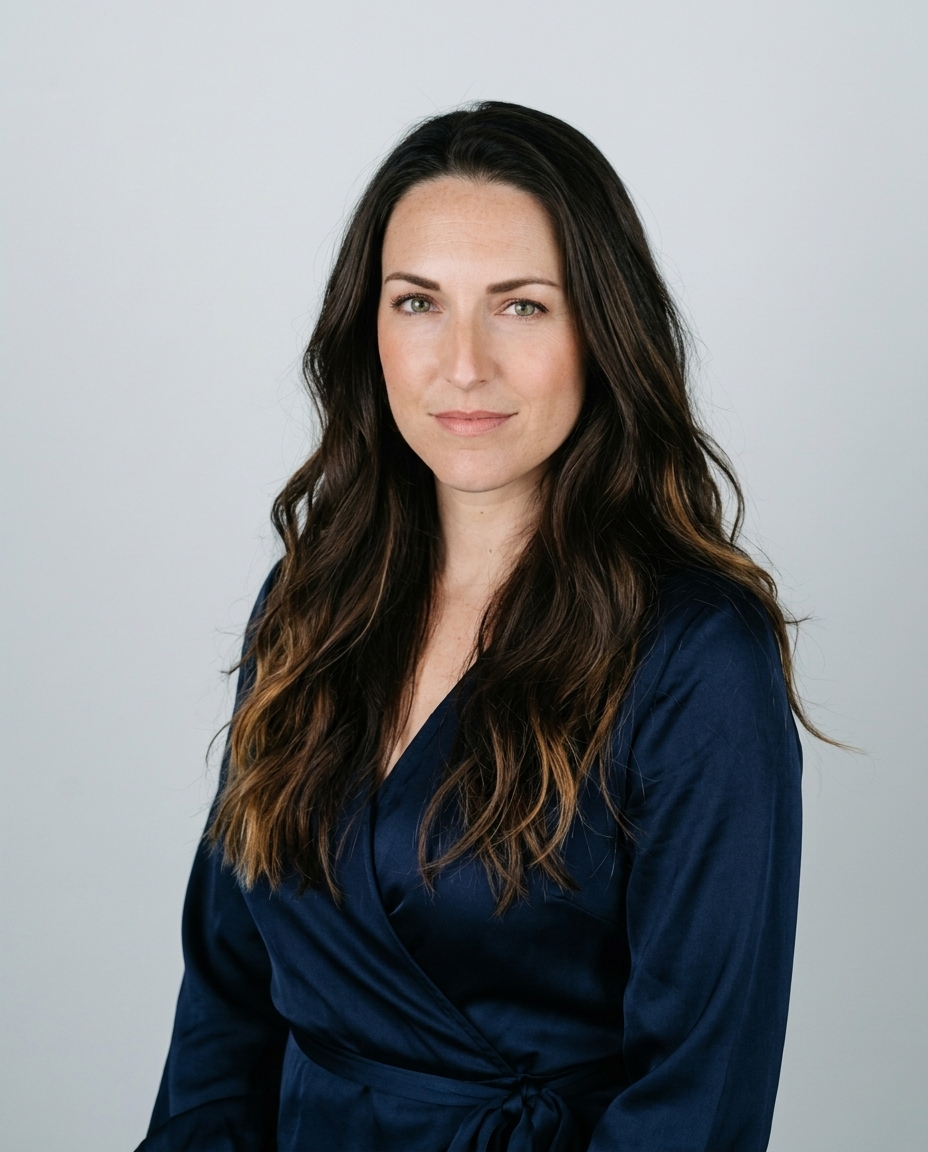

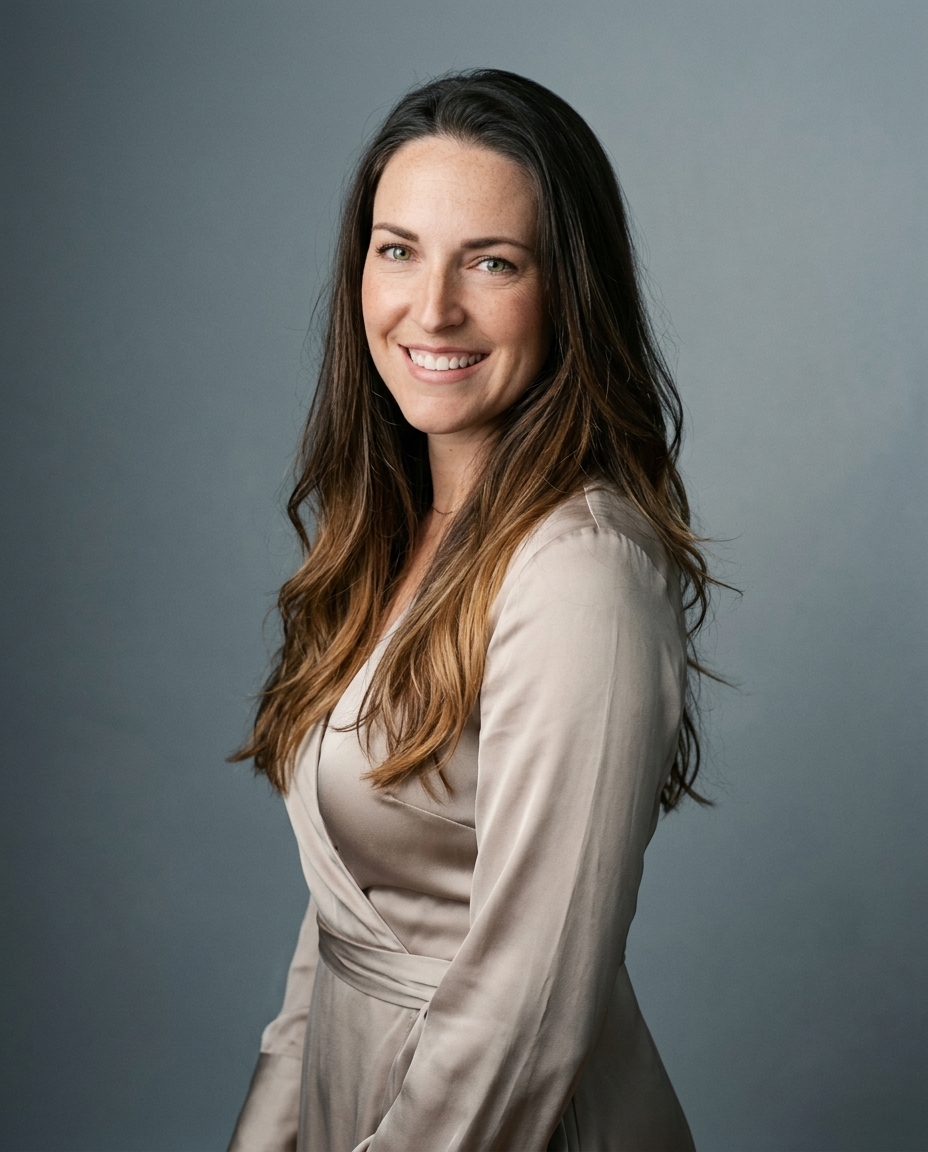

A white wall doesn't guarantee a white headshot background. Without separate control of the face and backdrop, you get a gray wall, washed-out skin, or bright halos around the hair. White is a lighting problem before it's a color choice. It earns its place when you need consistency and neutrality, not because it looks professional.
Table of Contents
- When white works and why it became the default
- Choose the tone before you light it
- How to light a white background so it stays white
- Exposure settings that keep the face correct
- Keep a white portrait from looking synthetic
- Choose your background and order your headshots
When white works and why it became the default
White is a strong default for LinkedIn profiles, corporate directories, and team pages. It's a weaker choice for creative work or a personal brand that needs a recognizable visual identity. The blank field removes context, which is useful for identification but less useful when your surroundings communicate something meaningful about your work.
A commercial observational review by Prime Headshots examined 14,506 public LinkedIn profiles across 608 U.S.-based companies during July 6–29, 2026, and found that approximately 60% used solid-color backgrounds; within that group, 35% were white, ahead of blue at 20%. Those figures describe prevalence, not proof that white increases engagement or hiring success.
Neutrality started with identification
Standardized identity photography adopted blank, light backgrounds because they make faces easier to inspect; the Italian consulate's ICAO photo guidance specifies plain white or uniformly light backgrounds without objects, patterns, or shadows, with the face occupying approximately 70–80% of image height. Common European identity photographs use 35 × 45 mm, while U.S.-style passport photographs commonly use 2 × 2 inches, but these identification conventions establish a floor for neutrality, not a creative headshot style.
White background fit by context
| Context | White fit | Why | Alternative |
|---|---|---|---|
| LinkedIn profile | Strong fit | Reads clean at thumbnail size | Light gray if clothing is white |
| Corporate team page | Strong fit | Uniform backdrop across all staff | Same off-white for every person |
| Passport or ID-style photo | Required | Plain white or light background is the standard | None within the applicable specification |
| Speaker or author bio | Good fit | Neutral background works with event slides and logos | Blue or charcoal for brand color |
| Creative or personal brand | Weak fit | Pure white feels clinical next to a distinct personal style | Textured or colored backdrop |
| Light-colored clothing | Weak fit unless off-white | Edges merge into the shirt | Mid gray or blue |
The corporate advantage is practical. A designer can place white-background portraits beside names, titles, and company graphics without competing scenery. A recruiter or client can compare faces without a different room behind every person.
For a creative director, maker, or author, that same neutrality removes useful information. A restrained textured backdrop or carefully blurred workspace gives the portrait character without turning it into an environmental photograph. Our headshot background image guide offers alternatives when a blank field feels generic.
Context test: Place your portrait at thumbnail size beside five peers from your industry. Choose white if your face reads clearly and the presentation feels appropriate, not merely because everyone else uses it.
If the portrait disappears into the page or looks clinical beside your work, change the background. Don't ask lighting to solve a branding decision.
Choose the tone before you light it
Background cleanliness matters more than background color. An analysis summarized by Capturely covered approximately 60,000 ratings across 800 business profile photos and found no significant effect of background color on perceived competence, likability, or influence; clutter was the more relevant variable.
A bright room still contains competing detail, even when its walls are pale.
Choose the lightest background that preserves clear separation from your hair and clothing. Pure white behind a white shirt makes the shoulder line difficult to read. Pale hair presents the same problem, especially when background light washes through its finer edges.
Match the tone to the person
A slightly warm or cool off-white retains the bright studio appearance without demanding a featureless white field. Light gray gives pale clothing a clearer boundary. A darker complexion generally separates readily from near-white, while a light complexion paired with pale clothing needs a more deliberate tonal step.
Don't solve weak separation by darkening someone's skin or adding an artificial outline. Change the backdrop tone, wardrobe, or light placement instead. The person should remain recognizable and naturally exposed.
Use the video as a companion visual reference while assessing the setup.
A consistent team style doesn't require identical lighting power for every person. It requires a consistent visual result.
Set the background family for the team, then adjust the individual setup to preserve each person's outline. Forcing the same exposure onto every complexion and wardrobe produces inconsistent portraits despite identical equipment.
As a practical inspection, shrink the crop to 100 pixels wide. Confirm that the shoulders and hair remain readable, rather than judging only the full-resolution file. Settle the tone before lighting, because that choice determines how much separation the lights must create.
How to light a white background so it stays white
A white background is a lighting problem before it is a color choice. Light the face and backdrop as separate jobs, then check that the subject still has a clean edge against the bright field.
The U.S. Department of State's passport photography guidance calls for a plain white or off-white background without texture, objects, lines, or shadows, along with even facial illumination and accurate skin tones. Those checks also help with professional portraits.
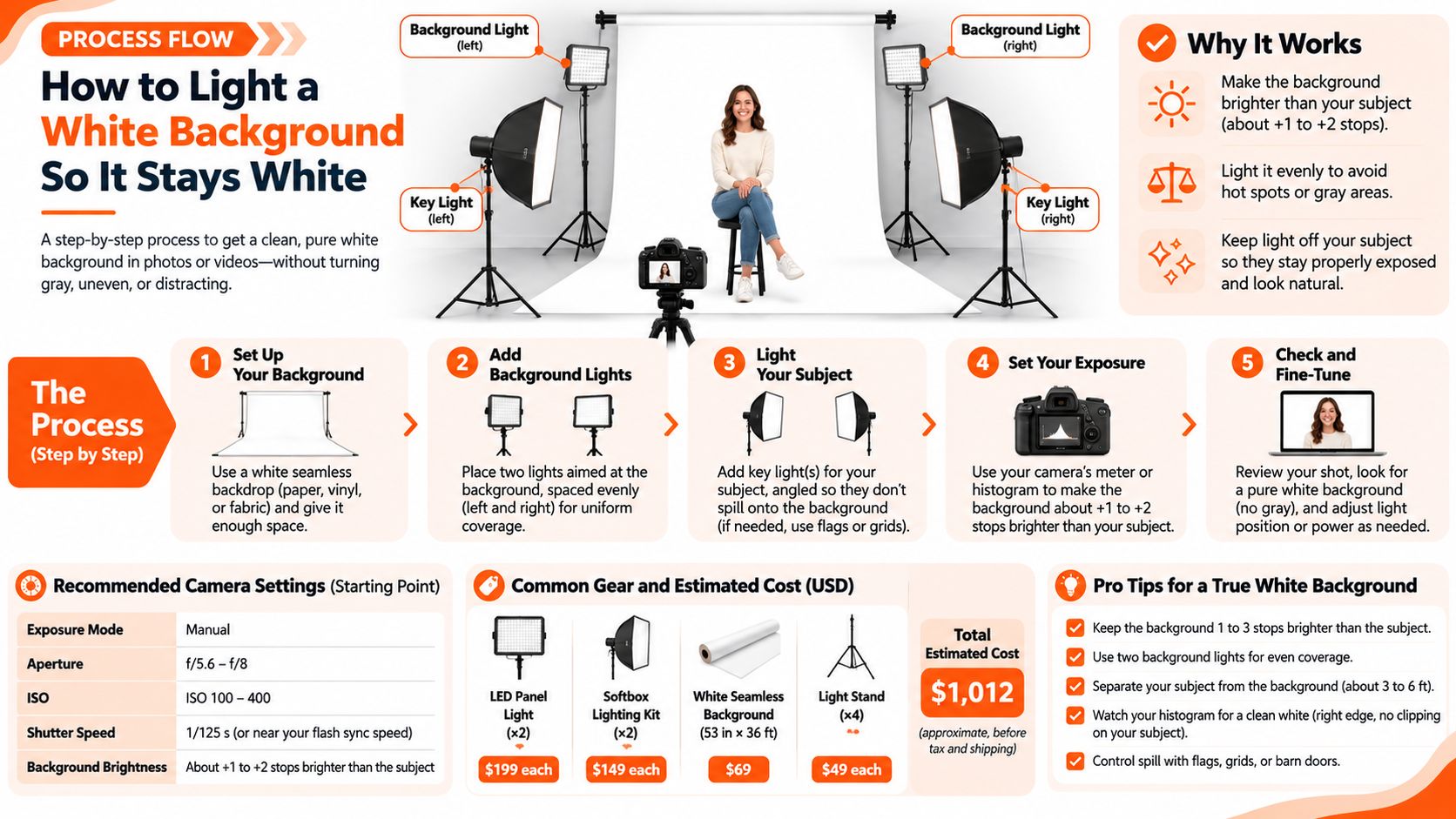
The setup below separates portrait lighting from background lighting.
Build separation before adding brightness
- Move the subject forward. Start 1.5–2 meters, roughly 5–6 feet, from the backdrop, a working distance described by Photography Icon's white-background photography guide. That gap reduces visible head-and-shoulder shadows and gives you room to control spill.
- Set a soft facial light. Place a large softbox near the camera axis, slightly above eye level. Keep some direction in the light so it describes the cheeks and jaw instead of flattening them.
- Light the backdrop separately. Aim dedicated lights across it from both sides. Feather the beams until the backdrop looks even across the crop. PhotoWorkout's guide to white-background portraits gives 1–2 stops brighter than the face as a starting relationship. Treat it as a test, not a reason to keep raising power after hair detail disappears.
- Inspect a test frame. Look for shadows behind the head, clipped facial highlights, and uneven brightness across the crop. Gray corners point to uneven coverage. Bright fringes around the shoulders point to spill or flare.
- Match the light sources. Use lights with the same color temperature and switch off conflicting room lights. Mixed sources can leave blue, yellow, or green casts in the frame.
The usual mistake is increasing background power before creating distance. A brighter wall can send more light around the head and into the lens. Block spill with flags, check the lens hood, and reduce unnecessary power before trying to fix the result in editing.
For more on controlling a bright field, see the Visual Sandbox on-white photography guide. The corporate portrait lighting setup guide covers lighting the subject.
Apply the same discipline at home
For a phone selfie, use a bare light wall and face a large window or diffused light. Keep furniture, picture frames, and cast shadows outside the crop. If the room is too small to create distance from the wall, accept a clean near-white background rather than overexposing your face to force pure white.
AiHeadshots is built by the photographers behind Studio Pod. Its AI headshots use studio-quality retouching and realistic lighting, with multiple background styles.
Exposure settings that keep the face correct
Starting exposure values for a controlled white setup
| Element | Starting value | What to check |
|---|---|---|
| ISO | 100 | Low noise and consistent results between sessions |
| Shutter speed | 1/160 s | Within flash sync, with ambient contribution suppressed |
| Subject exposure | f/5.6 to f/8 | Forehead, nose, and cheeks retain skin texture |
| Background exposure | f/8 to f/11 | Metered relationship remains 1 to 2 stops above the face |
| White balance | Custom, set with a gray card | Background stays neutral rather than blue or yellow |
| Histogram | Background near clipping, face not clipped | No highlight warnings on skin |
Use the table as a starting setup, not a universal prescription. The background aperture values describe meter readings at the backdrop, not a second aperture setting on the camera. Pair readings deliberately; matching the upper subject value to the lower background value doesn't create a brighter background.
The State Department's online-renewal photo guidance warns against washed-out brightness, underexposure, and uneven illumination; a practical controlled-flash starting point is ISO 100, 1/160 s, and f/8. Confirm that your camera supports the selected flash-sync speed before shooting.
Expose skin before the wall
A camera meter that averages a large bright background often makes the face too dark. Set the facial exposure manually, inspect skin and clothing, then bring up the dedicated backdrop lights. Don't compensate for a gray wall by raising the exposure of the entire portrait.
Use highlight warnings and the histogram together. The white field can approach the clipping boundary, but the forehead, nose, and cheeks must retain texture. Check a white shirt separately, because fabric detail disappears before the loss becomes obvious in a small preview.
Exposure priority: A slightly off-white backdrop is easier to correct than a face with erased highlight detail.
Set custom white balance with a gray card under the subject's light. Matching light sources keeps that correction useful across the frame, rather than fixing skin while leaving a colored wall.
Judge the finished file by neutral skin, clean edges, and intact hair and suit contours. A background that reads white is sufficient. A brighter background isn't automatically a better photograph.
Keep a white portrait from looking synthetic
A polished portrait creates a trust problem when it stops resembling the person. In a 2024 survey of 1,087 U.S. recruiters cited by CNBC, 88% wanted disclosure of AI-generated headshots, yet only 39.5% said they could reliably identify one on first inspection.
Visual appeal and informed acceptance aren't the same thing. A 2024 study of more than 3,000 hiring professionals, reported by AZoRobotics, found that 76.5% favored AI-generated headshots when unaware of their origin. That finding doesn't establish a hiring advantage or remove the need for accurate representation.
Preserve identity before polishing
Keep distinctive facial features, natural asymmetry, and believable skin texture. Limit smoothing rather than removing every line. Reject changes to facial structure, hairline, eye shape, or age that make the portrait materially different from your current appearance.
Inspect teeth, glasses, ears, and hair boundaries as closely as the background. A clean white field exposes awkward edges instead of hiding them. Our guide to realistic AI images explains the difference between a polished portrait and an implausible one.
If someone wouldn't recognize you in a live meeting, the portrait needs revision, regardless of how clean the background looks.
Use the same approved photograph across LinkedIn, company directories, speaker biographies, and professional websites. Consistency prevents different profiles from presenting different versions of your face. Replace the photograph when your appearance changes substantially.
Treat disclosure as a context decision
Photoreal AI headshots are accepted without disclosure by LinkedIn, Zillow, Compass, hospital staff directories, and most corporate websites. Acceptance isn't universal: some medical fellowship applications and certain casting platforms require disclosure. Check the destination's current rules before uploading.
We recommend disclosure for regulated, trust-sensitive, and client-facing uses, even where it isn't expressly required. Always disclose when an application or platform asks.
A technically flawless white-background portrait loses value when it leaves uncertainty about what you look like. Recognition matters more than immaculate retouching.
Choose your background and order your headshots
A white background earns its place when it suits the destination and stays consistent across the finished set. Before ordering, decide whether the portrait should feel formal, approachable, or more distinctive. Check the result at thumbnail size, where a face and its outline need to read clearly.
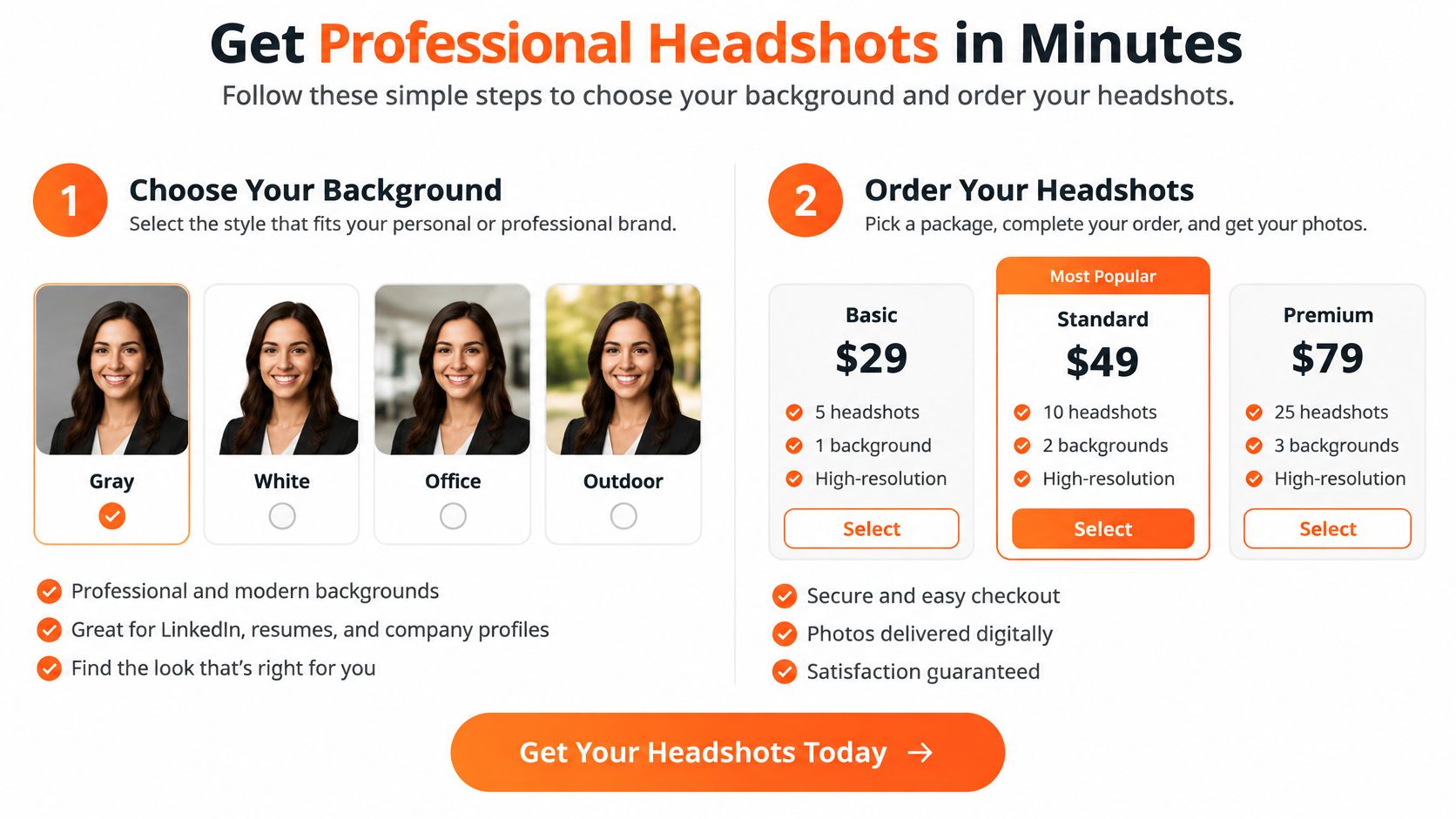
AiHeadshots generates professional headshots from uploaded photos, with white and alternative background styles. Each pack includes 30 or more high-resolution, print-ready headshots designed to match professional studio photography. The Professional plan costs $39 and includes 50 finished headshots in 5 style looks, an outfit, and up to 4 backgrounds. A free watermarked preview is available before payment, with no credit card required. Packs take about 30 minutes from upload to download.
For a team, choose a shared background and consistent cropping so portraits sit neatly together on a company page. Team sets use identical or highly similar backgrounds, uniform output resolution and file format, and a grid-ready layout. Each team member receives 30 to 70 headshots in their chosen style.
Publish with purpose
Choose a background that fits the places you will use the portrait, such as LinkedIn, a company website, or marketing materials. AiHeadshots packs include full commercial and ownership rights. Photographers planning how portraits support a broader website strategy can find content and promotion advice for photographers.
Preview a headshot for free before paying, with no credit card required.
AiHeadshots creates professional portraits from uploaded photos, with white and alternative background styles. Review the preview for a clear outline and a background suited to your intended use.