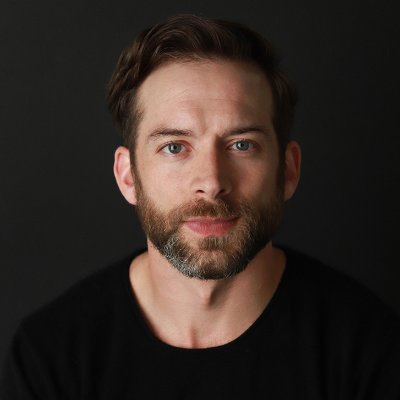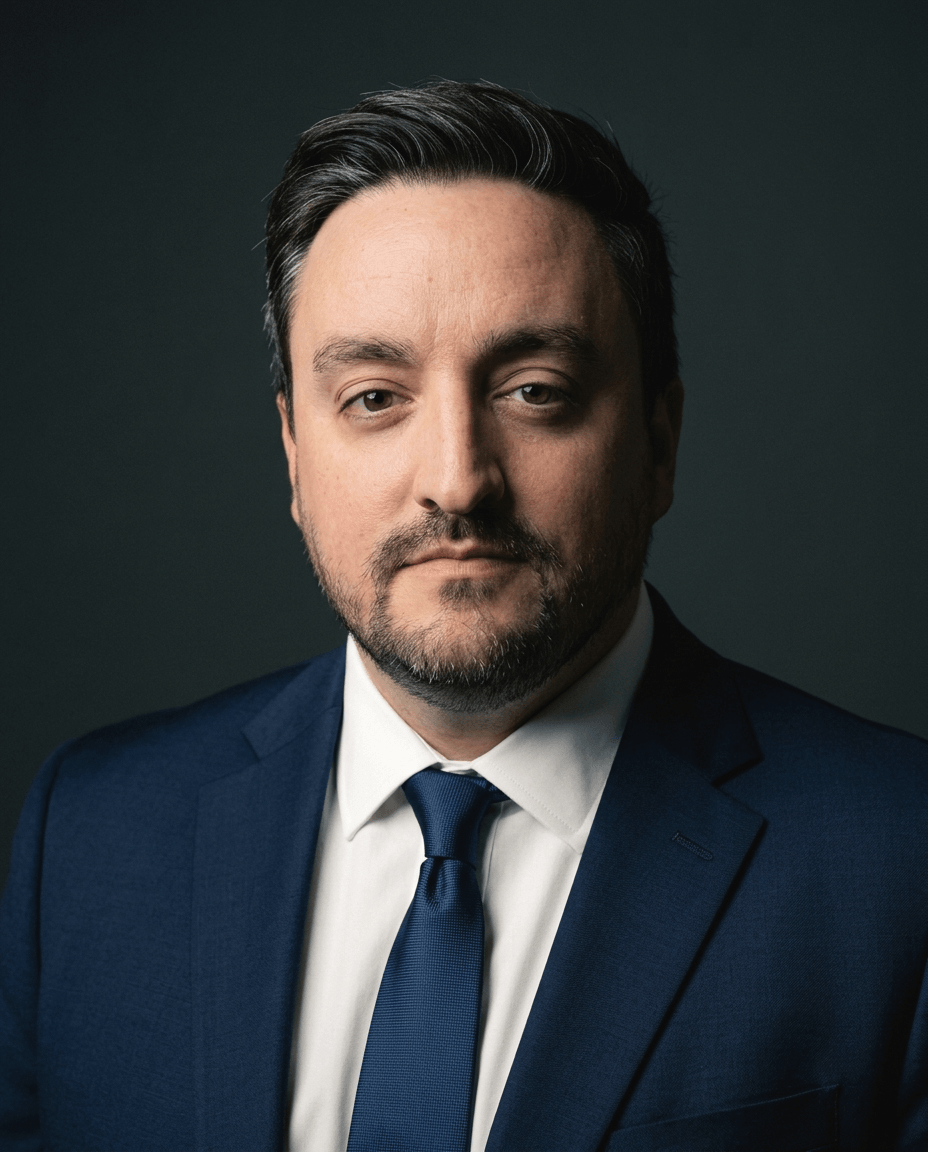
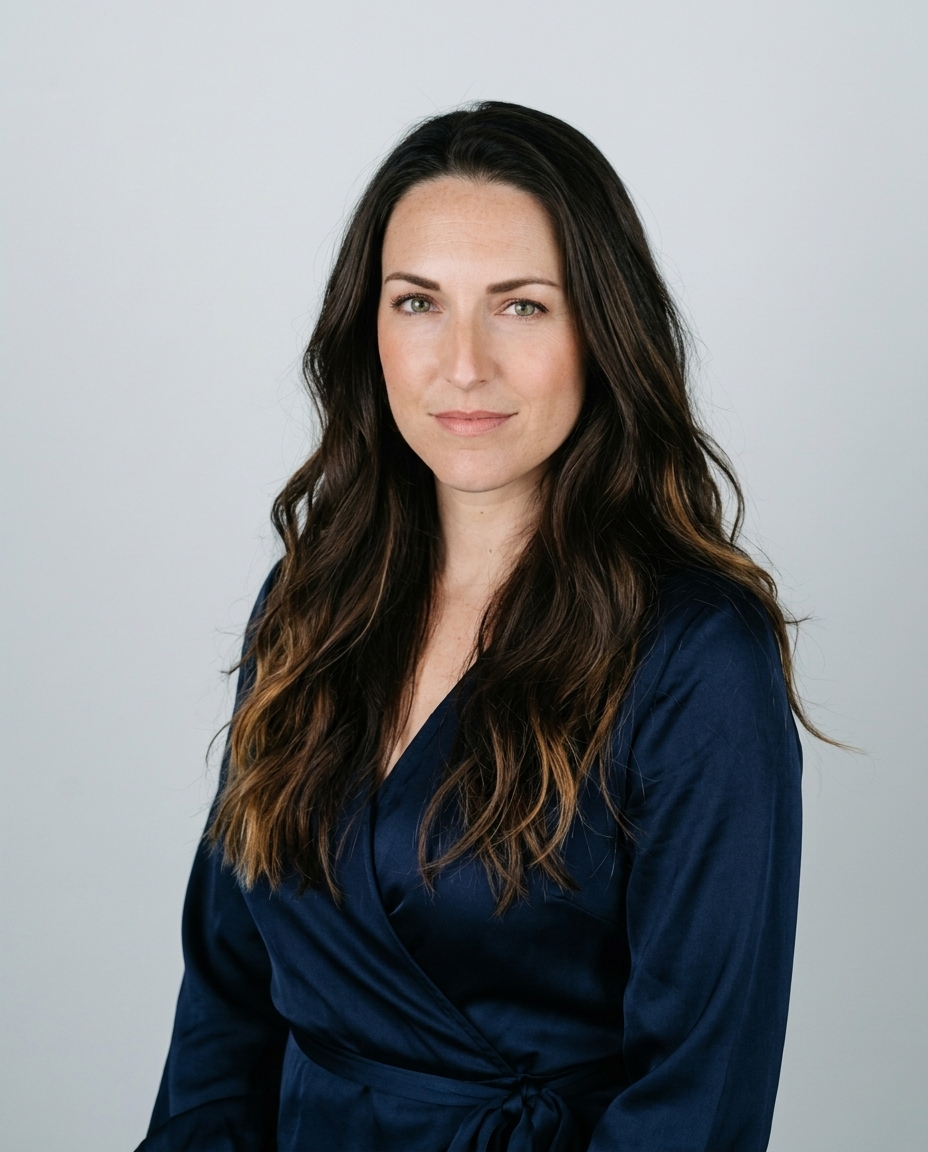

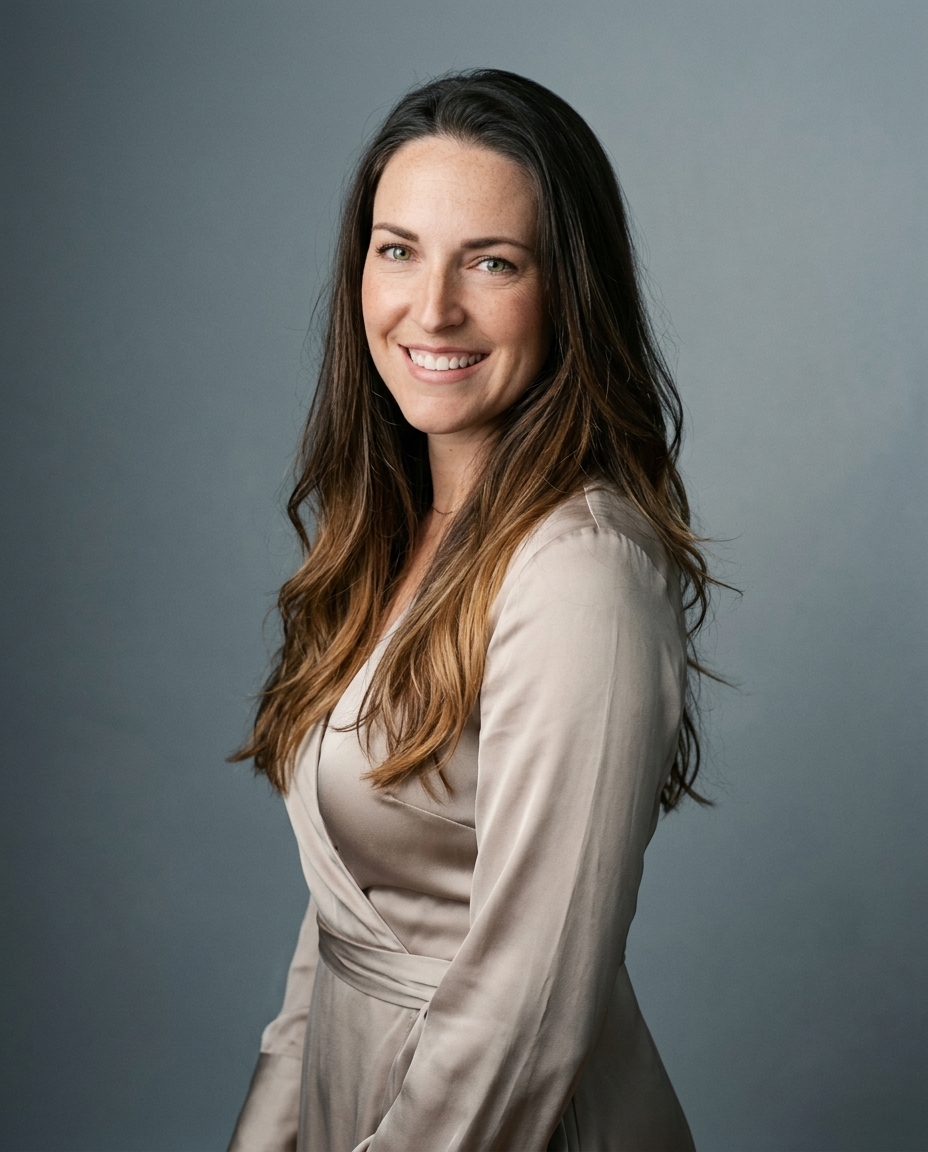
In August 2024, more than 12,500 people around the world evaluated roughly 287,000 images, trying to sort photographs from AI-generated pictures. They got it right 62% of the time, according to the large-scale detection experiment reported on arXiv.
That number is the whole problem in one line. A realistic AI image doesn't fool you because it's sharp. It fools you because nothing inside it contradicts anything else: the shadow under the nose points the same way as the light on the backdrop, both eyes catch the same window, the earring connects to the earlobe it hangs from. Take the same portrait apart at 100% crop and the contradictions surface fast.
So the standard isn't resolution, and it isn't the thumbnail. It's whether the parts agree with each other, and that's a test you can run yourself before the file goes anywhere.
Table of Contents
- Why realism is harder to judge than it looks
- The realism checklist by area
- Lighting, skin and fine detail that sell the photo
- Anatomy and composition failures beyond the face
- When a realistic image still gets caught
- Worked examples of passing and failing AI headshots
- Run a 100 percent crop check before you publish
Why realism is harder to judge than it looks
61% is the number to sit with. In a 2024 University of Waterloo study reported by ScienceDaily, 260 participants looked at 20 unlabeled pictures. Ten were photographs of real people gathered through Google searches, ten were generated by Stable Diffusion or DALL·E. Participants correctly identified whether an image was AI-generated or real only 61% of the time, well under the 85% accuracy the researchers had anticipated.
Why so low? The synthetic images borrowed the conventions of professional photography. Centered composition. Controlled lighting. Neutral background. Clothing that reads as clothing. Those conventions do most of the persuading, and they happen to be exactly what a headshot depends on.
The misses cluster, too. Viewers walk past artifacts in hands, jewelry, hair, skin texture and facial symmetry, then judge the person and the photograph as authentic anyway. One mismatched earring doesn't undo the impression of a composed professional.
That's the stake for anyone publishing a portrait. Once the eye can't tell, realism stops being a quality you hope for and becomes a test you run before the file lands on LinkedIn, in a company directory, or on a recruiting page. What follows is that test: the areas to check, how the light and texture get built in the first place, where bodies break, two worked examples, and the routine to run before you publish.
The realism checklist by area
Every review comes back to the same eight rows. Each one names what a real photograph shows, what a synthetic one usually gets wrong, and exactly where to put your eyes.
| Check | Real photo shows | AI image often shows | How to inspect |
|---|---|---|---|
| Lighting | One key direction, shadows matching across face and neck | Shadows falling in two directions, or light from a source the background doesn't have | Compare shadow direction on nose, chin and backdrop |
| Skin texture | Pores and fine lines that vary across cheek, forehead and under-eye | Uniform smoothing or a repeating texture pattern | Inspect cheek and forehead at 100% crop |
| Eyes and catchlights | Matching catchlights in both eyes, symmetrical iris and lid shape | Mismatched reflections, one eye larger, pupils pointing different ways | Compare both eyes side by side |
| Teeth | Natural spacing, varied tone, no merged teeth | Merged or extra teeth, a flat white block | Zoom into the smile |
| Hair boundaries | Individual strands at the edge, natural transition to background | Smeared or haloed edge, hair melting into the backdrop | Check the hairline and ear edges |
| Jewelry and accessories | Clasps, earrings and collars that connect physically | Mismatched earrings, glasses arms that fade or float | Check every accessory where it touches the body |
| Background interaction | Blur and light falloff consistent with the subject | Shelves, door frames or backdrop lines that bend around the head | Trace edges around shoulders and head |
| Identity consistency | Same person across the set, same eye spacing and jawline | Face drifts between images, age or proportions shift | Compare the set side by side with one reference |
Run it in a fixed order. Put both eyes side by side and read them in the same glance, because a left eye inspected alone always looks fine. Trace the hairline and the ear edges, which is where the cutout lives. Touch each accessory where it meets the body: the earring at the lobe, the glasses arm at the temple, the collar at the neck. Then lay the whole pack next to one reference selfie and match eye spacing and jawline across the set.
The rule: one failing row sends that image back for a new generation. You don't patch a broken joint in post.
Retouching can soften a shadow. It can't invent a catchlight that matches, reconnect a floating glasses arm, or restore a jawline that drifted two frames ago.
Lighting, skin and fine detail that sell the photo
In a PNAS study, 315 participants each classified 128 faces as real or AI-generated. Mean accuracy was 48.2%, with a 95% confidence interval of 47.1% to 49.2%, against a coin flip at 50%, according to the published PNAS results. High-performing synthesis was already producing faces whose skin texture, lighting, facial proportions and overall image statistics were plausible enough to evade unaided human detection.
That flips the usual question. The job isn't to make the file sharper. It's to keep the relationships inside the portrait coherent: cheek to forehead, eye to eye, subject to backdrop.
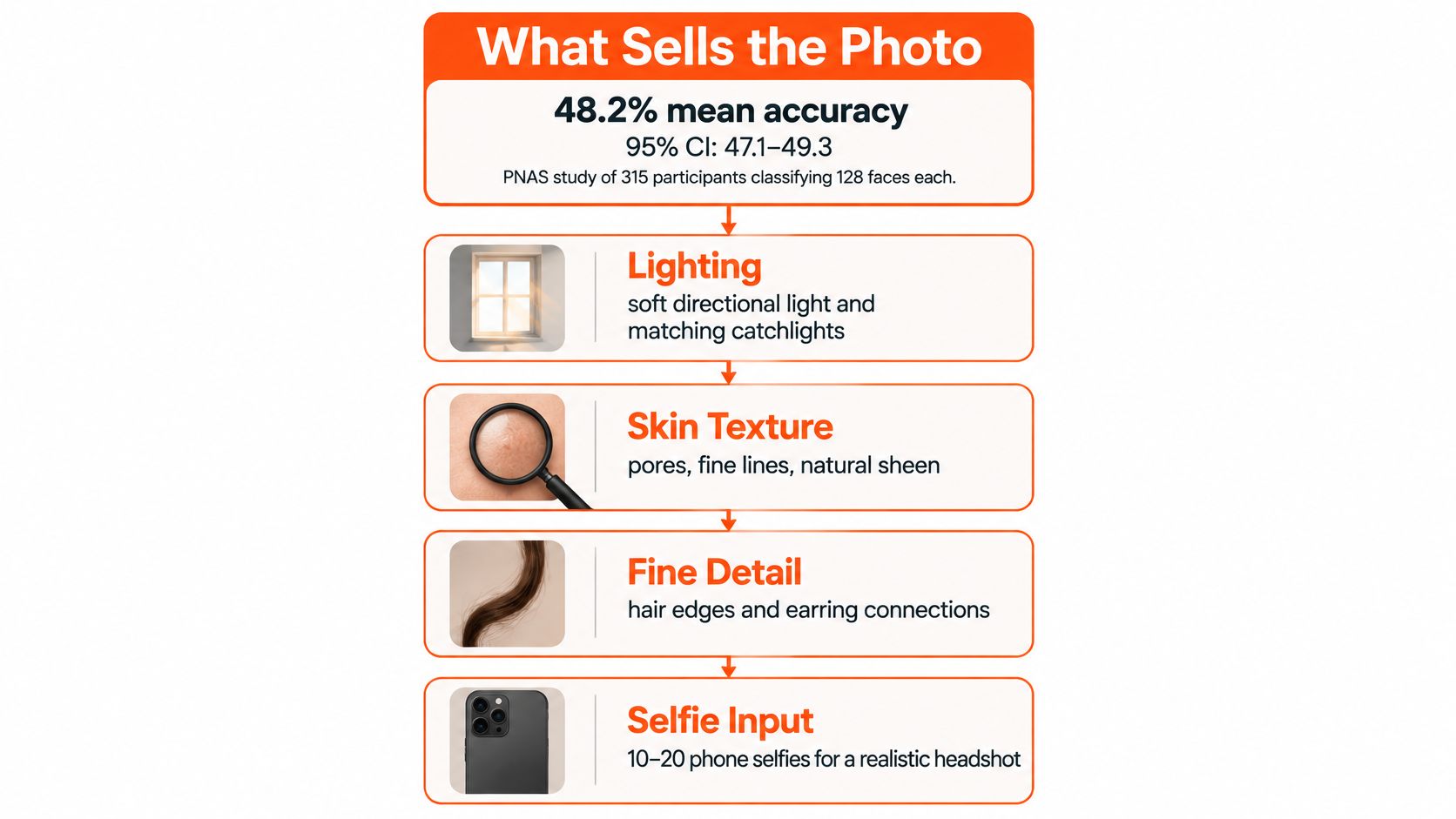
There's a build order that makes those relationships hold.
- Set one key direction. A single soft source, one color temperature across face, neck and backdrop. Daylight-balanced light sits around 5000 to 5600K. The nose shadow, the chin shadow and the light on the backdrop all follow that one direction. Two directions in one frame reads as pasted.
- Leave the skin alone. Pores and fine lines that change density from cheek to forehead to under-eye. A single airbrushed field is the tell, not the flaw.
- Match the eyes. Both catchlights come from the same source at the same size, with matching iris size and lid shape.
- Resolve the hair edge. Individual strands meeting the backdrop with no halo and no smeared outline.
The input matters as much as the light. Ten to 20 casual phone photos with varied angles, expressions and lighting conditions work best, and that's the range our system is built around. One kitchen bulb gives a narrow slice of light, and the face drifts across the set as a result. Our headshot lighting guide covers the source positions that translate most reliably into a generated portrait.
Resolution isn't the standard. Stable facial structure, consistent light from frame to frame, and a person you'd recognize at a glance are. Row-by-row inspection comes after the set exists. Building the light correctly comes first.
Anatomy and composition failures beyond the face
A 2025 audit pulled 30,824 posts from Instagram and X, analyzed 4,335 images in detail, and scored 3,643 after removing non-photorealistic material, per the study published through ACM. Among flawed images, anatomy dominated: 84% of identified flawed Instagram images and 83% of flawed X images showed misaligned eyes, wrong finger counts, impossible limb angles, or bodies arranged the way a camera never would have recorded them.
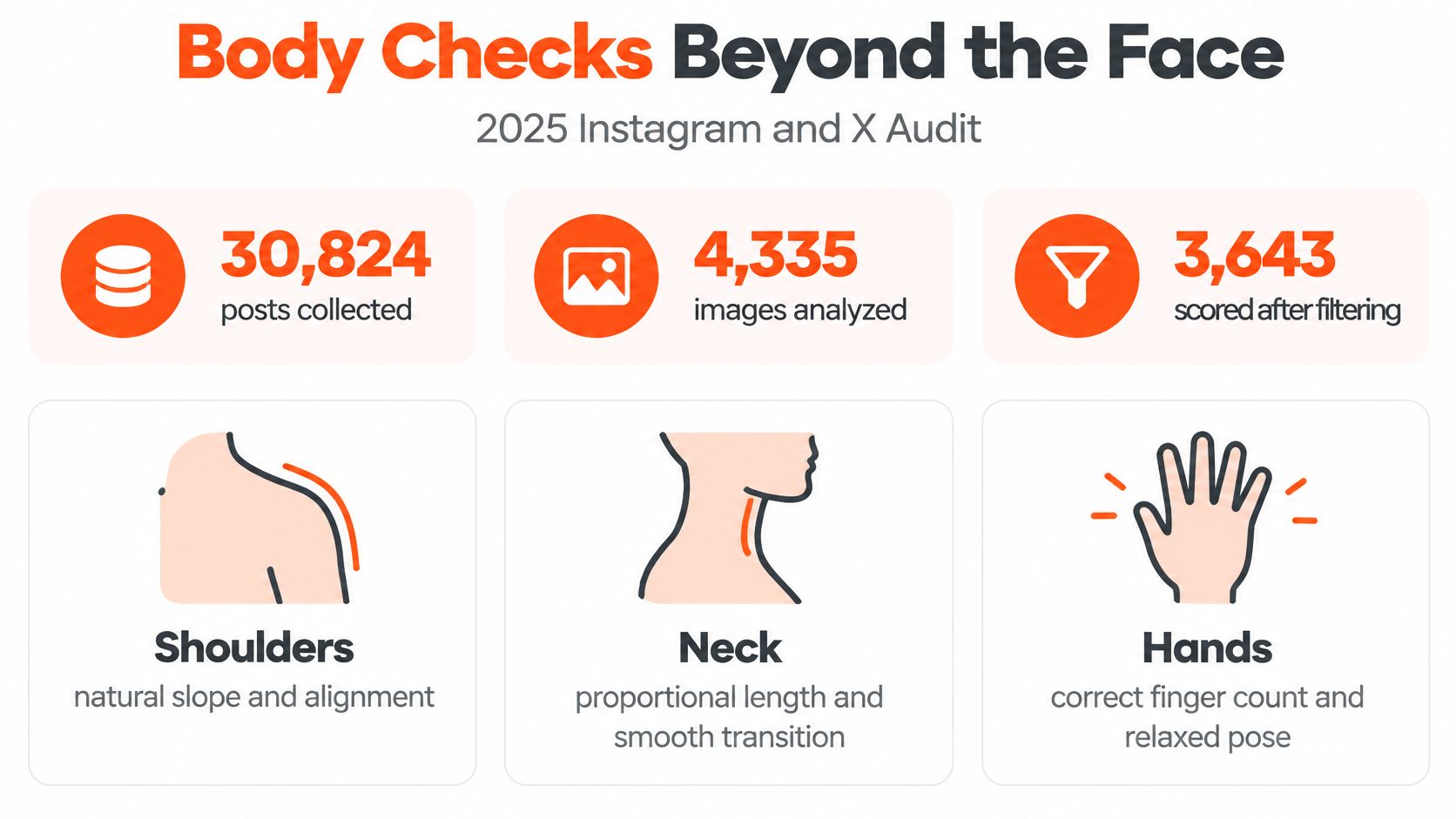
Where the body gives it away
The face rows already live in the table. These three checks cover everything below the chin.
Shoulders and neck. Shoulders level in the frame, a neck that matches the length of the head, a head that sits on the torso at a believable scale. Synthetic frames tend to lengthen the neck slightly and let one shoulder ride up.
Hands. Any frame with a visible hand gets a count. A hand on a desk, a folded arm, a gesture toward the lens. Fused fingers, six fingers, a thumb arriving from nowhere: each one fails the frame.
Background geometry. Door frames, shelves, window mullions. Straight lines behind the subject stay straight around the skull and shoulders, and the blur plus light falloff match how far the subject sits from the backdrop.
People look at the face first and the body second. A razor-sharp portrait still fails when the hand is wrong.
When a joint is broken or a finger is fused, that file goes back for a new generation. Retouching a bad hand is how you end up with a smooth, obviously wrong hand.
When a realistic image still gets caught
Here's the objection the near-chance studies invite. Some tests do catch synthetic images, and often. The difference is the viewing condition.
A 2025 peer-reviewed test collected 749,828 observations and 34,675 written comments from 50,444 participants. People correctly identified AI-generated images in 76% of observations and authentic photographs in 74%, according to the ACM-published perception study. Four factors moved accuracy: scene complexity, the type of artifact in view, how long the image stayed on screen, and whether a human had curated the set beforehand.
A smaller experiment lands back at chance. With 746 participants comparing real photographs against Midjourney v6 and Midjourney v6 enhanced with Magnific AI, accuracy across five questionnaire versions ran from 47.0% to 55.5%, as the published mixed-methods study reports.
Hold both results at once. A clean headshot on a neutral ground passes a glance. Add viewing time, a busier background, or an unedited hand and hair edge, and detection climbs. Neither result contradicts the other, and neither one tells you a portrait is good. They tell you which conditions expose a weak frame.
A lucky thumbnail isn't finished realism.
Curation is the lever a photographer still owns. Pick the frame that stays coherent when someone lingers on it, and treat retouching as a decision about coherence rather than a beauty slider. Knowing what AI retouching changes and what it can't keeps that decision honest.
Worked examples of passing and failing AI headshots
Two headshots, same brief, same neutral backdrop. The first belongs to a realtor and was lit from a window on the left. The catchlight sits in the same place in both eyes, the hair edges resolve into the backdrop strand by strand, and the earring connects cleanly to the lobe. At 100% crop it holds, because nothing in it contradicts anything else.
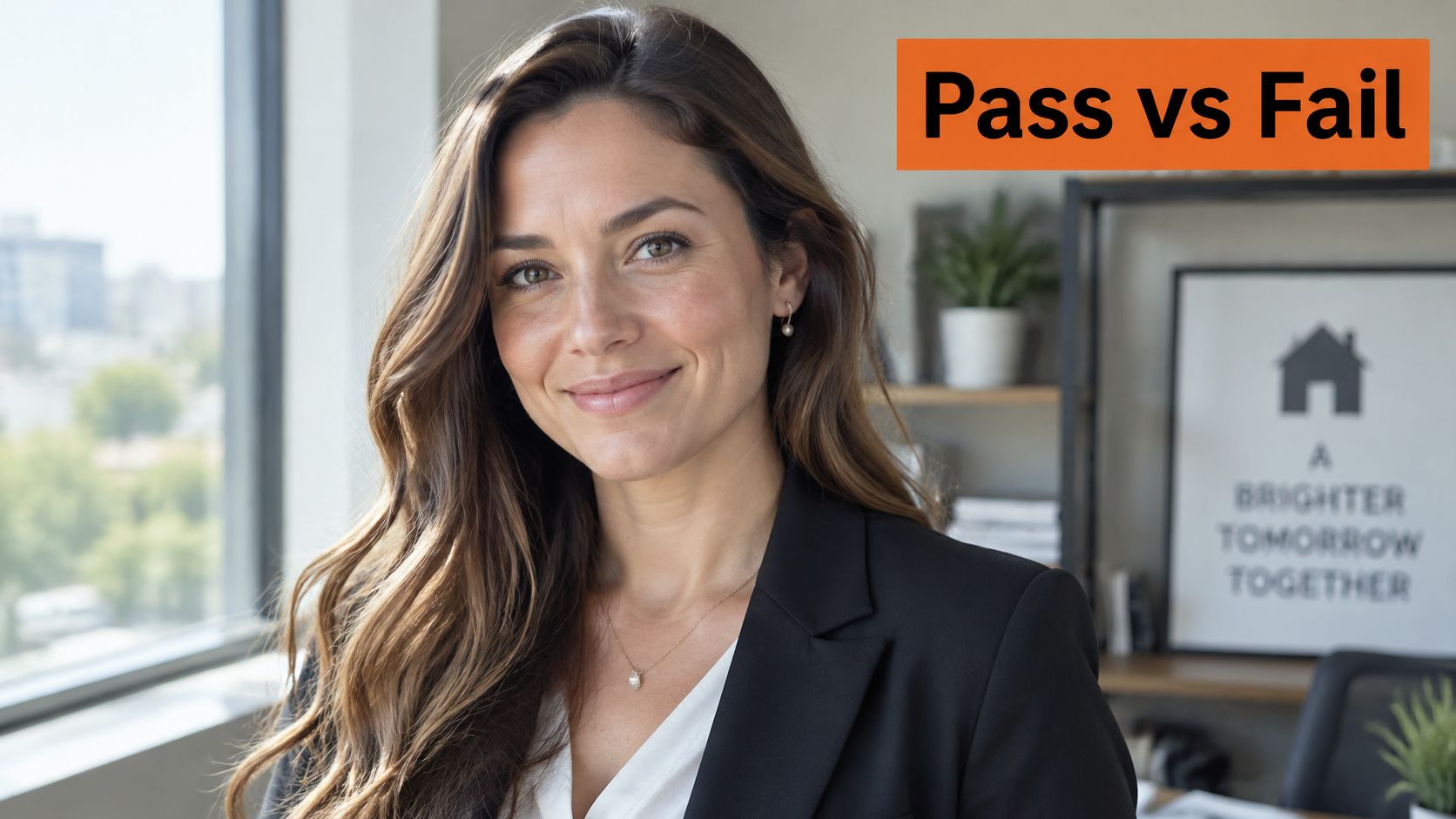
The second is a corporate shot that looks crisp in the thumbnail and fails four checks the moment you zoom. A faint halo runs along the hairline. One earring doesn't match the other. The teeth in the smile merge into a flat white block. The collar on the right dissolves into the neck. None of it is visible at 300 pixels wide. All of it is obvious at 100%.
The gap between convincing and convincing on average shows up in measurement. A perception study compared 24 AI-generated images from Midjourney, DALL·E and Firefly against eight human-made images, drawing 5,152 responses per question from 161 participants, 71 of them visual professionals. On a five-point realism scale, the AI images averaged 3.58 against 4.224 for the human-made images, according to the peer-reviewed results in PMC.
What separates the two portraits above isn't the model. It's the review.
Our system holds realistic skin texture, accurate facial features and hands that look right. That's a starting position, not a verdict. Test each output against the table, at 100%, before you trust the label on it.
Run a 100 percent crop check before you publish
A portrait earns the word realistic only after the parts agree under magnification. Sharpness can be faked by noise reduction and thumbnail compression; agreement cannot. Work in three passes.
- Start at thumbnail size and let the first impression form, then set it aside as the least complete information in the review.
- Crop to 100% and walk the portrait rows in order: hairline edges, skin continuity, eyes and teeth, ears and jewelry, fingers, shoulder level, neck-to-head proportion, then every straight line in the background.
- Lay the set beside one reference selfie and compare identity across the pack: eye spacing, nose-to-mouth distance, jawline, ear position and expression range. A single failed row sends that frame back for a new generation. Retouching helps only after the geometry already agrees.
The three checks that have to agree
Three signals decide whether a pack ships: overall photographic appearance, a match to the attire and backdrop requested, and a blinded rating of realism, professionalism, expression and artifact severity. Benchmarking work on image evaluation metrics warns that FID can improve while CLIP Score alignment and PickScore preference fall, so a strong distribution number says little about whether the portrait works in a LinkedIn or corporate context.
If a frame needs cleanup after the geometry passes, follow how to edit professional headshots so the correction preserves the coherence you just verified.
Before you publish: the thumbnail is a first impression; the crop decides.
AiHeadshots comes from Studio Pod, the automated headshot studio Joseph West opened in Houston in 2019, and the team describes itself as photographers who built an AI. You upload 10 to 20 casual phone selfies, choose styles, and receive 30-plus professional headshots by email when the pack is ready. Uploaded photos train your private model only; they are never used to train other models, sold, shared or exposed to third-party AI labs. The Professional plan is $39 for 50 finished headshots across 5 style looks, with an outfit and up to 4 backgrounds, and a free preview lets you check likeness before purchase. If the pack misses your face, the next step is a free re-train on better selfies before any refund. Photoreal headshots are accepted without disclosure by LinkedIn, Zillow, Compass, hospital staff directories and most corporate websites, while medical fellowship applications and certain casting platforms can require AI disclosure, so follow the rule where you submit.
Upload 10 to 20 casual selfies at app.aiheadshots.ai to start your free preview.