
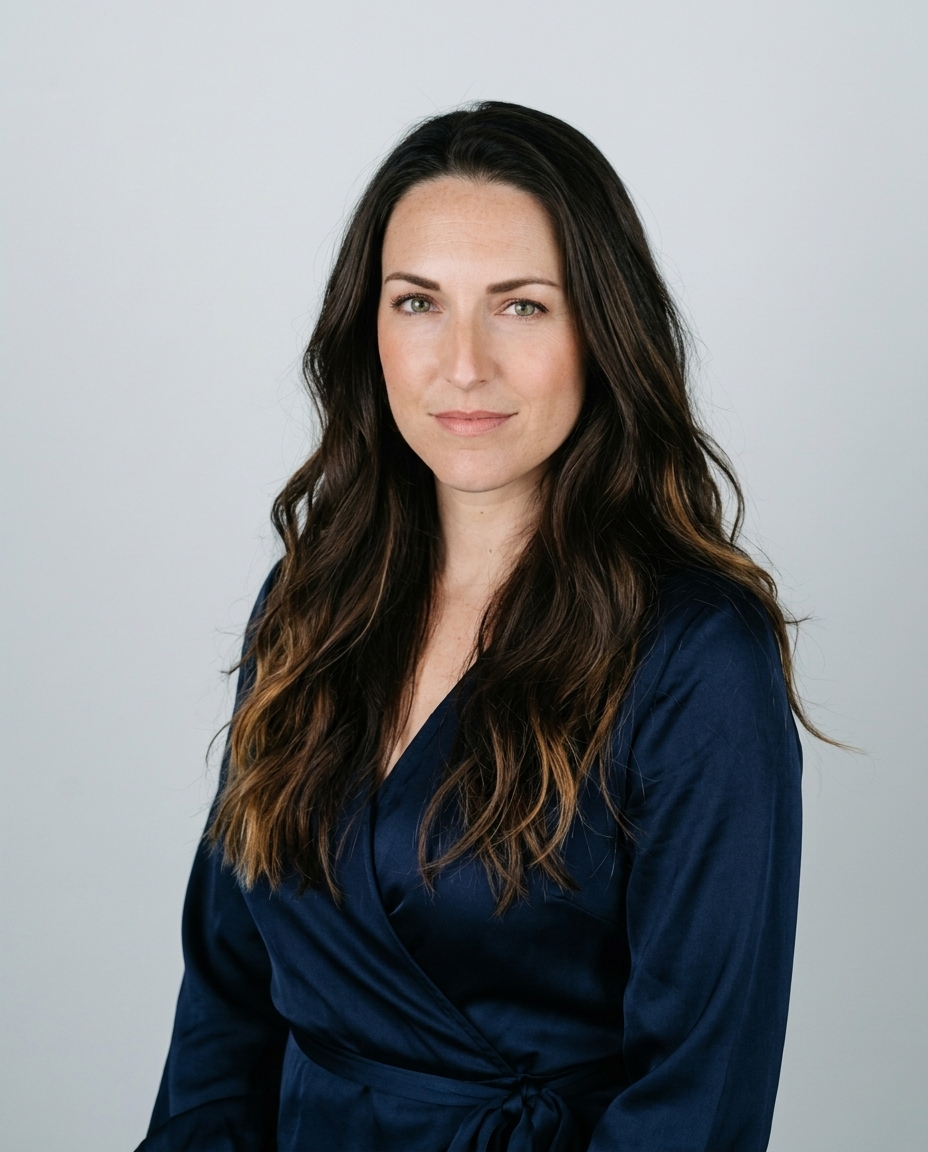

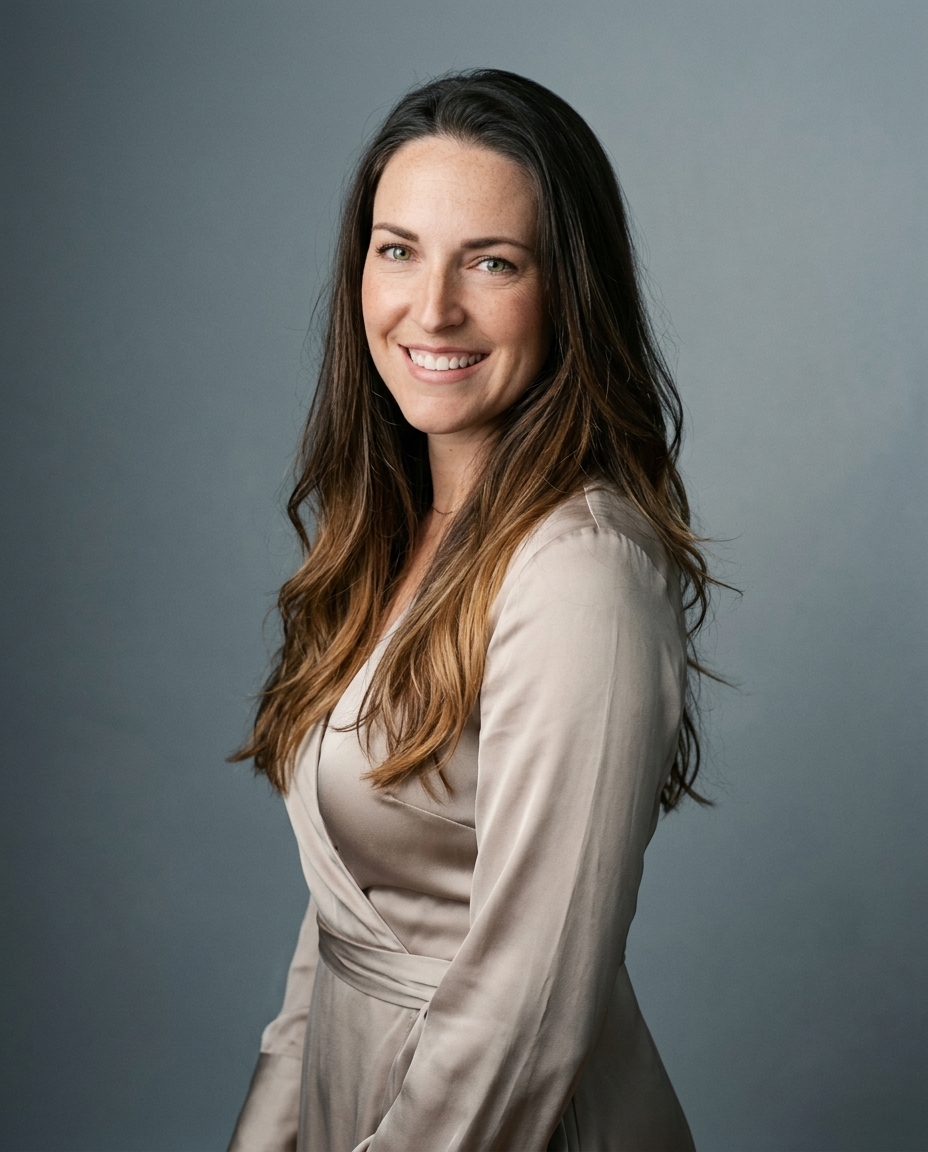

In 2024, LinkedIn profiles with professional photos were reported to receive 14 times more profile views than profiles without photos, a figure attributed to LinkedIn and published by Capturely. The wall behind that face still decides whether the picture reads as a portrait or a snapshot.
A gray sweep isn't a free pass. The background in a photo is a choice about role, and about whether your profiles still look like one person.
Table of Contents
- What a background does in a headshot
- Background styles and when each works
- How lens and lighting control background separation
- Matching the background to role and platform
- Keeping backgrounds consistent across a team
- Pick one background and use it everywhere
What a background does in a headshot
The background is part of the photograph's structure. It frames the head and shoulders, sets contrast against the face, and tells the viewer how formal the picture is.
Three words keep the rest of this clear. A backdrop is the surface you place behind the subject. The background is everything behind the subject in the frame. Separation is how clearly the person stands off that background.
Those pieces do three jobs. They cut distraction. They pull the head and shoulders off the scene. They signal role. A heavy picture frame steals the eye from the picture inside it. Busy edges do the same to a face. A background that supports the face leaves the eye on the eyes, the expression, and the shoulder line.
A background that fights the face has already lost.
That control is old practice. Portrait photography emerged in the 1830s, and by the early 1850s Paris had more than 90 photographic studios, as the National Trust history of portrait photography records. Studios used a consistent background to isolate the face and signal formality.
Open a headshot you already use. Ask whether the background supports the face or competes with it.
Background styles and when each works
| Style | Look | Best for | Main risk |
|---|---|---|---|
| Pure white | Bright, clean, high-key | Creative and consumer-facing roles | Clips to blown-out detail if exposure runs hot |
| Light gray | Neutral, soft gradient | Corporate, LinkedIn, and most roles | Flat gray looks dull without a rim light |
| Navy or dark blue | Deep, formal, authoritative | Legal, finance, and executive roles | Dark hair and clothing blend in without edge separation |
| Soft-blurred office | Recognizable workplace, out of focus | Consultants, managers, and sales roles | Visible detail competes with the face |
| Environmental location | Setting that shows the profession | Realtors, clinicians, and trades | Needs a controlled, uncluttered frame |
| Warm neutral or beige | Approachable, editorial | Therapists, coaches, and creatives | Warm cast shifts skin tone if color isn't checked |
Light gray is the forgiving default. It avoids competing texture and holds skin tone steady from LinkedIn to a team page. White needs tight exposure so the backdrop doesn't clip and erase the shoulder edge. Film crews treat a rented white cyc space for music videos as a light surface, not a paint chip. A headshot white works the same way. You light it on purpose.
Navy needs a rim or a separate background light, or dark hair disappears. Warm neutrals suit approachable roles, and they drift skin if white balance is off. Saturated color separates, then it stains the face. Adobe's portrait guidance treats background light as its own job. A key light models the face, a lower fill sets shadow density, and a background light lifts the person off the backdrop.
View the frame at phone-thumbnail size. If the face still reads first, the choice holds.
How lens and lighting control background separation
Separation comes from distance and lens choice more than from the widest aperture.
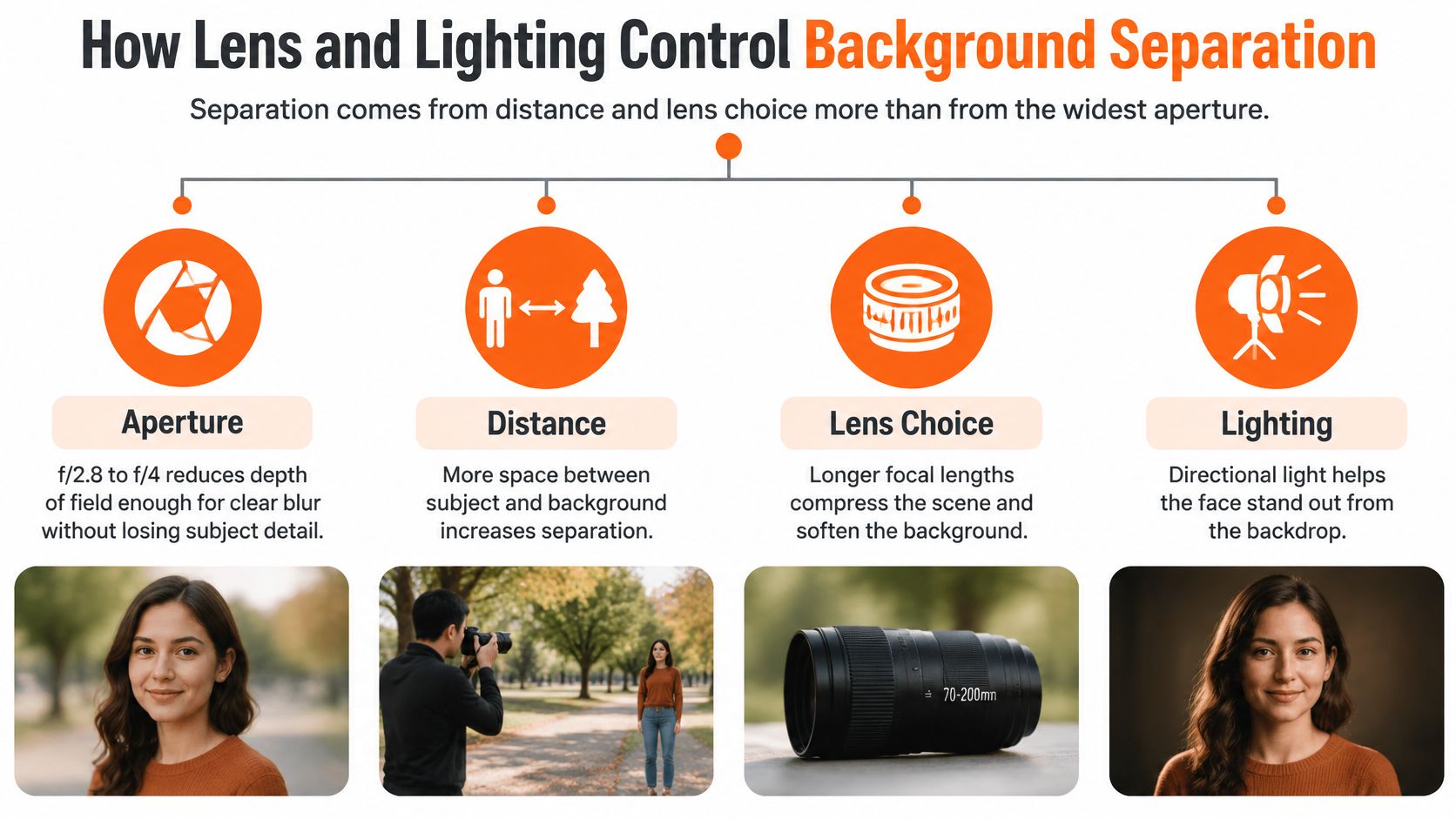
Aperture is the first control, not the only one. A wide setting such as f/2.8 to f/4 reduces depth of field enough for clear blur, as the Canva depth-of-field guide explains. At f/1.4 to f/2.0, one eye can fall soft while the other stays sharp. Corporate work keeps both eyes and the facial features sharp, then builds the rest of the separation with distance.
Focal length changes how much of the room survives. 85 to 135 mm for a head-and-shoulders frame compresses the scene and enlarges the blur. A lens around 35 mm keeps more of the setting legible when the place is part of the story, which is the split Tamron's portrait notes draw between a short lens and a medium telephoto.
Move the backdrop farther behind the subject and the blur grows without a lens change. Light finishes the gap. The same three-light idea used in a corporate portrait lighting setup puts modeling on the face and a clean edge on the hair.
Practical rule: Look at the hair and the shoulders. A clean gap means the separation worked.
Matching the background to role and platform
Match the background to the role and the audience. Don't match it to a universal color.

Check four things in order. Industry expectations come first. Then what clients expect to see. Then the personal brand you're building. Then the platform where the photo will sit. Independent portrait guidance draws a clean split. A studio setting supports broad corporate consistency. An environmental background adds context only when the location reinforces expertise. The background stays subordinate through focus, brightness, and simplified edges.
Use the Best for column above as the lookup. A lawyer or finance executive stays on light gray or navy. A clinician uses light gray or a blurred clinic. A consultant suits a soft-blurred office. A therapist or coach reads well on warm neutral. A creative can use controlled color with saturation held back.
A realtor against a blurred street of local homes reads as rooted in that area. The same frame dropped into a corporate deck reads off-brief. On LinkedIn, follow a LinkedIn photo that matches the sites where people already meet you, then manage your LinkedIn posting calendar so the picture and the posts don't argue.
The background the audience already sees on those sites is the one you use.
Keeping backgrounds consistent across a team
A team page where every person stands against a different backdrop reads as a pile of unrelated photos.
In 2024, 74.4% of 1,087 U.S. recruiters surveyed said they were more inclined to interview a candidate whose profile included a headshot. Ringover published that figure, and Capturely reported it. The photo has to exist. On a team page it also has to match.
- Pick one shade. One background for the whole group, identical or highly similar.
- Lock the light and the camera. Every face is lit the same way because backdrop, lighting, and wardrobe are chosen once.
- Agree on wardrobe. Colors that sit cleanly on that background, not against it.
- Set one crop. Waist-up or shoulders-up for everyone.
- Export one file. One format and one resolution so the grid doesn't jitter.
The same pattern holds for one person with two homes online. A personal profile and a company page should share one background so both frames read as the same person. Brands already treat that repeat as the job, the way keeping fashion campaigns on brand keeps a campaign from looking like five different companies. Our team picture setups start from that shared backdrop.
Lay the set out in a grid. The frames should match more closely than the faces differ.
Pick one background and use it everywhere
A headshot background is part of your professional identity. Choose one that fits your role, then repeat it across your profiles so your photo looks consistent wherever people find you.
Start with the intended impression. Light gray suits a clean, understated profile; navy can give it more weight. Check the background against your outfit, then view the image at phone-thumbnail size. If your face remains the first thing people notice, the choice is working.
AiHeadshots is built by the photographers behind Studio Pod. Upload 10 to 20 casual phone photos with varied angles, expressions, and lighting. Professional photos are not needed. The Basic plan costs $29 and includes 30 finished AI headshots in three style looks you choose, along with an outfit choice and up to four backgrounds. Choose the backdrop and matching outfit that fit your role, then use that look consistently across LinkedIn, a team page, and a company bio.
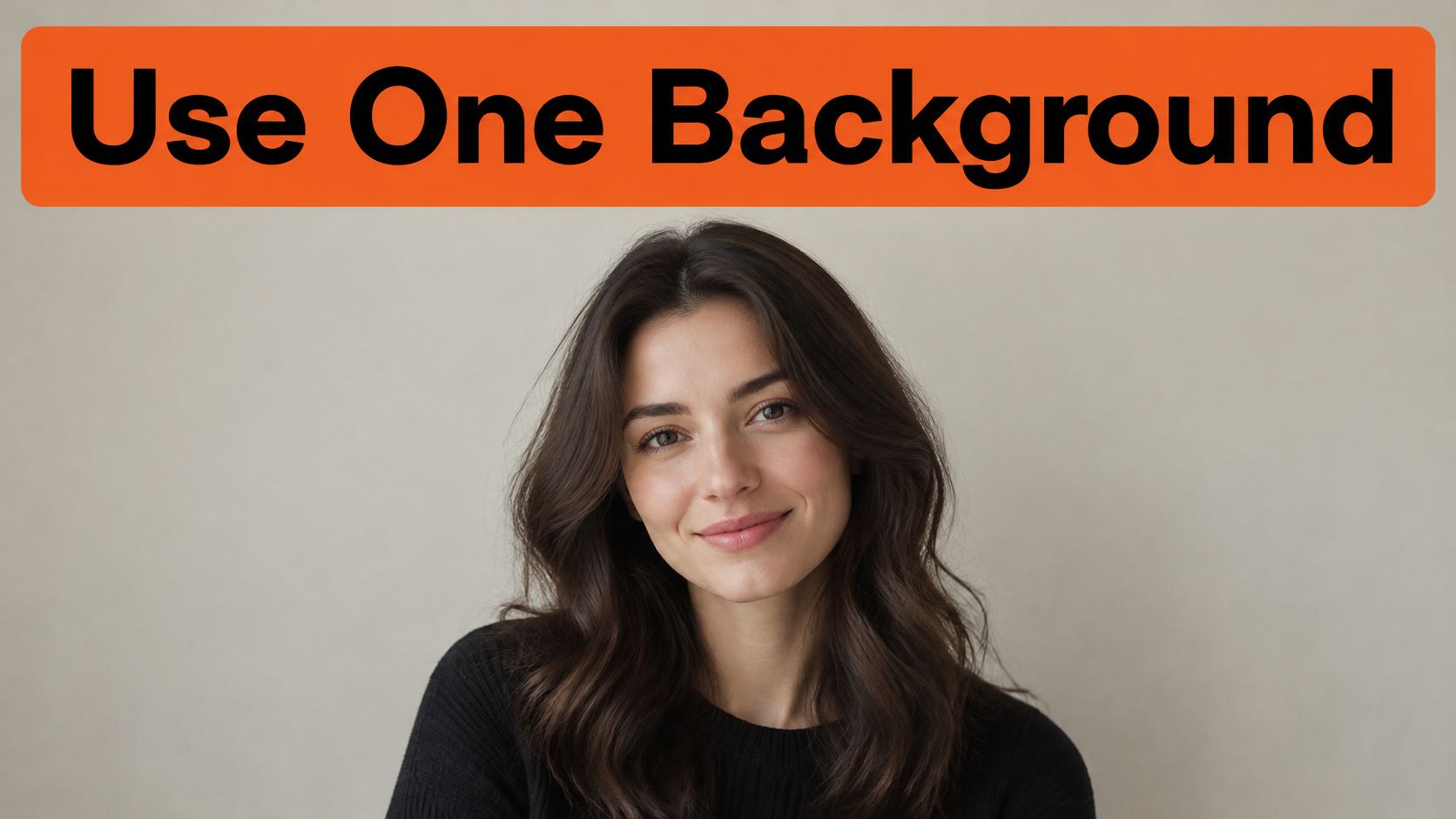
Start with a free, watermarked preview before paying. No credit card is required.
AiHeadshots generates headshots with realistic lighting and studio-quality retouching, using Studio Pod technology. Pick a style and background that suit the role, and keep the same choice across your profiles. You can visit AiHeadshots to get started.