



The best retouching is visible, but not obvious. A professional headshot should remove distractions without changing the person in the frame. That standard is older than digital editing. An analysis of 343 historical prints found additive retouching in 175 images, or 51%, while reductive retouching appeared in 63 prints, or 18%. Those categories overlap, but the point is clear: photographers have refined portraits for generations, long before Photoshop. The Walther Collection analysis documents that history.
This photo retouching before and after guide treats every image as evidence of a decision. Each example identifies the visible problem, the technique that addresses it, the point where editing becomes excessive, and the workflow a photographer, marketing team, or professional can repeat. A photographer's day rate often sits around $300 to $600 or more, while AiHeadshots starts at $29. Speed and price still don't excuse artificial skin, changed facial structure, or inconsistent color.
AiHeadshots comes from Studio Pod, a Houston studio founded by photographers Joseph West and Chris Bailey. They built an AI-headshot product after shooting 10,000+ real professionals since 2019, rather than retrofitting a generic software workflow. The following tools show where automated generation, human retouching, plugins, and desktop editors fit best. For additional guidance on improving image quality before publishing, see this practical guide to fix muddy photos on Instagram.
Table of Contents
- 1. AiHeadshots
- 2. RetouchUp
- 3. FixThePhoto
- 4. The Image Salon
- 5. Retouch4me
- 6. PortraitPro
- 7. Evoto AI
- Before & After Photo Retouching: Top 7 Comparison
- Choose the finish before you choose the tool
1. AiHeadshots
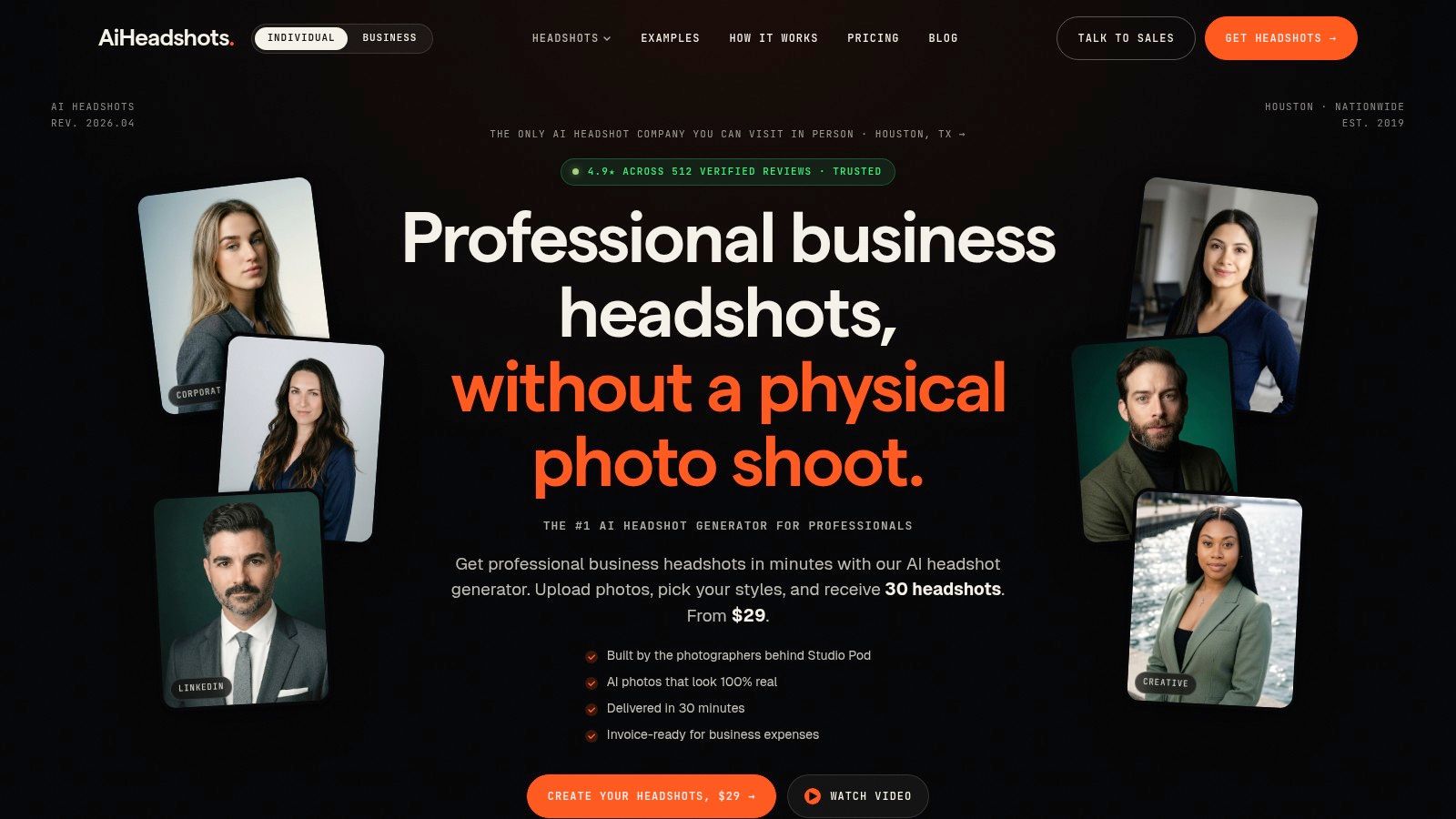
AiHeadshots addresses a specific headshot problem: you need a consistent professional portrait set, not a repair for one damaged photograph. Upload 10 to 20 phone selfies, and the system produces 30+ studio-grade headshots in about 30 minutes. No studio visit is required. The before image is an ordinary phone selfie. The after images apply controlled lighting, polished skin, cleaner clothing details, and several background options. AiHeadshots describes the service and its photographer-led origin.
Each before-and-after image shows a clear retouching decision. Temporary blemishes, redness, flyaway hairs, and distracting clothing details are reduced. Skin texture remains visible, which keeps the result closer to a finished portrait than a plastic-looking beauty edit. Light and color correction, subtle eye and teeth adjustments, and studio-style lighting improve presentation without changing a person's age, body shape, or facial structure.
That restraint matters for professional headshots. Aggressive smoothing can remove the features that help colleagues and recruiters recognize someone. AiHeadshots aims for a polished version of the input instead. The trade-off is less control than a photographer or retoucher has over every individual pixel.
The practical gain is consistency. A professional can update a LinkedIn portrait without booking a shoot. A recruiter can offer candidates a lower-friction option. A company can create a more coherent team set through AiHeadshots Teams. The Professional and Executive options are better suited to buyers who need a broader, more developed set of finished portraits than a basic individual order. Teams volume pricing starts from $22 to $29 per seat at 10 or more seats, according to the AiHeadshots pricing page.
Where the before and after works
The workflow performs best when the selfies show the subject clearly, with varied expressions and angles. Weak or repetitive inputs limit the output. A bespoke studio shoot remains the better choice for fashion, editorial work, unusual styling, or tightly controlled creative direction.
AiHeadshots reviews report strong customer adoption and satisfaction. Product information also states that packs include commercial and ownership rights, offers a 100% money-back guarantee within 14 days, and sets separate retention periods for input photos, generated outputs, and billing records.
Practical rule: Compare the generated portrait with the selfie at normal viewing size first. Then inspect the eyes, jaw, nose, mouth, and hairline at higher magnification. If identity shifts, the result has gone too far.
For teams, brand customization, an admin dashboard, and enterprise integrations support repeatable production. The limitation is control. AiHeadshots is not a manual retouching desk, and complex packs may take longer during peak periods. For a fast, affordable, photographer-built headshot set, that trade is often reasonable.
2. RetouchUp
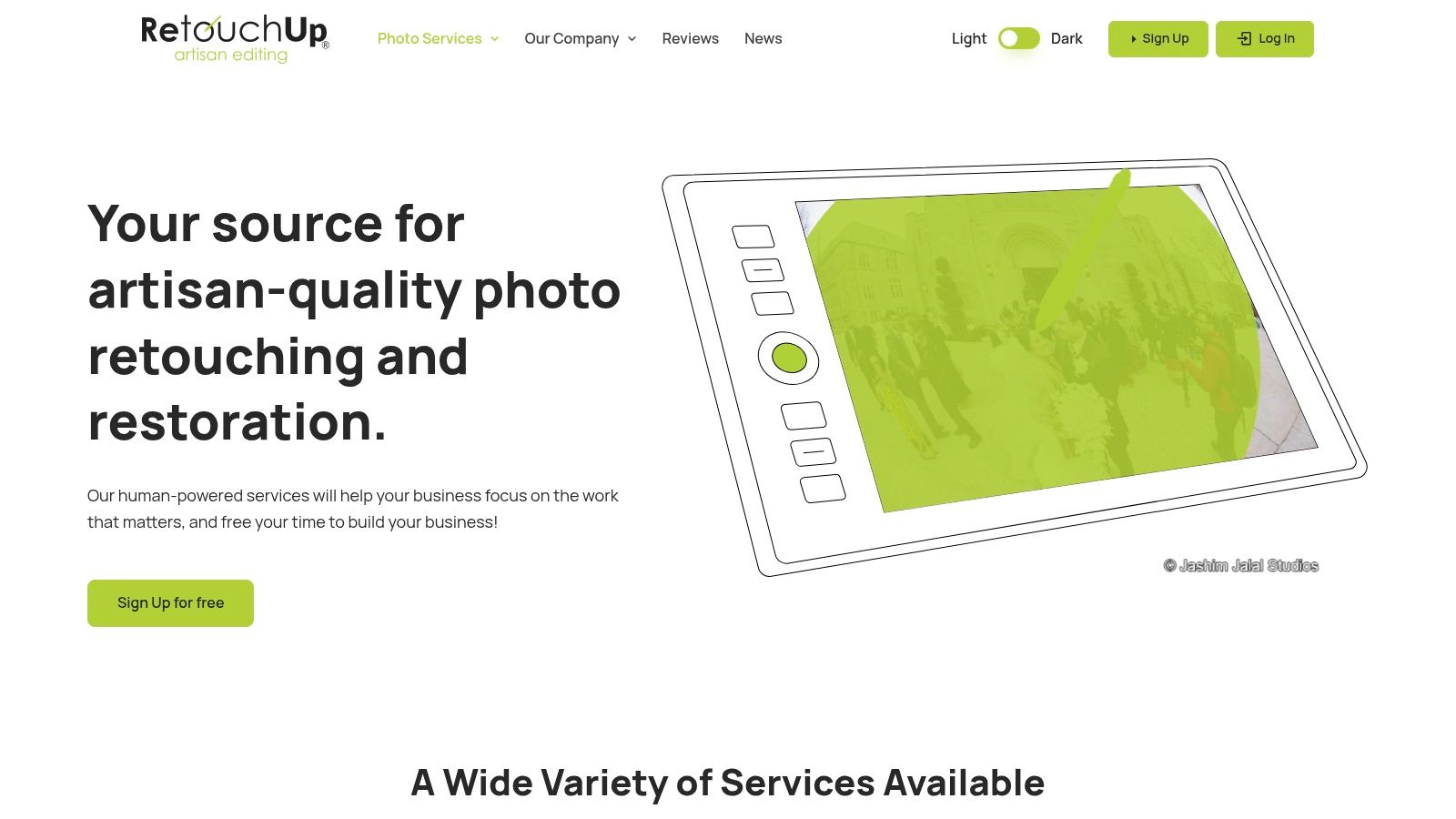
RetouchUp suits teams that already have strong photographs and need predictable human cleanup. Its published tiers separate routine work from more involved retouching. Complete costs $2.50 per image, Complete Plus costs $5, and Special Services costs $10, while color correction starts from $0.15 to $0.25 per image. RetouchUp's service pricing gives buyers a clear starting point before they submit a batch.
The before and after examples are useful because they show the scope of each tier. Typical corporate-headshot work includes skin cleanup, background fixes, object removal, and color adjustment. The natural finish is an advantage for LinkedIn portraits. The editor can remove a temporary blemish without flattening every pore.
The trade-off
RetouchUp is more predictable than a custom retoucher for recurring batches, but the flat tier doesn't remove the need for a good brief. A complex composite, heavy beauty edit, or unusual background request can require a higher service level. The style generally favors clean and natural results over fashion-grade transformation.
For a marketing team, the workflow is straightforward. Send the original files, define what counts as a temporary distraction, identify anything that must remain, and compare a proof against the source. Keep a reference image for skin tone and background brightness so separate orders don't drift.
For a broader explanation of how professional services differ from software, see this guide to headshot retouching services. RetouchUp makes sense when you want human intervention on selected files, clear per-image pricing, and support during US business hours. It makes less sense when you need a full new portrait set from selfies rather than finishing work on photographs you already own.
3. FixThePhoto
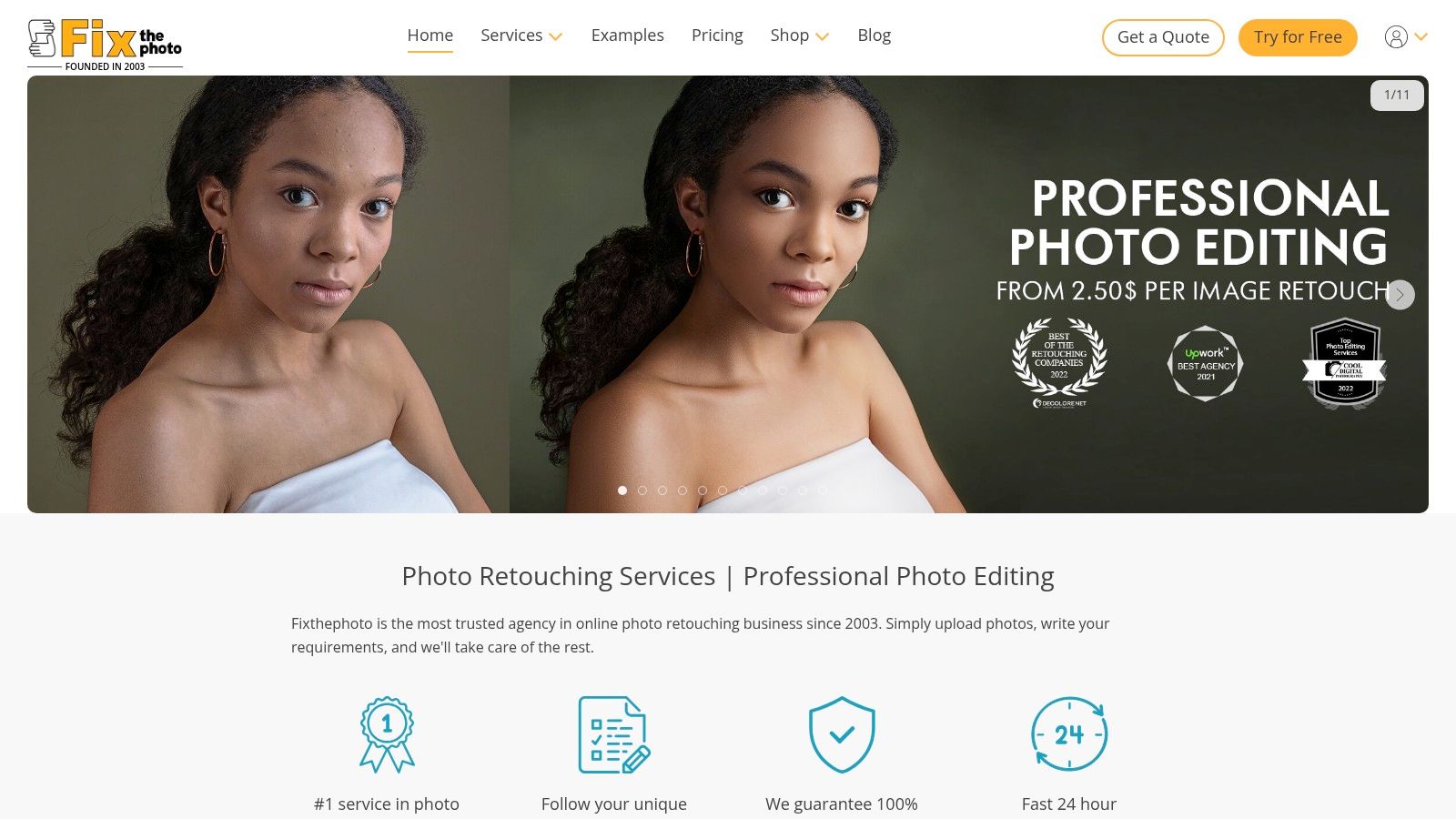
FixThePhoto offers granular retouching levels, which helps when “make it professional” is too vague a brief. Its published packages range from Basic at $2.50 to High End at $12, with Manipulation and Restoration priced at $30. Those prices are listed on FixThePhoto's portrait retouching pages, where before and after examples sit alongside the package descriptions.
Basic headshot work can cover skin cleanup, color adjustments, and small distractions. Higher tiers add more intensive beauty work, background changes, hair cleanup, eye and teeth adjustments, or manipulation. That range is useful for a small business that needs ordinary LinkedIn images one week and a more polished campaign portrait later.
Match the tier to the visible problem
The mistake is choosing a high-end package only because the after image looks more dramatic. A corporate headshot usually benefits from correction, not transformation. If the subject's facial proportions change, the photograph stops documenting the professional and starts presenting an altered character.
FixThePhoto also supports volume discounts and custom quotes. Its 24/7 ordering is convenient for distributed teams, but turnaround and consistency deserve closer review when the brief becomes complex. Send a test image first. Mark the areas where texture, freckles, glasses, hair texture, or facial lines must remain.
A retouch is successful when the viewer notices the person before noticing the retouch.
The service is a good fit for budget-sensitive headshot work with a defined scope. It isn't the most efficient choice for generating many different poses and backgrounds from a small group of selfies. That is a source-image and portrait-generation problem, not a conventional finishing problem.
4. The Image Salon
The Image Salon is built for photographers who want another professional to finish files to a defined visual standard. Its retouching is billed from $1 per minute, and color correction guidance starts around $0.27 per image, based on The Image Salon's published service information. The pricing model reflects the work involved. A simple blemish removal and a nuanced executive portrait don't consume the same editing time.
The before and after difference here should be judged less by dramatic change and more by control. Skin texture can be cleaned in selected areas. Background wrinkles can be reduced. Uneven color can be corrected without forcing every image into the same preset. That matters when a photographer has already established lighting and wants the finish to respect the original capture.
Human judgment has a price
The Image Salon handles one-off projects and ongoing photographer accounts. Its Express routing sends work to the first available editor following shop standards. This supports a high-touch workflow, but per-minute billing makes the final cost harder to predict until the scope is clear.
Give the editor a reference portrait and define the unacceptable changes. “Natural” isn't enough. Specify whether forehead lines remain, whether under-eye texture is softened, whether a temporary blemish is removed, and whether glasses reflections are corrected. A good brief prevents a technically clean image from becoming visually generic.
This is the right choice for sensitive executive standards, agency work, and photographers who need human-led consistency. It isn't the cheapest path for simple fixes. It also won't replace the speed of a service that generates a complete portrait pack from phone selfies.
5. Retouch4me
Retouch4me takes a different approach. It gives an in-house editor focused tools for specific decisions, including skin cleanup, dodge and burn, portrait volume, stray hairs, eyes, teeth, color matching, dust, and backdrop cleanup. The suite contains 15+ plugins, with one-time licenses and subscription or cloud options available through Retouch4me.
This modular structure works well for a photographer who already uses Photoshop, Lightroom, or Capture One. Instead of handing over a full batch, the team can apply the same controlled operation across a set and then inspect the exceptions. A skin plugin can handle routine cleanup. A retoucher can reserve manual work for glasses, hair, uneven lighting, or unusual expressions.
Automation still needs an eye
The before and after preview is the important part. Don't judge the image only at a large zoom. Check it at the size a recruiter, client, or colleague will see on a profile page. Excessive smoothing often becomes obvious there because the face loses natural tonal variation.
A buy-once license can become economical for teams that retouch regularly, but the total cost rises when the workflow requires many specialized plugins. Updates and trials reduce the risk of choosing the wrong module, yet software doesn't define the brand standard for you.
Use Retouch4me when you have capable staff, recurring volume, and existing desktop workflows. For a practical comparison of plugins, applications, and automated generation, see this guide to professional photo retouching software. The tool improves repeatability. It doesn't remove the need for culling, color review, and identity checks.
6. PortraitPro
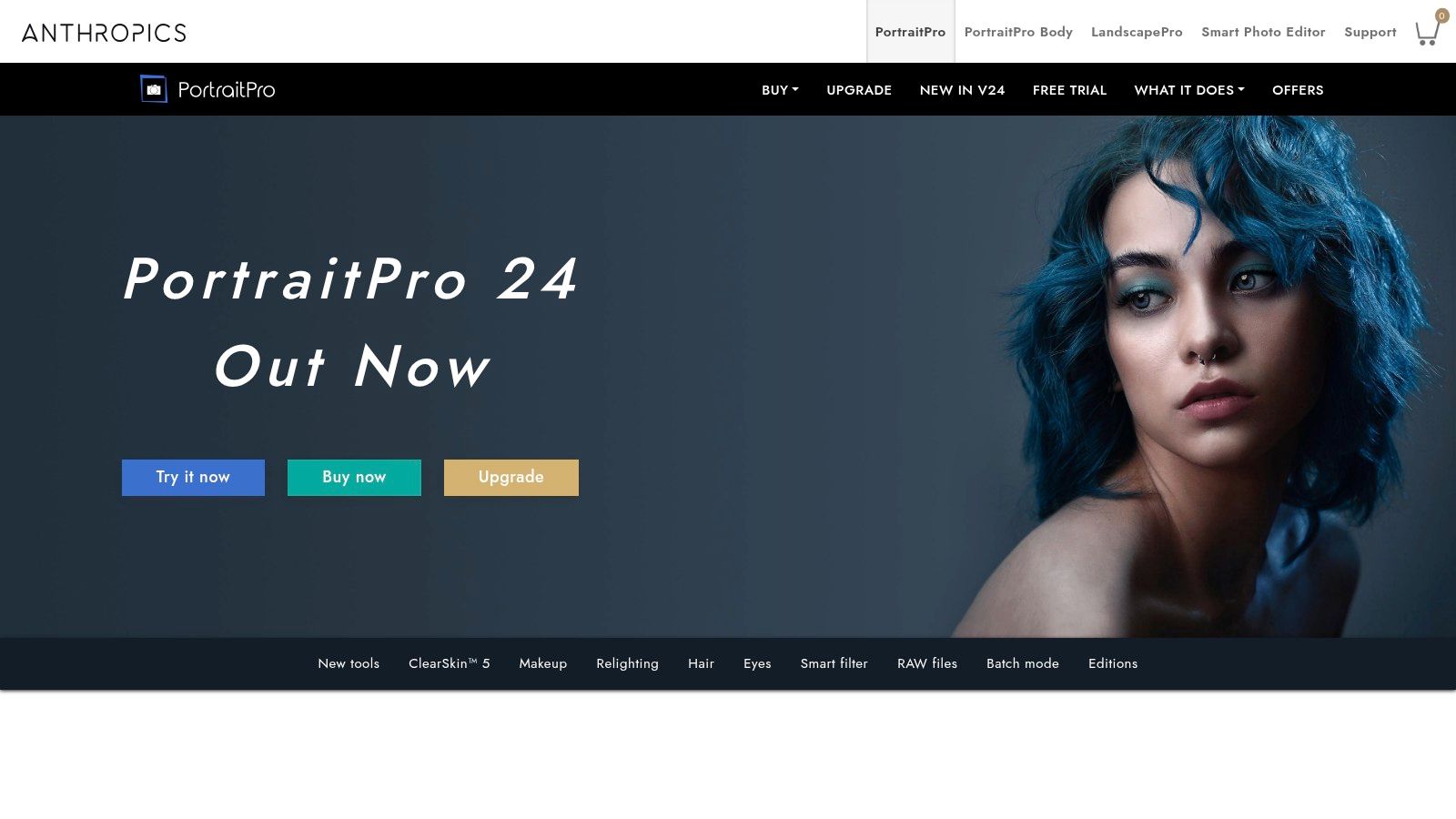
PortraitPro works best when the goal is controlled polish, not a redesigned face. It is a desktop portrait editor with tools for skin, eyes, teeth, hair, face shape, relighting, and other facial areas. Side-by-side comparisons and a before and after slider make each adjustment easier to judge against the original. PortraitPro is available in Standard, Studio, and Studio Max editions.
Studio Max supports RAW files, 16-bit files, and batch processing. That suits HR and marketing teams applying a consistent treatment across professional headshots. Presets speed up setup, but they do not define the finish. Two faces can receive the same preset and still require different opacity, masking, and local corrections. Process a representative group first, then adjust the settings before applying them widely.
The sculpting controls need restraint
PortraitPro's face-shape controls create the clearest trade-off. A small change to lighting or under-eye tone can improve clarity without changing how someone is recognized. A wider jaw, larger eyes, or altered symmetry can change the evidence of identity. A peer-reviewed retouching metric found that people respond to both geometric movement and photometric changes, while the size of a technical edit does not always match its perceived visual effect. The study of 468 original and retouched photographs supports reviewing these edits conservatively.
Export a small test set before processing a full team. Compare each original and edited image at normal viewing size, then inspect identity-critical areas at higher magnification. This catches skin that has lost texture, eyes that look enlarged, or facial proportions that no longer match the capture. For a broader comparison of automated workflows, see this guide to AI photo retouching.
PortraitPro suits teams that want direct controls, batch support, and a one-time desktop license. It requires more judgment than a fully managed service and offers less flexibility than Photoshop for complex composites.
7. Evoto AI
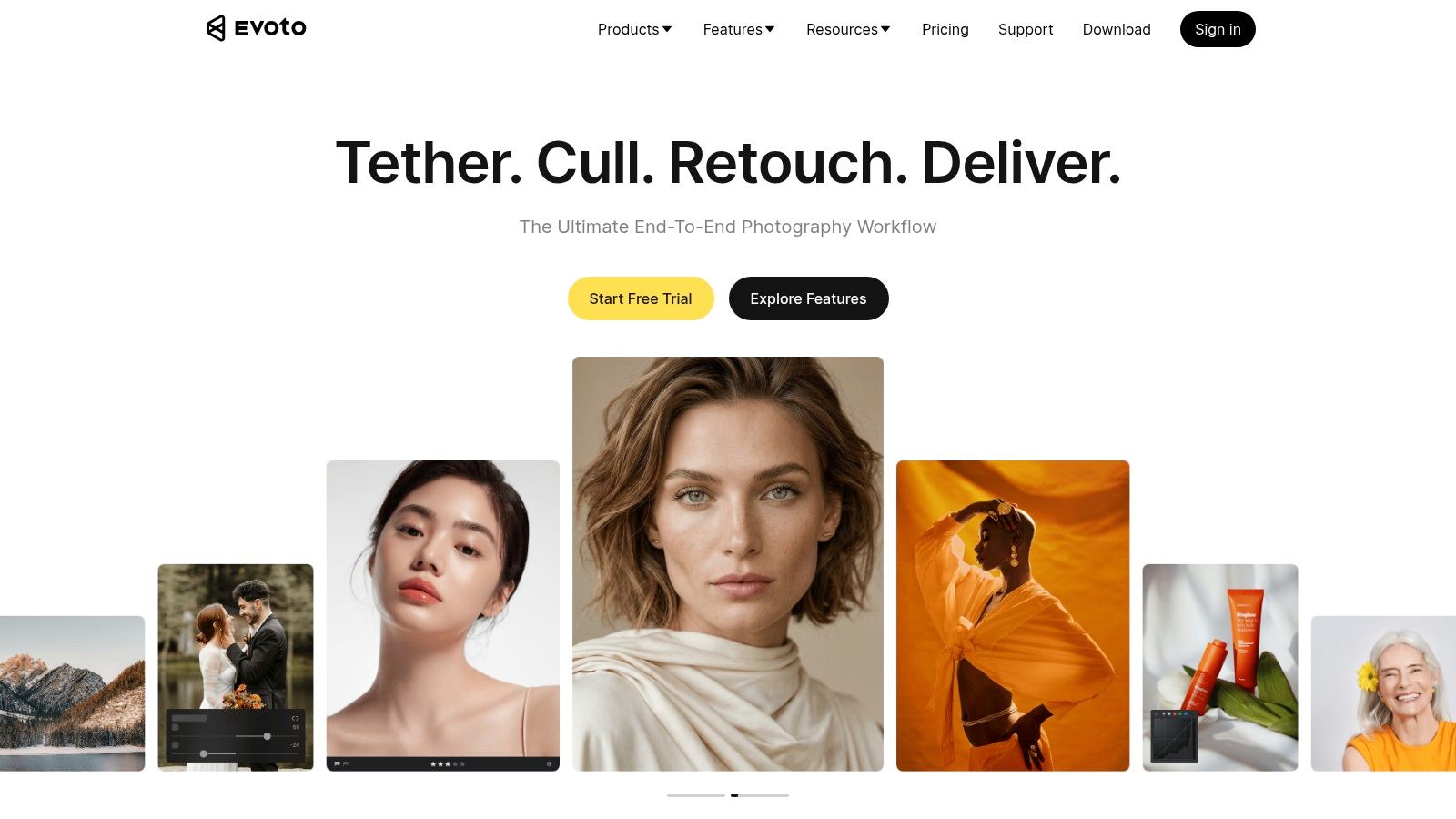
Evoto AI is designed for high-volume portrait editing. Its workflow covers skin, eyes, hair, and background adjustments, with batch tools aimed at studio, school, and event headshots. The platform uses a credit system, with subscription and top-up options, and its features include tools for precision freckles and acne, moiré removal, and background repair. Visit Evoto AI for the current workflow and pricing structure.
The before and after preview is useful for auditing a standardized batch. A photographer can review the treatment on one face, then check whether the same settings preserve texture and color across the rest. That makes Evoto AI faster than editing each image from scratch, especially during peak production periods.
Credits versus ownership
The main trade-off is recurring credit cost. A credit-based service fits teams that edit in bursts and want ongoing updates. A one-time-license plugin can be easier to budget for a studio with a stable volume and an established local workflow. Some users also prefer fully local, plugin-based processing rather than desktop and online components.
Use Evoto AI for a finished batch that already has consistent exposure and framing. It won't solve poor capture decisions. If one subject is underexposed, another has a strong color cast, and a third has distracting background clutter, a shared treatment needs manual review.
Photographers should also preserve a clean original. Before and after comparisons are only meaningful when the source remains available. The goal isn't to maximize the number of visible changes. The goal is to apply only the changes that make the portrait clearer, more consistent, and still recognizably yours.
Before & After Photo Retouching: Top 7 Comparison
| Service | Complexity 🔄 | Resources / Cost 💡 | Outcome / Quality ⭐📊 | Speed / Efficiency ⚡ | Ideal Use Cases / Key Advantages |
|---|---|---|---|---|---|
| AiHeadshots | Low 🔄, automated, photographer‑led pipeline; needs 8–20 varied selfies | Tiered pricing $29–$59; teams from $29/user; US‑based | Studio‑grade, realistic lighting and detail ⭐⭐⭐⭐ 📊 (255K+ headshots) | Very fast, ~25–30 min turnaround; free preview | Professionals, execs, teams, on‑brand headshots, API/integrations, affordable |
| RetouchUp | Moderate 🔄, human retouch workflow for batches | Flat per‑image tiers ($2.50–$10); add‑ons for color/clipping 💡 | Predictable, natural fixes; consistent for standard touchups ⭐⭐⭐ 📊 | Fast for common fixes; volume‑friendly ⚡ | Teams/recurring bulk orders, transparent pricing and scope |
| FixThePhoto | Moderate 🔄, online ordering with tiered scope | Very low entry pricing ($2.50–$30); add‑ons; volume discounts 💡 | Variable by tier, acceptable for budget work, higher tiers for quality ⭐⭐–⭐⭐⭐ 📊 | Generally quick; turnaround and consistency vary with complexity ⚡ | SMBs and frequent touch‑ups, broad genre support and low cost |
| The Image Salon | High 🔄, quoted, time‑based human retouching; bespoke workflow | Per‑minute billing (from $1/min); quotes for scope 💡 | High, nuanced human results for brand standards ⭐⭐⭐⭐ 📊 | Variable, express routing available but depends on scope | Photographers / executive work, high‑touch, precise retouching |
| Retouch4me | Medium 🔄, plugin integration into Photoshop/Lightroom/Capture One | One‑time licenses or subscriptions; modular plugin purchases 💡 | Natural automated retouching; best with human oversight ⭐⭐⭐ 📊 | Fast and batch‑friendly within existing workflows ⚡ | In‑house teams wanting consistent, scalable automated retouch |
| PortraitPro | Low 🔄, desktop app with presets and relighting controls | One‑time license (editions); Studio Max for RAW/batch 💡 | Good polished results with risk of overprocessing if overused ⭐⭐⭐ 📊 | Very fast for presets; batch in higher tiers ⚡ | HR/marketing teams, quick polished presets and batch workflows |
| Evoto AI | Low 🔄, cloud/desktop AI editor with batch tools | Credit‑based pricing (subscriptions/top‑ups); ongoing costs 💡 | Strong for standardized pipelines; consistent automated edits ⭐⭐⭐ 📊 | Very fast for high‑volume studio/school workflows ⚡ | Studios, schools, events, peak‑season scaling and burst editing |
Choose the finish before you choose the tool
Start with the image problem, not the software name. Use restrained skin cleanup when texture should remain visible. Use color correction when skin tone, white balance, or background brightness is inconsistent. Use background cleanup when objects compete with the face. Bring in human review whenever identity, executive credibility, or brand standards are sensitive.
A repeatable professional-headshot workflow is simple, but it needs discipline. Select the strongest expression first. Correct exposure and color before touching skin. Remove temporary blemishes and distractions, not permanent features that help someone recognize the subject. Compare the edited portrait with the original at normal viewing size. Then inspect the eyes, nose, mouth, jaw, hairline, glasses, and skin texture before exporting a consistent set.
The evidence supports restraint. A study of retouching intensity found that mild edits received higher attractiveness ratings than both unretouched and extreme versions, producing an inverted-U relationship between alteration and perceived appeal. The neuroimaging study of retouching levels gives photographers a useful warning: more correction isn't automatically a better result.
Choose RetouchUp or FixThePhoto when you already have strong files and need recurring human finishing at transparent per-image tiers. Choose The Image Salon when custom human judgment matters more than predictable pricing. Choose Retouch4me, PortraitPro, or Evoto AI when an in-house team needs desktop control, batch processing, or repeatable edits.
Choose AiHeadshots when the missing asset is the portrait itself. Its photographer-built system turns 10 to 20 selfies into 30+ headshots in about 30 minutes, starting at $29, with professional, executive, and team options. That is a different workflow from sending one RAW file to a retoucher. It trades pixel-level control for speed, variety, and a complete headshot set.
For a wider review of AI and professional editing workflows, read this AI and pro photo tools review. Then apply the same standard to every result. The face should remain recognizable. The color should remain credible. The retouch should support the person rather than replace them.
Upload 10 selfies, see your first headshot in 30 minutes, $29.
Upload 10 varied selfies and AiHeadshots will create a polished set with realistic studio lighting, controlled retouching, and multiple background styles. Visit AiHeadshots to compare the before and after results and choose the finish that still looks like you.
