



Your face gets judged for competence before anyone reads your bio. A 2021 peer-reviewed study on the Ginevra de' Benci effect found that perceived facial competence predicted hiring decisions for women and men, directly and through overall impression. For women, perceived morality and attractiveness also shaped that impression, which means your portrait is evaluated on more dimensions, not fewer.
That's why good headshot tips for women aren't about glamour. They're about legibility. Clear facial visibility, even light, an uncluttered background, realistic retouching, and clothing that fits the target profession make competence and trust readable at thumbnail size.
A professional headshot doesn't depend on one perfect feature or a dramatic pose. Strong images come from coordinated choices. Camera height, lens choice, directional light, posture, wardrobe, expression, and input quality all work together, and each choice either supports the face or fights it.
Start with the frame, then work through light, posture, styling, and finish. These seven tips apply to a phone camera at home, a studio session, or a set produced from selfies with AiHeadshots. They're the same standards we use at Studio Pod in Houston, where photographers Joseph West and Chris Bailey have shot 10,000+ real professionals since 2019.
Table of Contents
- 1. Shoot at eye level with a short telephoto lens
- 2. Use soft, directional light from a window
- 3. Use the forward lean and chin position
- 4. Choose solid colors and clean necklines
- 5. Prepare hair and makeup for the camera
- 6. Use a Duchenne smile and a relaxed jaw
- 7. Upload selfies that give AiHeadshots strong input
- 7 Essential Headshot Tips for Women: Comparison Guide
- Build one headshot system that travels
1. Shoot at eye level with a short telephoto lens
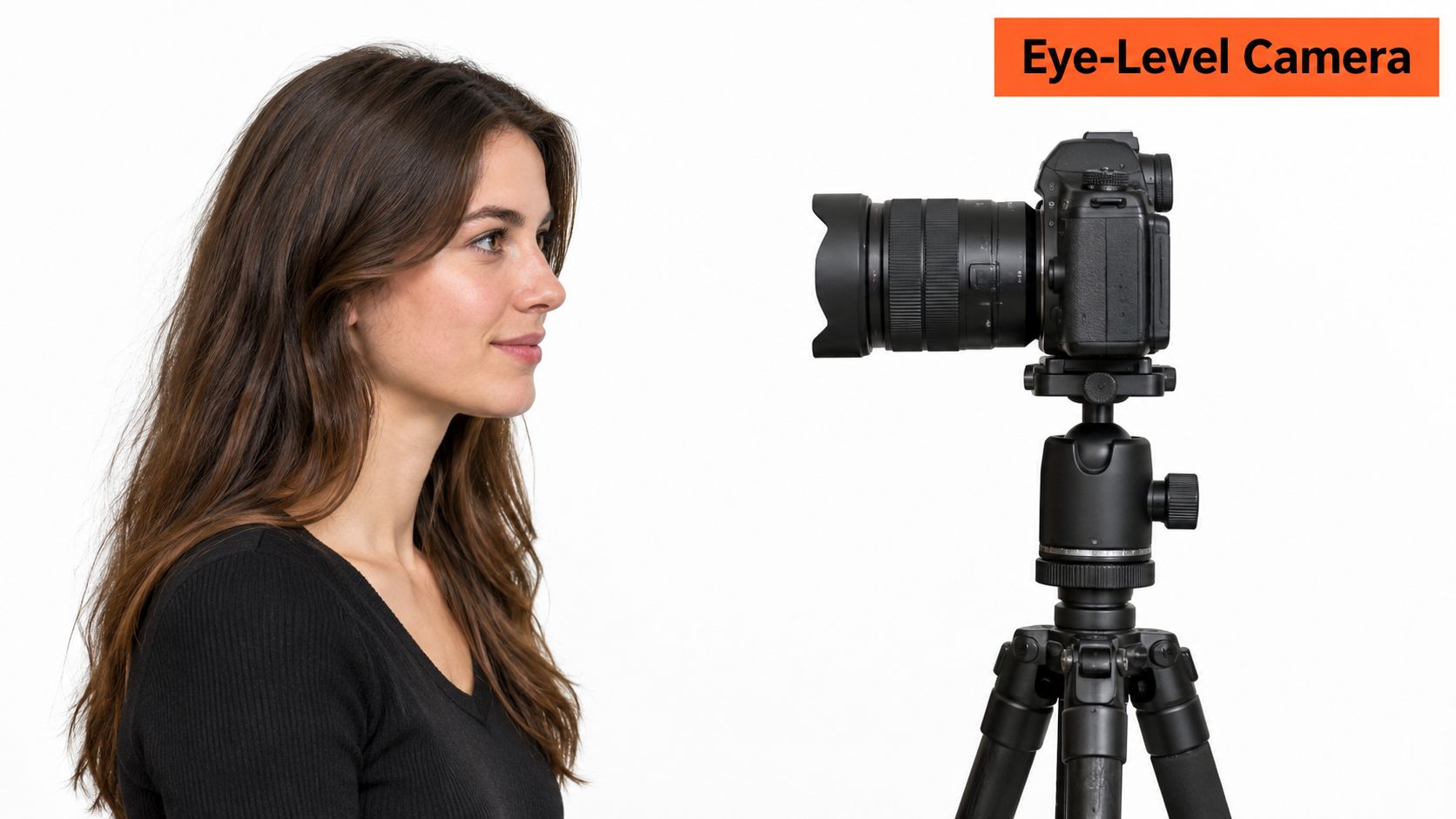
Put the camera at eye level, fractionally above chin height. That's the position that keeps proportions honest. Drop the camera below the chin and the jaw widens, the neck shortens, and the nostrils enter the frame. Raise it too high and the forehead dominates while the chin recedes.
Use the 2x or 3x telephoto lens on your phone, not the default wide angle. A wide lens at arm's length widens the nose and pushes the ears back. A short telephoto, roughly 85mm to 135mm full-frame equivalent in a studio, flattens that distortion and keeps the face true to life.
Set the distance before you compose
Step back until head and shoulders fill the frame. A professional headshot framing guide from Snappr puts the target at roughly 60 to 70% of the frame for face and shoulders, with a small amount of space above the head. That crop stays readable on LinkedIn, in a directory, and on a phone screen.
Set the phone on a tripod or a stack of books at eye height and use the rear camera on a timer. Tap 2x before you shoot, not after. Place yourself three or four steps from a plain wall so the background separates from your hair and shoulders instead of merging with them.
Practical rule: If your arm is holding the phone, you're too close. Distance fixes distortion faster than any filter.
In our Houston studio we work with longer lenses for the same reason. The principle built our reference set across thousands of subjects, and it translates directly to a phone on a bookshelf. The first frame at 2x from five or six feet away usually corrects what twenty close selfies couldn't.
The setup below shows the camera height to aim for.
2. Use soft, directional light from a window
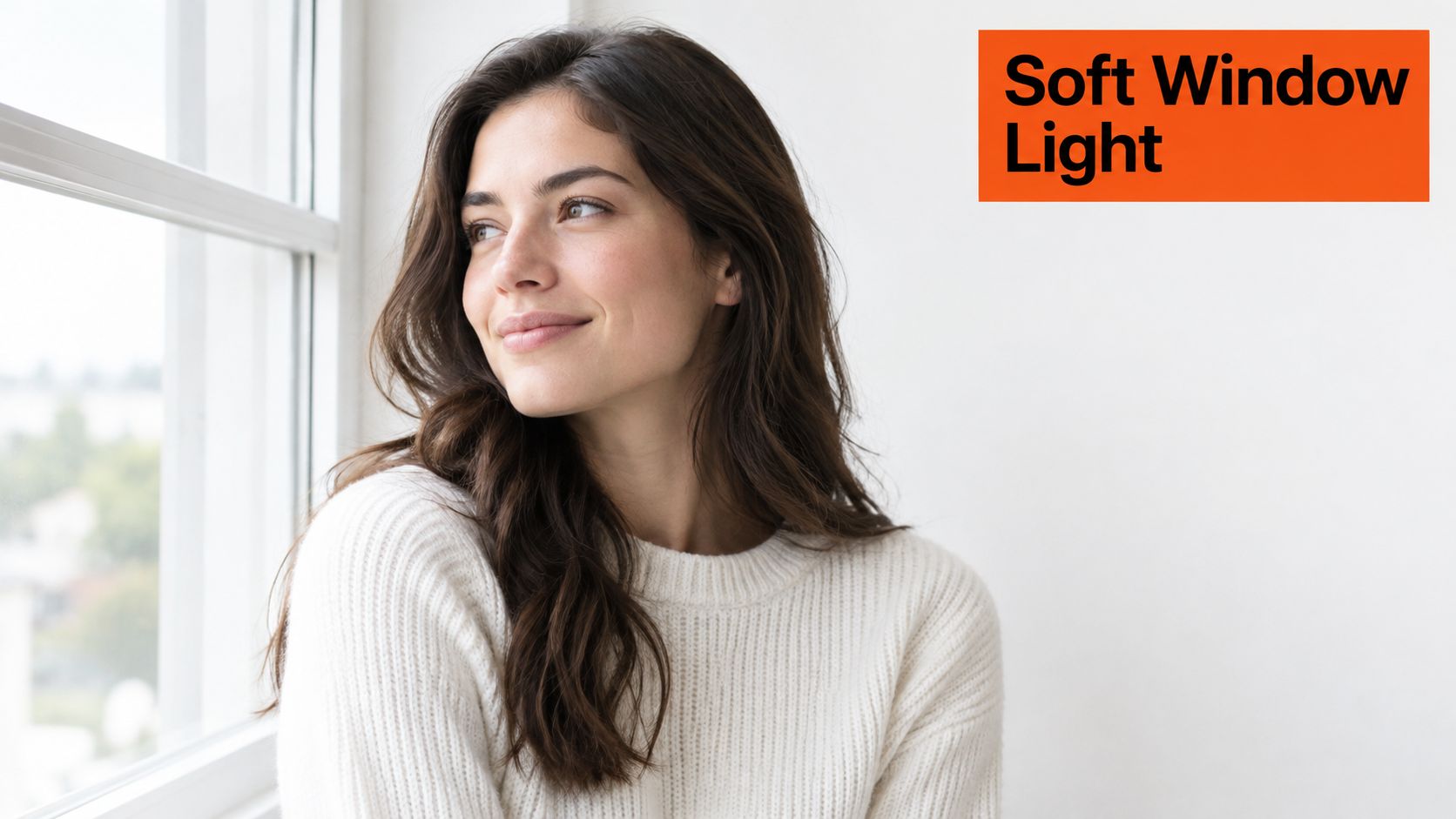
Light decides the mood before expression gets a chance. Soft, directional light from a large window, placed roughly 45 degrees to the side of your face, models cheekbones and jaw without carving harsh shadows. One side carries gentle shadow, the other stays bright, and that contrast gives a flat photo depth.
Overhead light pulls shadows under the eyes and nose. Direct sun creates hard edges that read as tense. Direct flash flattens features and washes out skin. An overcast day through a window does the opposite, and it's free.
Match the light to your skin, not a preset
Canon's guidance on capturing natural skin tones recommends diffuse illumination, such as overcast daylight or open shade, to soften shadows and reduce hotspots across different skin tones. It also describes a two-light studio arrangement, a key light slightly off-center toward the face plus a separate light on the background, which is the controlled version of the window setup.
Watch exposure by skin tone. Lighter skin washes out under strong frontal light. Darker skin loses detail when fill is too weak and shadows go gray. Check the preview for clipped highlights on the forehead and cheek rather than trusting auto exposure, and lock white balance to your light source so skin color stays consistent frame to frame.
Sit about a meter from a large north-facing window between mid-morning and early afternoon. Turn your body slightly away from the window and rotate your head back toward the light. If contrast feels heavy, prop a white foam board or bedsheet on the shadow side to lift it gently.
Our studio team has shot more than 10,000 professionals with controlled soft light built on this logic. The window version is the same light, with less equipment and the same requirement. It should fall across the face, not straight onto it.
3. Use the forward lean and chin position
Square shoulders and a neutral chin produce the stiff, boxed look many dislike in their own headshots. The fix is small and mechanical. Angle your torso away from the camera, turn your head back to the lens, and bring your chin forward and slightly down. The neck lengthens, the jaw sharpens, and the head separates cleanly from the shoulders.
A posing guide for women's professional headshots recommends turning the body approximately 10 to 45 degrees, dropping the shoulder closest to the lens slightly, and bringing the chin forward with a slight downward tilt to define the jawline. Shifting weight onto the back foot and relaxing the shoulders reduces the rigid appearance further.
Build the pose in order
Set your feet first and put your weight on the back foot. Angle the shoulders, then lean in an inch or two from the waist. That lean adds presence without reading as aggressive. Rotate your head back to the lens last, keeping both eyes level and unobstructed.
Press your tongue lightly against the roof of your mouth. It lengthens the neck without visible tension and helps hold the jaw position between frames. Then shoot a burst at slightly different chin angles and compare them on a large screen, not the phone preview. The right angle is obvious at full size and nearly invisible at thumbnail size.
This matters beyond aesthetics. A 1991 study on facial maturity, gender, and job type found that female and baby-faced applicants were favored for roles associated with warmth, while mature-faced applicants were favored for roles associated with shrewdness and leadership, with effects strongest among high achievers. You don't change your face for that. You use posture and direct, natural eye contact to make authority and approachability legible at the same time.
The video below walks through the chin and shoulder mechanics in real time.
4. Choose solid colors and clean necklines
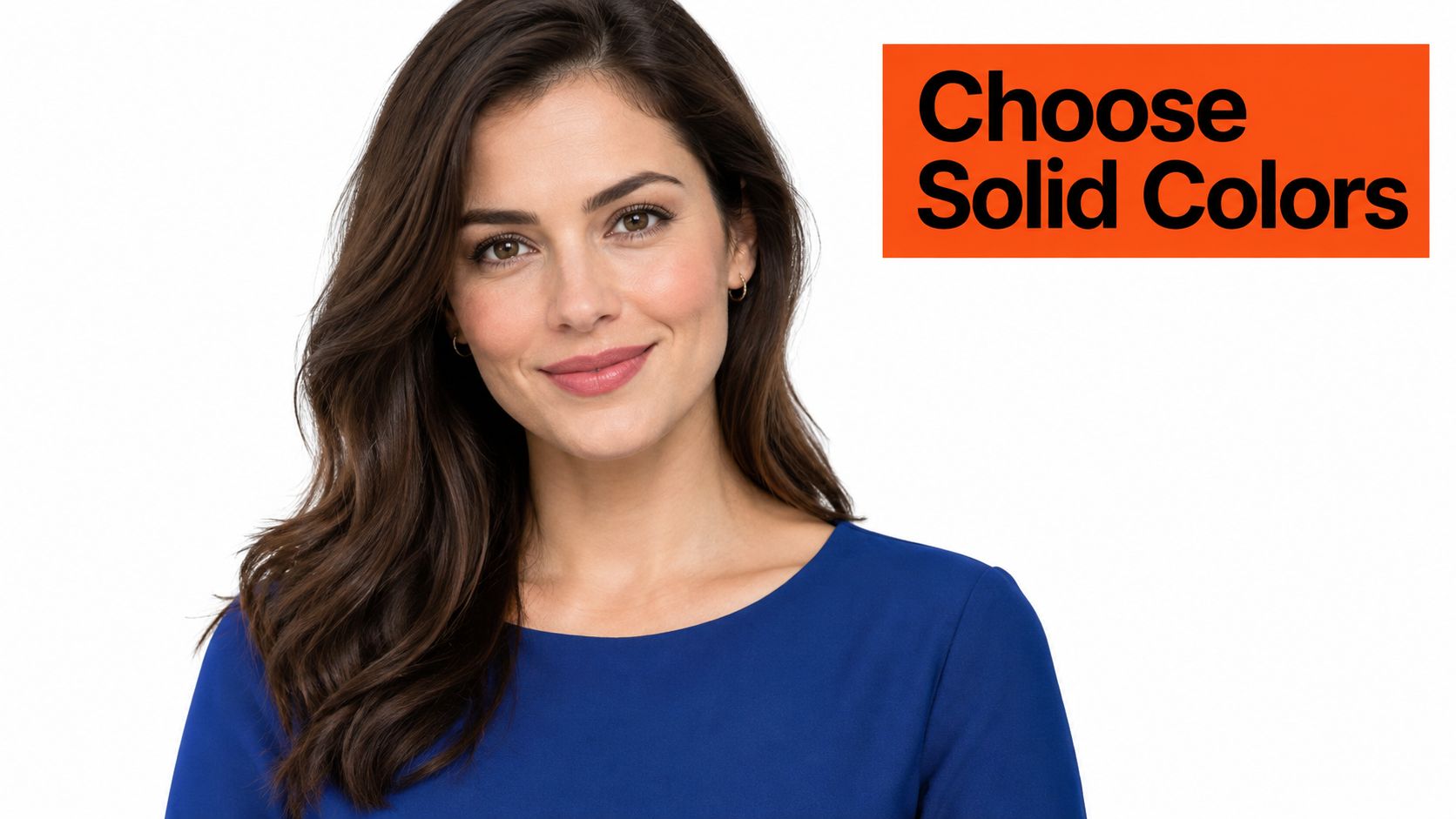
Wardrobe controls color balance and the shape of the frame. Solid colors read cleanly at every crop. Stripes, small prints, and tight checks create moiré patterns on screens and visual noise around the face, and the face loses that competition.
Jewel tones such as sapphire, emerald, and burgundy separate well from neutral backgrounds. Pure white and pure black sit at the extremes of the tonal range and often lose detail. A mid-tone blouse or blazer holds texture under window light and gives the face a clear edge at the neckline.
What the neckline is doing
The neckline frames the collarbone and sets the line where the eye stops before it reaches your face. It should follow the shoulders, not compete with the jaw. Wardrobe guidance for women's professional portraits identifies V-necks and scoop necks as broadly flattering options, and lists turtlenecks, cap sleeves, busy patterns, neon colors, and prominent logos as distractions. The same guidance gives a useful rule. Dress one level above your usual daily standard, and pick colors that contrast with your skin rather than blending into it.
Bring three options in different colors and photograph each one under your chosen light before you commit. A charcoal blazer over an ivory blouse against light gray holds up across every crop. An emerald top against a warm neutral wall separates the subject without a busy palette. For more combinations, our guide to the best outfit for headshots covers necklines and layering in detail.
Iron or steam the collar and shoulder seams. Those edges sit inside a close crop and a crease reads before your expression does. Skip logos, text, and reflective jewelry. Text in the frame gets read, and reading is attention your face isn't getting.
5. Prepare hair and makeup for the camera
The camera doesn't see what the mirror shows. Sensors and phone processing amplify shine, flatten contrast, and reduce the definition you see in person. Makeup for a headshot compensates for that translation. It isn't a heavier look, it's a recalibrated one, and the goal is your face on a good day.
Start with matte powder across the forehead, nose, and chin. Those three zones reflect window light first and produce the hotspots that read as oily on screen. A translucent powder removes the shine while keeping skin texture, which is the standard our retouchers hold in the studio as well.
Define eyes and brows, keep the rest honest
Eyes and brows carry expression at small sizes, so they need slightly more definition than you'd wear to a meeting. The photo flattens the face, and features that look balanced in the mirror can disappear in the frame. Lip color in a satin finish holds through a long session and reads consistently under daylight and indoor light.
Test everything in a photo under the same light you'll shoot in. Check hair at the hairline, smooth flyaways with a light styling product, and keep hair from obscuring your eyes or one side of your face. Our breakdown of natural makeup for headshots covers shade selection by skin tone and lighting type.
Heavy smoothing and facial reshaping create a polished image that doesn't resemble the person clients meet on a video call. Recognizability is the point.
That caution is supported by research on gendered interpretation of LinkedIn profile images, which found that trustworthiness was associated with visibility for both genders, while friendliness and specific facial features showed different patterns for men and women. Define the professional signal first, then style to it. Bring a powder compact and a comb for touch-ups between frames, and part your hair where you wear it daily.
6. Use a Duchenne smile and a relaxed jaw
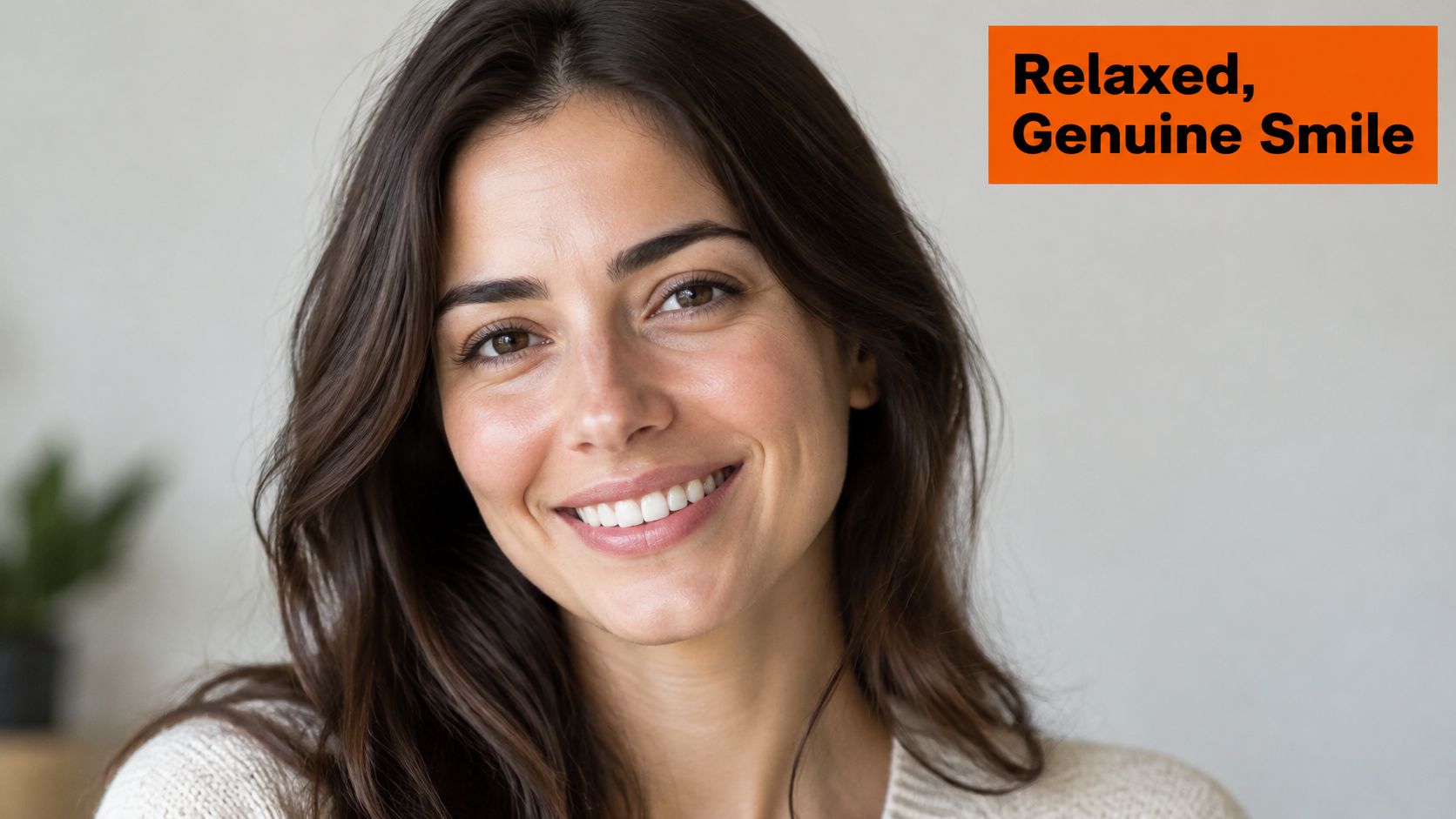
A smile that lifts only the mouth reads as tense. A real one engages the muscles around the eyes, producing the slight crinkle at the outer corners. Psychologist Paul Ekman named this the Duchenne smile, after the nineteenth-century French neurologist Guillaume Duchenne, who studied facial muscles. Viewers register the difference instantly, even when they can't name it.
Produce it deliberately. Think of a specific moment that made you laugh, a recent conversation with a colleague works well, and let the expression build for two or three seconds before the shutter. Keep the jaw loose and the lips parted slightly. Saying "ee" under your breath before each frame lifts the cheeks without forcing the mouth.
Match the expression to the role
A 2024 survey of 1,087 U.S. recruiters on LinkedIn profile photos reported that 74.4% were more inclined to interview a candidate whose profile included a headshot. The same source reports that analysis of more than 60,000 photo ratings found a teeth-showing genuine smile produced an increase of approximately 1.35 points in likability on PhotoFeeler's scale. That supports range, not one fixed expression.
Shoot three controlled variants. Neutral, subtle smile, and open smile. Then pick the version that fits the audience. Executives, lawyers, and healthcare professionals usually land on restrained warmth, including a composed, lips-closed look. Sales, recruiting, and consulting roles support a more visible smile. For technique, see our guide to happy facial expressions that still read as professional.
Shoot twenty or more frames and select the one where the eyes soften. Look at the lens as if you're speaking to one person across a table. Direct eye contact keeps the portrait readable at small sizes and stops the gaze drifting into something unfocused.
7. Upload selfies that give AiHeadshots strong input
AiHeadshots builds your set from the photos you upload, so input sets the ceiling. Upload 10 to 20 phone selfies in even, soft light, face filling most of the frame, eyes level with the phone. No studio visit is required, but the photography standards from the first six tips still apply to every input frame.
Vary the angle slightly, within about 30 degrees, and include neutral and smiling expressions. Remove glasses when glare hides the eyes. Skip filters, beauty modes, and heavy shadows, because our system works from real facial information and heavy processing deletes it. Wipe the lens, turn off the flash, and shoot the set at the same time of day so light stays consistent.
What strong input produces
A marketing manager who uploads 12 selfies by a north-facing window gives our system clean skin tone, clear eyes, and honest proportions to work from. She receives 30+ studio-grade headshots for her company profile. A realtor replacing a 2019 studio portrait gets a current set in about 30 minutes that matches how clients see her now.
Use the rear camera at 2x and have someone hold the phone at eye level when you can. The same telephoto logic from tip one applies here, because distorted inputs produce distorted outputs. Inputs are retained for 7 days and outputs for 30 days, with billing records kept for 90 days.
Decide where each image goes before you upload anywhere public. A 2024 study of résumé photographs in the Netherlands and Germany found that Dutch majority-group women received higher callback rates with a headshot, average effects differed in Germany, and appearance was more consequential for female than male applicants. Check country and employer conventions first. LinkedIn, a résumé, a company bio, and an application portal aren't the same context, and you don't need the same high-resolution image on all of them.
7 Essential Headshot Tips for Women: Comparison Guide
| Approach | 🔄 Complexity & Resources | ⭐ Expected Outcome | 💡 Ideal Use Case | ⚡ Key Advantage |
|---|---|---|---|---|
| Eye-level camera with a short telephoto lens | Moderate; needs a 2×/3× lens, tripod, and 1.5–2 m of space | 📊 More natural facial proportions with less wide-angle distortion | Phone portraits where accurate facial proportions matter | Works with common modern phones and improves framing |
| Soft, directional window light | Low; needs a large window and optional reflector | 📊 Even skin tones with gentle shadows and facial depth | Home or office headshots in daylight | Free, flattering light with minimal equipment |
| Forward lean and chin positioning | Low; requires pose adjustments and practice | 📊 More defined jawline and an engaged, confident posture | Most headshot sessions and face shapes | Can improve the pose without special equipment |
| Solid colors and clean necklines | Low; requires wardrobe selection and preparation | 📊 Cleaner frame with fewer pattern distractions | Professional portraits against simple backgrounds | Reduces visual noise and helps the face stand out |
| Camera-ready hair and makeup | Low to moderate; needs basic grooming and touch-ups | 📊 Reduced shine and clearer facial features with a natural look | Close-cropped portraits under daylight or indoor lighting | Minimizes distracting reflections and retouching needs |
| Duchenne smile and relaxed jaw | Low; requires expression practice and multiple frames | 📊 Warmer, more approachable expression | Profiles where approachability matters; can also support a composed neutral look | Encourages a genuine expression rather than a forced smile |
| Upload strong selfies to AiHeadshots | Moderate; prepare 10–20 well-lit, unfiltered selfies | 📊 Generates 30+ AI headshots in about 30 minutes | People seeking a headshot set without a studio visit | ⚡ Faster and avoids studio scheduling and photographer fees |
Build one headshot system that travels
A useful headshot system produces a clear, consistent image across platforms. Set the camera at eye level with a short telephoto lens, use soft directional light, and angle the body with the chin slightly forward and down. Choose a clean neckline, prepare hair and makeup for the lighting, and take several expressions so you can select one that feels natural.
Keep the fundamentals consistent across LinkedIn, company directories, executive bios, speaker pages, and client-facing websites. Adjust the crop and expression to fit each use. Check the final image at thumbnail size on a phone, beside your name and title. If your face remains clear at that scale, the framing is working.
The same approach helps a team directory feel cohesive. Match the light, framing, and background while letting each person's expression remain individual. AiHeadshots was founded by photographers Joseph West and Chris Bailey at Studio Pod. Its photography-first standards draw on studio experience and more than 255,000 headshots delivered to over 30,000 customers.
Compare the full cost, not just the session fee. A photographer's day rate can run $300 to $600 or more, before retouching and scheduling. AiHeadshots lists Basic at $29, Professional at $39, and Executive at $59 on its pricing page. Team pricing is $22 to $29 per seat, with volume discounts for 10 or more seats. Each tier includes a 100% money-back guarantee within 14 days.
For people who want a headshot set without booking a studio, AiHeadshots applies the same principles to phone selfies. Review the examples gallery, start a set, or read the 10,000-headshots study.
A strong result balances authority, warmth, and authenticity. Posture, lens choice, and light shape authority. A genuine expression and relaxed jaw add warmth. Clear input photos and restrained retouching preserve authenticity, including natural skin texture.
Upload 10 selfies, see your first headshot in 30 minutes, $29. AiHeadshots applies the same eye-level framing, soft directional light, and natural retouching standards from our Houston studio to photos you already have on your phone.
