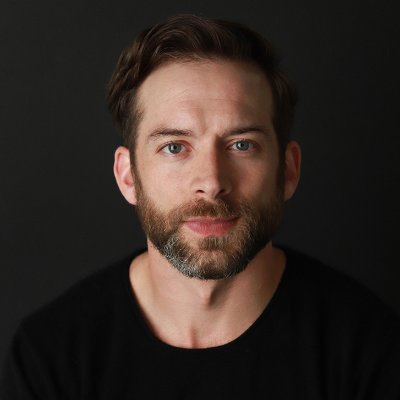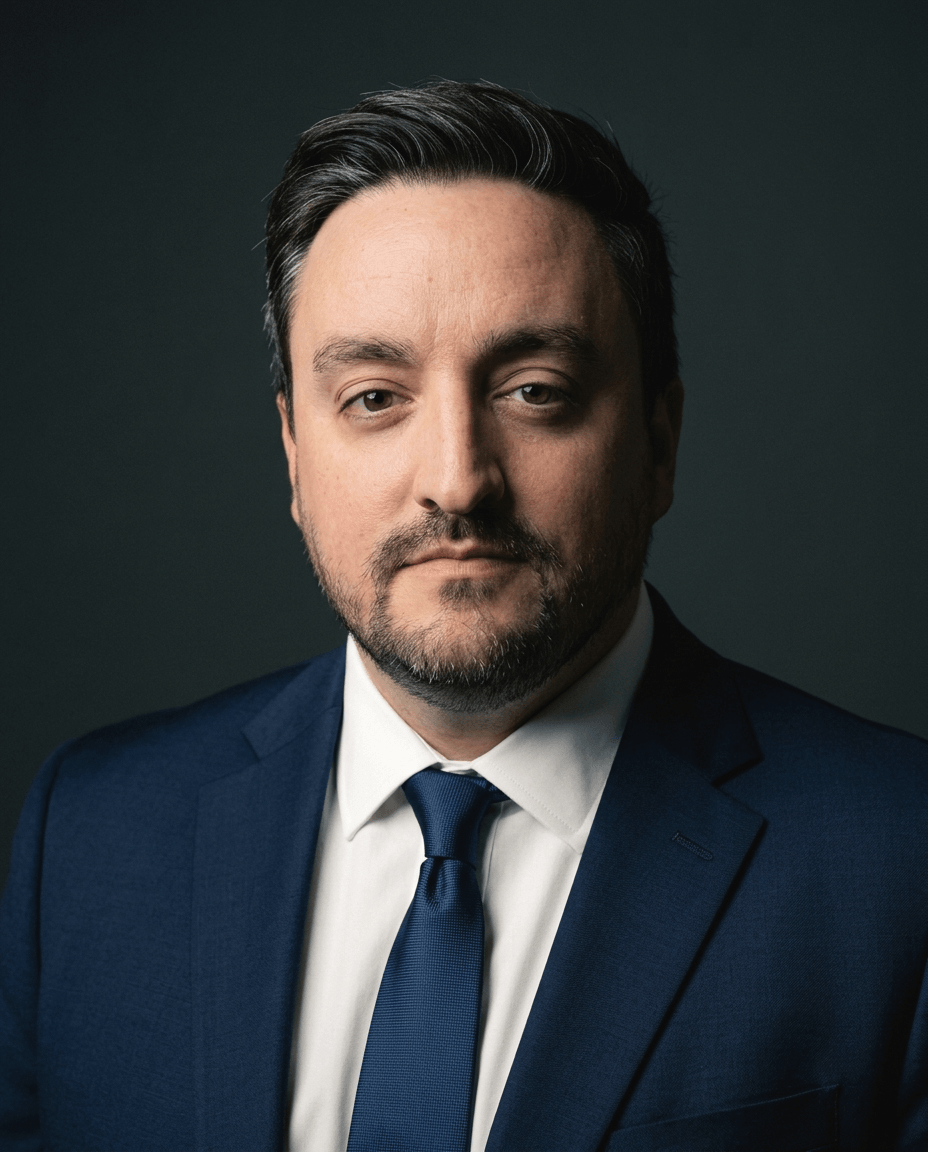
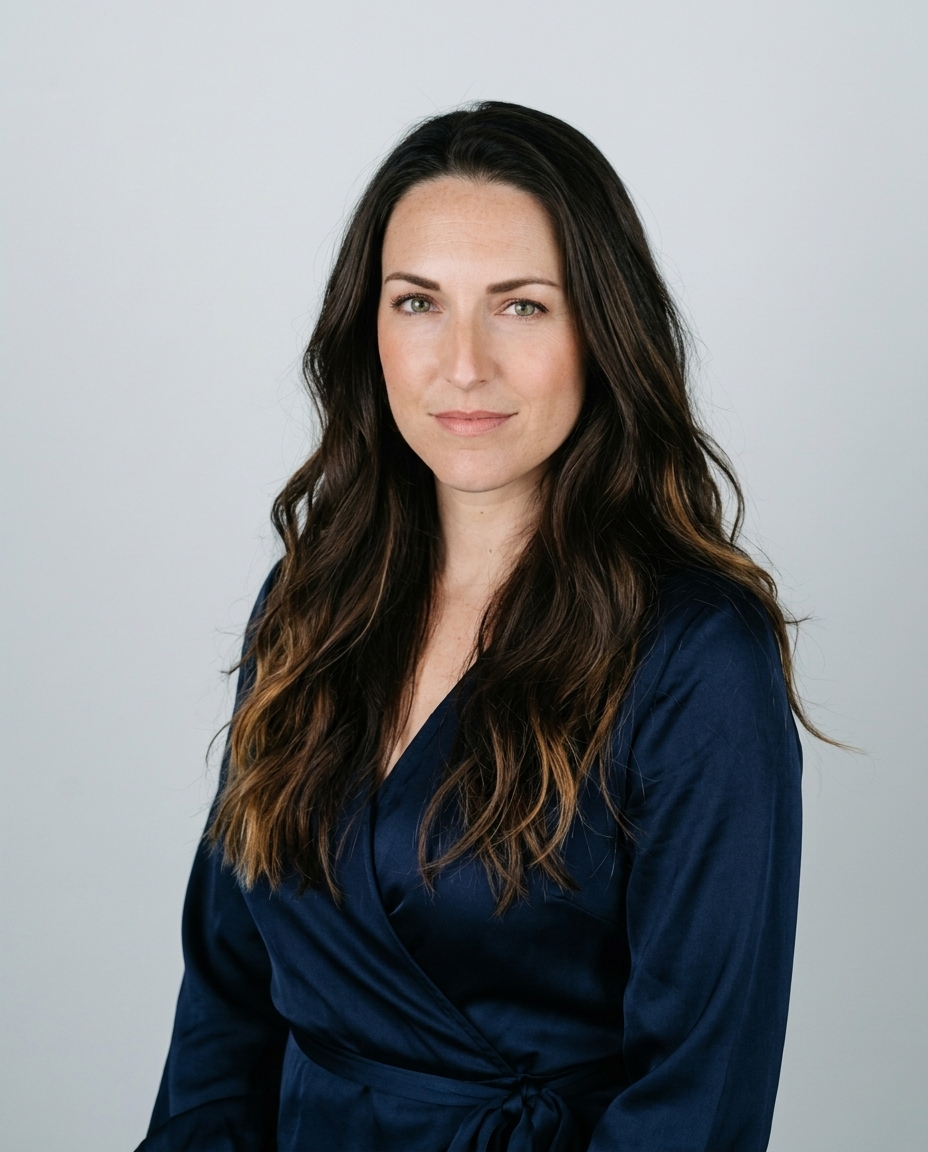
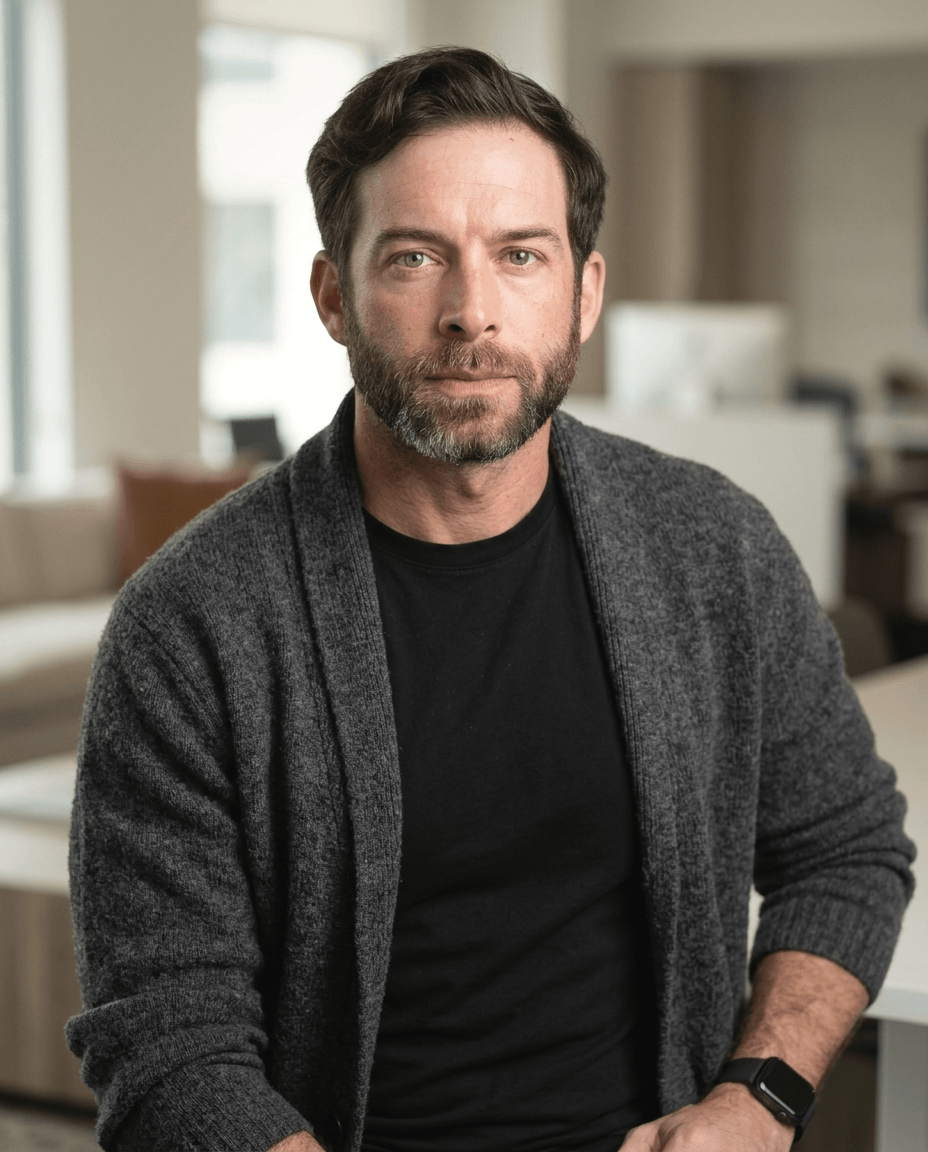
A recruiter may judge a photo before judging the work. In a 2021 survey of more than 200 human-resources professionals, managers and business owners, 71% said they had rejected a qualified candidate at least once because of the profile image, according to Passport Photo Online's review of LinkedIn picture hireability. That is self-reported opinion, not a controlled hiring experiment. Treat it as a signal about first impressions.
The useful question is whether a generated portrait holds your likeness at thumbnail size, and what the viewer is being told. Acceptable enhancement keeps the face recognisable, the lighting plausible and the tone consistent with a real work photo. Fabricated representation changes the person being presented. That line matters more than the usual authenticity debate.
AiHeadshots was built by photographers with years of hands-on studio experience, the team behind Studio Pod, and is based in Houston. A headshot still has to pass the same practical checks a studio frame would: clean crop, believable light, natural skin texture and wardrobe that reads correctly on screen. Where the image crosses from polish into misrepresentation, disclosure becomes a channel decision. Some contexts, such as medical fellowship applications and certain casting platforms, require disclosure that the headshot is AI-generated.
Table of Contents
- AI Work Headshots Compared With a Photographer Session
- How an AI Work Headshot Gets Made, From Selfie to Final File
- What Makes an AI Headshot Look Real on Screen
- Where AI Work Headshots Fit on LinkedIn and Company Sites
- What recruiters expect and when to disclose
- What $29 buys and how to start
AI Work Headshots Compared With a Photographer Session
A photographer session still produces frames a generated pack cannot touch. At the thumbnail size where most professional headshots get judged, that gap shrinks to almost nothing.
| Factor | Traditional photographer | AI work headshot |
|---|---|---|
| Session cost | Session fees plus per-image retouching, often running into several hundred dollars | One payment covers the full pack |
| Time from start to files | Weeks once booking, the shoot and the retouching queue are counted | About 30 minutes after upload |
| Your time | Travel, wardrobe prep and the shoot itself, usually half a day | Upload 10 to 20 selfies on your own schedule |
| Finished images | A small set of retouched finals | 30 or more headshots per pack |
| Studio visit | Required | Not required |
| Best fit | Bespoke lighting, full-length or editorial portraits | Fast LinkedIn and consistent team-wide sets |
The row that surprises people is elapsed time. The shoot itself is short. The weeks come from the booking calendar, the selects review and the retouching queue behind it.
Control is the honest trade. On set, a photographer moves your chin, pins a collar, flags a hot spot on your forehead and reshoots. Nothing generated from selfies replaces that for a full-length editorial frame or a wardrobe-driven campaign. If you're weighing what a hiring manager looks at, ParakeetAI's guide to headshots for job applications is a useful companion read on framing and context.
Acceptance splits by channel rather than by principle. Photoreal AI headshots pass without disclosure on LinkedIn, Zillow, Compass, hospital staff directories and most corporate websites. Some contexts, including medical fellowship applications and certain casting platforms, require you to disclose that the image is AI-generated. The deciding factor is what each channel expects of the image.
Practical rule: choose AI for a fast, consistent LinkedIn or team-wide set, and book a photographer when the shot has to carry a bespoke look.
How an AI Work Headshot Gets Made, From Selfie to Final File
The input set does more work than the button you press. Good selfies give the system enough face geometry, skin texture and light direction to build a professional file that holds up on a profile page, company directory or marketing asset.
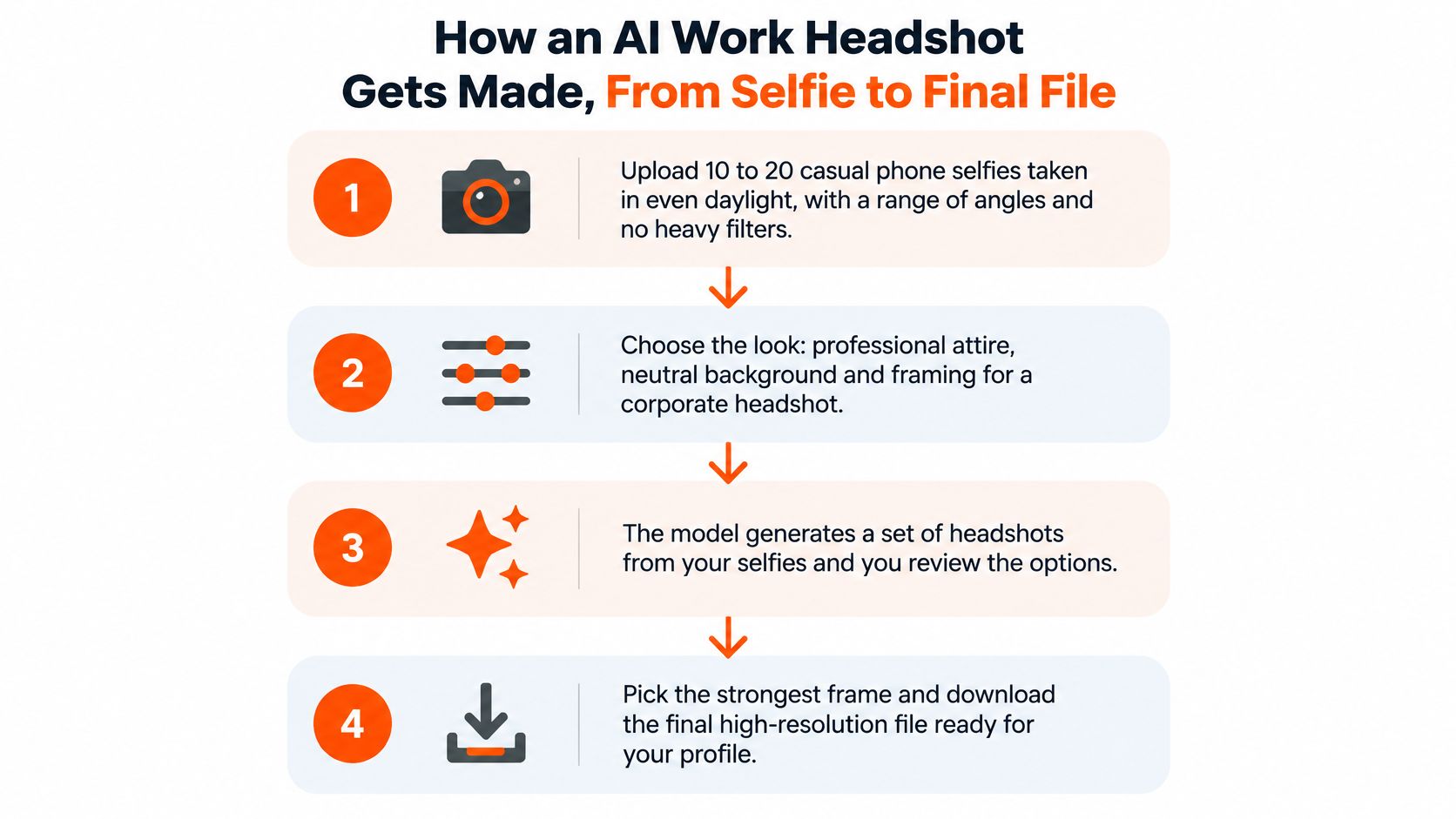
- Upload 10 to 20 casual phone selfies. Use even daylight near a window, vary the angle slightly and leave filters off. Heavy smoothing and beauty modes remove the texture the system needs to read your face.
- Pick your styles and attire. Choose the professional context you're dressing for, plus background and framing. A litigator and a startup founder should not end up with the same collar and backdrop.
- Pay once for the pack. One payment covers the whole set, with no separate retouching invoice later.
- Wait about 30 minutes. AiHeadshots generates 30 or more headshots and emails you when the pack is ready. You can work while it runs.
- Download the full set, then choose. Every frame is print-ready and platform-sized, so one pack can cover a LinkedIn profile, a company page and a conference badge. Save the full set as soon as it arrives, then export the versions you need.
The trade-off is simple. A studio session can correct a collar, move your chin and reshape light around your face in real time. A selfie-based pack depends on the material you upload, so include a mix of distances and angles, keep your face unobstructed and avoid harsh overhead light. Team leads should also set a house style before people generate their own images. Consistent cropping, either waist-up or shoulders-up, makes the final set look intentional across a website or marketing page.
Biometric data still deserves care. UK guidance on retention and usage of biometric information states that facial data used to uniquely identify someone needs a stated retention period and erasure without undue delay. Use that principle when handling any uploaded portrait, especially when files are shared inside a company. Keep only the finals you plan to publish, and remove unused copies from shared drives.
The last quality lever is still the selfies you fed in. Fresher light, clearer eyes and a steady crop will do more for the final file than switching styles at the end.
What Makes an AI Headshot Look Real on Screen
Resolution is where generated portraits fail first. NIST's face image quality guidance reports that many operational face-recognition systems process images at or below VGA dimensions, approximately 480 × 640 pixels, which can be insufficient for preserving fine skin texture. It also flags poor contrast, off-center cropping, non-frontal pose and compression as accuracy killers. Keep a high-resolution master and export platform sizes only at the end.
Here are the checks worth running on any pack, ours included.
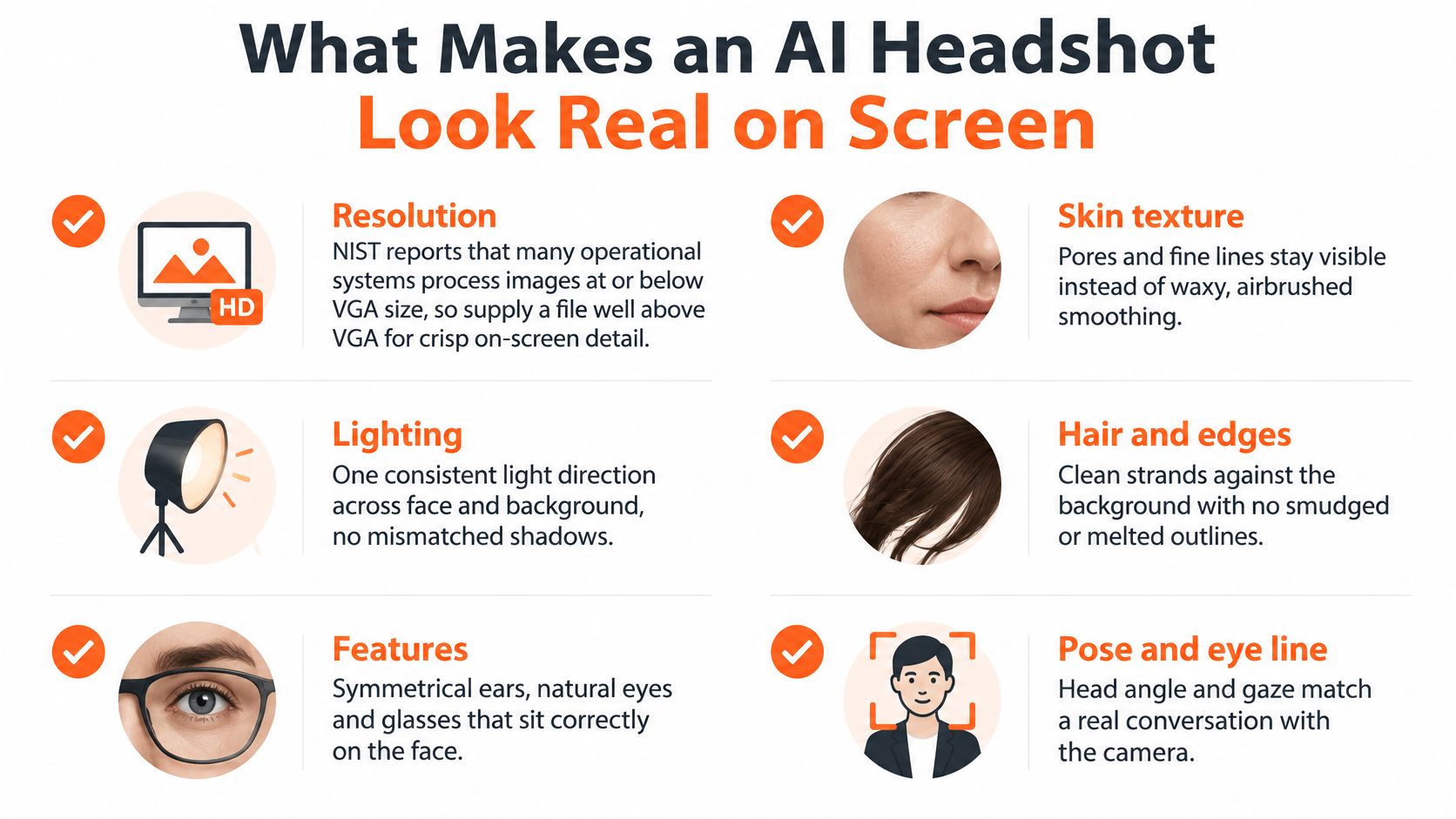
Four checks you can run in a minute
Zoom to 100% and look at the eyes first. Sharp lashes, catchlights that match the light direction and clean iris edges make a face read as photographed rather than painted. Then check face size and shoulders. NIST's face image quality guidance identifies evenly distributed facial lighting, square shoulders and sufficient depth of focus as desirable capture properties. Those details matter because recruiters and clients see the image at small sizes, where bad geometry becomes obvious.
Third, look for pores and fine lines rather than wax. Skin can be tidy without being plastic. Fourth, read the expression as if you were across a desk from the person. A work headshot should hold attention without turning into a performance.
Avoid aggressive smoothing, dramatic side light, tiny face crops in a wide frame and repeated recompression. Our closer examination of what makes an AI image look realistic walks through the common failure cases frame by frame.
For team sets, add a representation check. Confirm age, skin tone, hairstyle and features survived generation, and reject anything drifting toward a generic corporate archetype. AI Headshots is built by photographers behind Studio Pod, and the AI was developed around hands-on studio craft. That background informs the practical checks: consistent framing, believable light and crops that hold up on company pages.
Watch how the lighting and framing decisions play out in practice.
Where AI Work Headshots Fit on LinkedIn and Company Sites
Channel expectations differ more than many assume, and the disclosure risk travels with the channel, not with the file.
| Channel | What reviewers expect | Disclosure risk |
|---|---|---|
| LinkedIn profile | Recent, photoreal, looks like you on a video call | Low when photoreal |
| Legal or realtor listing (Zillow, Compass) | Photoreal, professional, current | Low when photoreal |
| Company team page | Uniform crop, waist-up or shoulders-up | Low to medium, check internal policy |
| Medical fellowship application | Accurate likeness for verification | Check the application rules |
| Casting platform for actors | Accurate likeness for casting | Check the platform rules |
| YouTube thumbnail or Instagram portrait | Expressive, brand-consistent | Check the platform or brand rules |
LinkedIn wants a recent, photoreal image that matches the person who shows up on the video call. Get the crop right and the file survives the circle crop, which the guide to LinkedIn headshot dimensions covers in pixels. That practical fit is why LinkedIn headshots remain one of the clearest uses for AI work headshots.
A company team page is a design problem. Uniform cropping, waist-up or shoulders-up, makes a firm read as one set instead of separate photos. Each member generates their own pack on their own time, so there is no company-wide studio day, no shared calendar problem, and no travel. The before/after examples from Eztrackr show how much framing and background change the read, which matters when the final grid sits beside names, titles, and bios.
Use-case fit should stay narrow. AiHeadshots offers LinkedIn headshots, executive portraits, attorney headshots, realtor headshots, actor headshots, and team headshots. Those are the channels where the format has a clear job: present a current, consistent, professional likeness without booking a studio.
The disclosure decision changes when the image is used for verification. A team page usually asks whether the crop and style match the company. A medical fellowship application or casting platform may ask whether the image is AI-generated, so read the rule before publishing. The same caution applies anywhere a reviewer depends on the photo to confirm identity rather than recognize a professional presence.
When a channel verifies likeness, read its disclosure requirement before you publish, not after.
What recruiters expect and when to disclose
The authenticity debate has an evidence problem, and the evidence favors the polished image. Blind comparisons summarized in Hermosso's roundup of AI headshot statistics and PetaPixel's coverage of the recruiter study found recruiters preferred AI-generated headshots to traditional photos more often than not, while correctly identifying them at rates close to chance. TechRadar's analysis of recruiter attitudes reports recruiters are more inclined to interview candidates whose applications include a headshot at all. Reviewers respond to how the photo reads: sharp eyes, even light, a face that matches the person who joins the video call.
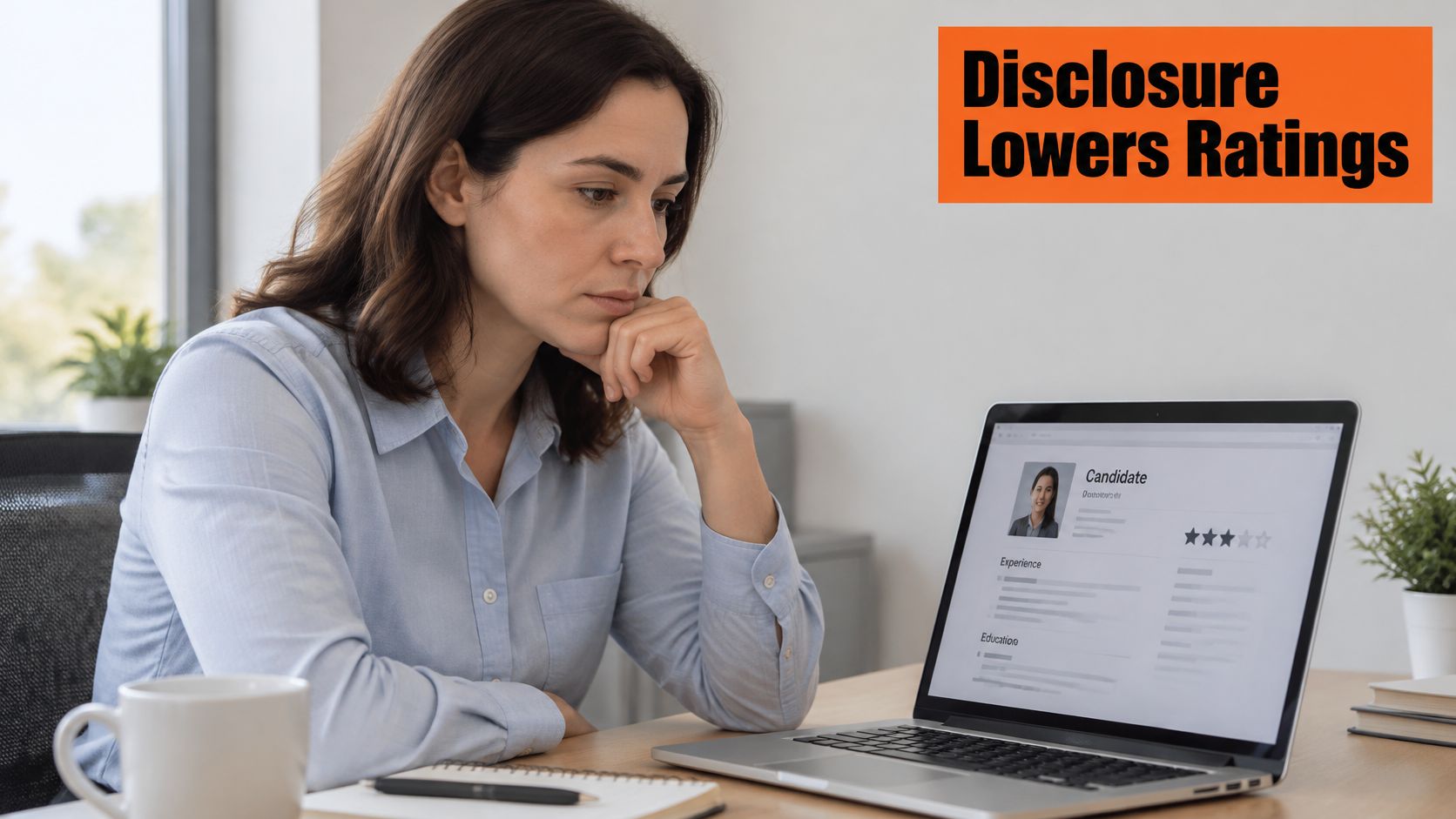
The complication is that the same surveys show a large majority of recruiters want AI use disclosed, per Picsuit's LinkedIn photo statistics. That splits the question cleanly in two, and the split is worth applying to every frame before you publish it.
Acceptable enhancement means lighting, background, wardrobe and minor retouching applied to the same face. Fabricated representation means changed age, altered facial features, a different body shape or a professional context you do not occupy. The first is what photographers have sold for decades. The second is what triggers a recruiter's objection, and it is what disclosure rules are aimed at.
Run the test on your shortlist, not after a hiring manager does. If the headshot still reads as you at thumbnail size, in worse light, next to a recent photo, it passes as enhancement. If you would hesitate to show it beside your real face, it belongs in the reject pile.
Where a channel verifies likeness, disclosure is part of the application. Formal submissions that check identity, such as fellowship applications and casting platforms, ask for it directly, so put it in the form's disclosure field rather than hoping nobody asks.
One reusable line, placed in a profile note or an application field where a reviewer will see it:
Image generated with AI from my own photos.
What $29 buys and how to start
Take the AI route when you need a LinkedIn or team-wide set this week and a photographer's day rate isn't the point. Book the photographer when the frame needs bespoke light, wardrobe on set or a full-length editorial composition.
What the entry price buys is a single purchase. Pay once, upload 10 to 20 casual selfies, pick your styles, and the pack lands in your inbox in about 30 minutes. Each pack holds 30 or more headshots, print-ready and sized for the platforms where they will run: LinkedIn profiles, YouTube thumbnails, Instagram portraits. The people behind it are photographers. AI Headshots was established in 2019 by founder Joseph West and the photographers behind Studio Pod, and the AI was built around that studio craft.
Teams work the same way, multiplied. Each member uploads on their own schedule, receives 30 to 70 on-brand headshots in about 30 minutes, and the set comes back with consistent cropping, waist-up or shoulders-up, so the company page reads as one shoot. No studio day, no scheduling, no rigs. Customers across all 50 states order this way, and the output suits company websites and marketing assets.
For current tiers and per-seat pricing, see the headshot price comparison. If you want a walkthrough before committing, you can book a 15-minute call.
Upload 10 selfies and see your first headshots in about 30 minutes, with 30 or more studio-grade frames in a single pack. Build yours at AiHeadshots. If the eyes are sharp, the light is even and the face is still yours at thumbnail size, you're done, so check the disclosure rule for the channel you're publishing to and ship it.