



Do you need a headshot for LinkedIn? No. The account works without one, and plenty of professionals stay searchable by name, title, and shared context. The strategic case is separate: LinkedIn's reporting ties a profile photo to higher views and connection activity. Treat it as correlation; causation needs proof.
The real decision is exposure. A job seeker can trade some privacy for easier recognition. A consultant building a public profile may accept that trade happily. Someone in a safety-sensitive role may choose initials, a logo, or no image. Pick the visibility level first, then choose a photo that matches it.
Table of Contents
- Do you need a headshot for LinkedIn
- What the data says about profile photos and first impressions
- Professional vs casual headshots by role and audience
- Technical specs and quick tips for an effective LinkedIn photo
- DIY, professional photographer, or AI headshots
- The privacy question most guides ignore
- Your next step toward a better LinkedIn photo
Do you need a headshot for LinkedIn
LinkedIn doesn't require a profile photo. You can create an account and maintain a profile without one. But LinkedIn's reported visibility difference gives most professionals a practical reason to add a clear, current portrait. The photo appears in search results, connection requests, comments, messages, and recruiter workflows, where it helps people connect a name with a face. LinkedIn's reporting on profile photos and profile views supports treating the image as an identity signal, not just decoration.
Three factors shape the decision. First, consider your role: client-facing professionals often benefit from a recognizable face, while some confidential or safety-sensitive roles call for more caution. Second, decide how visible you want to be. If you're actively job seeking or building a professional audience, a photo can make your profile easier to recognize. Third, weigh your privacy risk before making the image broadly visible.
A profile photo also sits within your broader online presence. If you're thinking about how professional information and images shape that presence, Digital Footprint Check's reputation guide offers useful context.
The useful standard is straightforward: a current image that looks like you and suits your professional context. It doesn't replace your experience or qualifications, and it doesn't need to look like a corporate portrait from a template. The following guidance covers first impressions, photo style, technical requirements, and the cost trade-offs among DIY, a photographer, and an AI headshot service.
What the data says about profile photos and first impressions
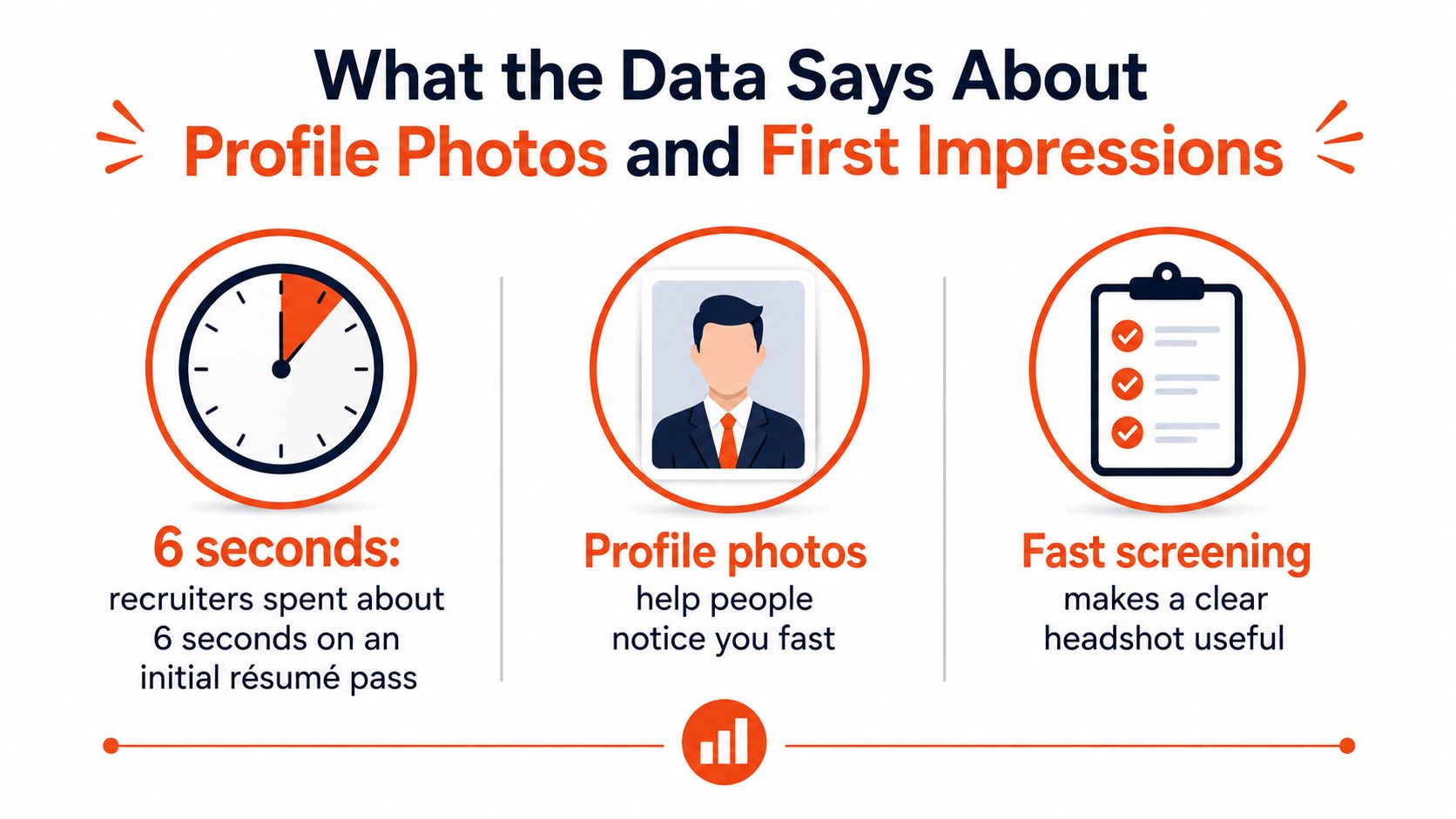
A 2012 eye-tracking study by TheLadders found that recruiters spend only a few seconds on an initial résumé pass before deciding whether to keep reading. LinkedIn screening moves just as fast. Watch a recruiter work through profiles and the first pass lasts seconds.
That speed changes what your photo has to do.
LinkedIn reports an association between having a photo and receiving more profile views. The figure does not prove the photo alone causes them. People who add a portrait often complete more of their profile, grow larger networks, and engage more frequently, and each of those factors lifts visibility on its own.
Controlled research points the same direction. A 2016 chapter in Springer's HCI in Business, Government, and Organizations proceedings examined how recruiters evaluate LinkedIn-style photographs and found that smiling and direct eye contact improved perceived credibility. I have seen the same pattern across thousands of professional portraits. A clear likeness, natural expression, and eye contact read as approachable. A distant or blurry image reads as effort withheld.
Practical rule: Your photo should make it easy to recognize you before someone reads the rest of your profile.
A headshot will not get you hired, and it cannot stand in for qualifications. What it does is remove one avoidable doubt inside a first look measured in seconds. For broader context on how online information shapes screening outcomes, see research on digital footprints in hiring decisions. Our analysis of 10,000 professional headshots covers the practical patterns behind portraits that hold up under that kind of scrutiny.
Professional vs casual headshots by role and audience
“Professional” doesn't have to mean a suit, a blank background, and the same expression for every person. The stronger test is whether the photo fits your audience while still looking recognizably like you. Executives may want a composed expression and a consistent portrait across LinkedIn and company biographies. Creators can use more distinctive styling or a less conventional background if it reflects their work. Clinicians and lawyers often benefit from a restrained, approachable image that communicates trust without feeling overly casual.
LinkedIn's guidance allows an illustration, caricature, or other artistic rendering if it reflects the member's likeness. It prohibits logos, scenery, animals, text-only images, stock imagery, and images of other people (LinkedIn's profile photo guidelines). That leaves room for culturally appropriate clothing, religious attire, disability-related presentation, and creative styles. Authenticity and recognizability matter more than conformity to a single visual standard.
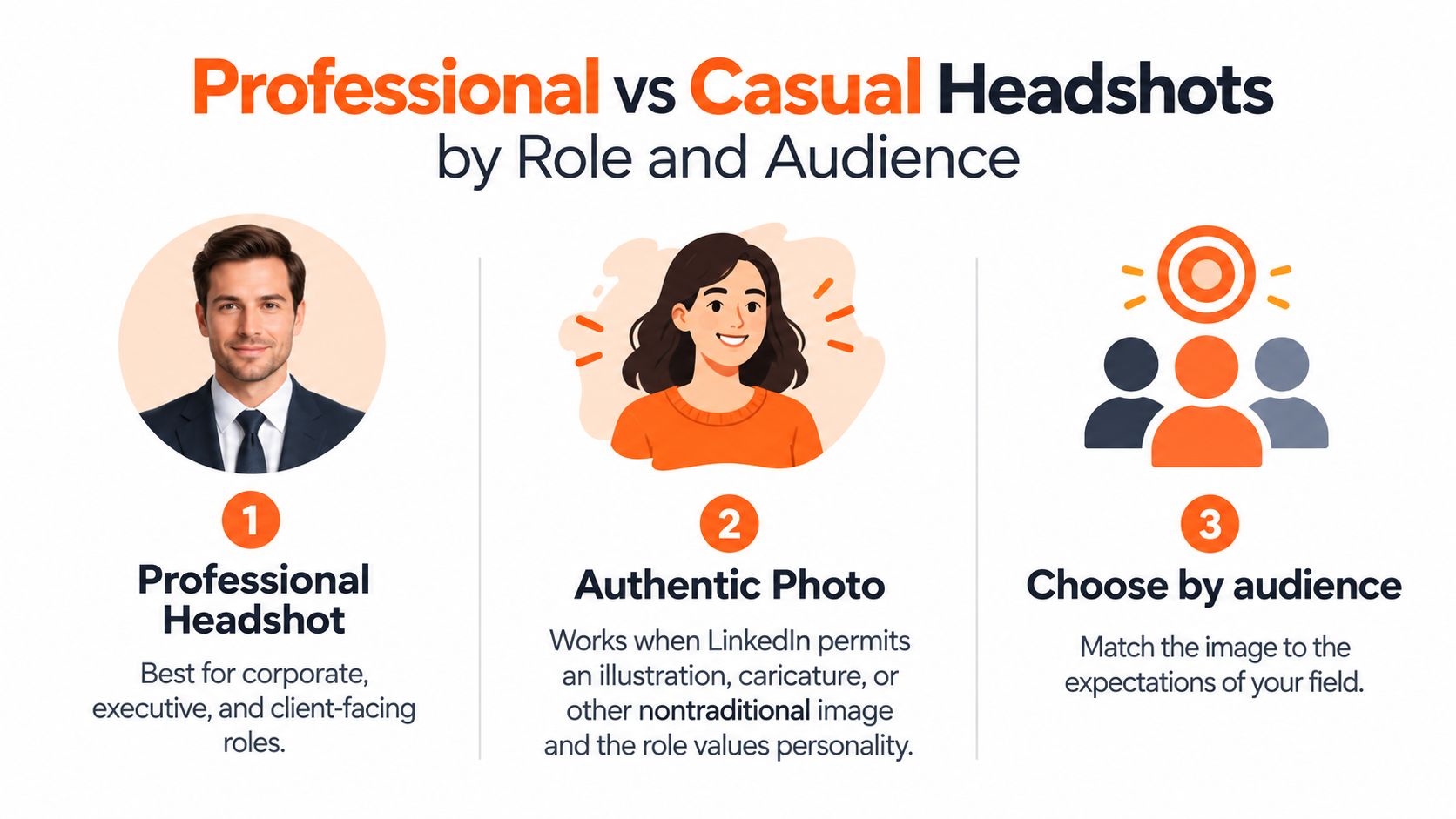
A good default is a recent, well-lit image with a simple background, appropriate clothing, and a natural expression. The framing should show your face clearly. Avoid group photos, heavy filters, sunglasses, and cropped event pictures. These choices make it harder to tell who you are or whether the photo still represents you.
A useful headshot looks like you on a good professional day, not like a different person playing a role.
Safety-sensitive candidates and professionals whose work requires confidentiality should consider both the image and its visibility setting before posting. A distinctive style can still be professional. The decision should reflect the people you need to reach and the boundaries you need to keep.
Technical specs and quick tips for an effective LinkedIn photo
A photo can look good on your phone and still fail after upload. LinkedIn accepts personal profile photos in JPG or PNG format, with a maximum file size of 8 MB and dimensions from 400 × 400 to 7680 × 4320 pixels. LinkedIn also recommends an image that won't need substantial cropping (official profile photo requirements).
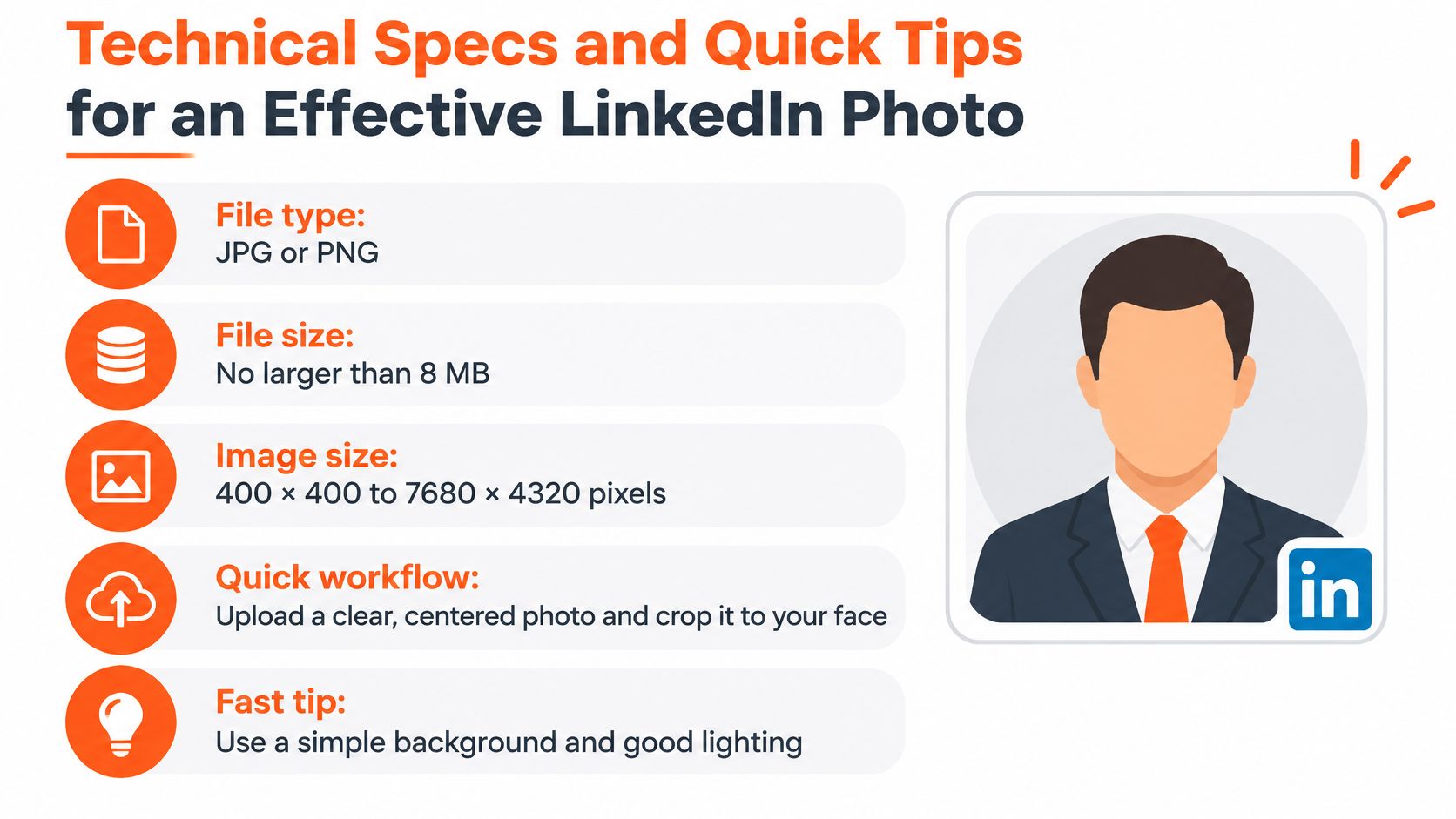
A square source image is practical because LinkedIn displays profile photos in a circular crop. That crop can cut off hair, shoulders, or other context near the edges. A source image of at least 800 × 800 pixels gives the platform enough detail for responsive displays, but more resolution won't fix poor lighting, motion blur, compression artifacts, or a face that's too small to recognize.
Use this workflow before uploading:
- Export a sharp square file. Save it as a JPG or PNG and keep the file within LinkedIn's size limit.
- Center your face with headroom. Leave enough space around your head and shoulders so the circular crop doesn't feel cramped.
- Preview the crop. Check how the image looks on desktop and mobile. Make sure hair and facial contours remain distinct against the background.
- Fix the image, not just the dimensions. Choose even lighting and a clear likeness. A technically valid file can still look indistinct.
For a more detailed reference before you crop or export, use this guide to LinkedIn profile photo dimensions.
DIY, professional photographer, or AI headshots
Three routes get you to a usable LinkedIn photo: your phone, a hired photographer, or an AI generator. Each one trades money against time and control.
A DIY phone shot costs nothing and takes ten minutes. It also fails on lighting, framing, and expression more often than people expect, and most of us judge our own photos badly. If you go this route, recruit a friend, brace the phone, face a window, and shoot twenty frames so you have options.
A photographer gives you live direction and the most control over the result. As an example of the math, a session might run $300–$600 before travel and retouching, and the full commitment includes booking, the shoot itself, and the wait for edited files. That investment makes sense when the photo will also appear on a company site, a press kit, or a speaker page.
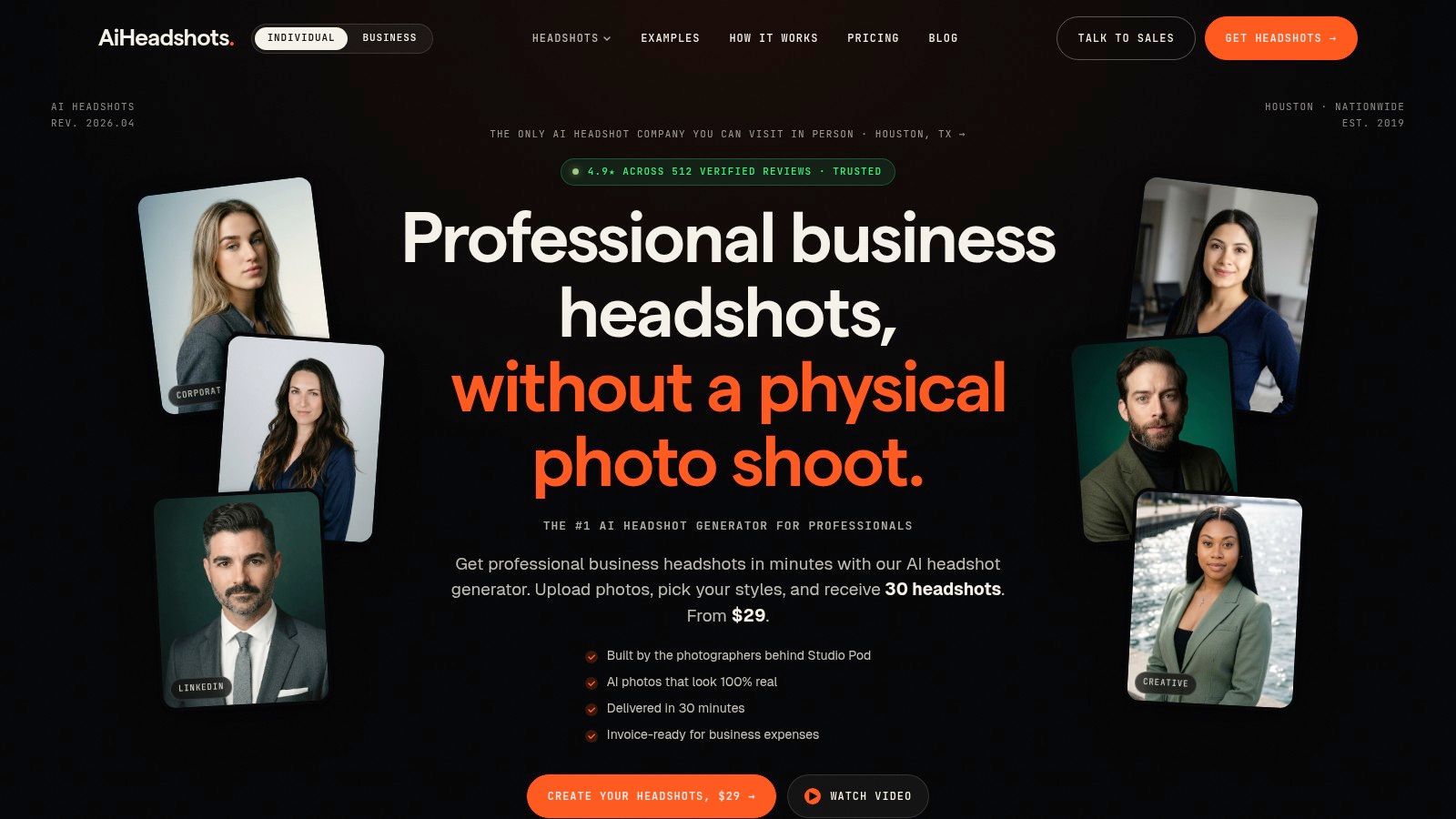
AI headshots sit between the two. AiHeadshots grew out of Studio Pod, an automated headshot studio in Houston that, by the company's account, has photographed more than 10,000 professionals since 2019. Photographers Joseph West and Chris Bailey founded it, so the system was built by people who light faces for a living. You upload 10–20 phone selfies and get 30+ headshots in about 30 minutes, with no studio visit. Tiers run $29 for Basic, $39 for Professional, and $59 for Executive, backed by a 100% money-back guarantee within 14 days.
The company reports serving 30,000+ customers, delivering 255,000+ headshots, and holding a 4.9★ rating on its own published figures. Its privacy policy sets separate retention windows for uploaded photos, generated outputs, and billing records, so read those terms before sending personal selfies. Teams get volume pricing at 10+ seats, priced at $22–$29 per seat.
Other providers, including HeadshotPro, BetterPic, Aragon, Secta, and ProPhotos, offer similar services. Judge any of them on process, price, turnaround, and who built the underlying system. A comparison of AI headshots and photographer sessions breaks down the trade-offs in more detail.
Pick DIY when speed and zero cost matter most. Pick a photographer when you want hands-on direction. Pick AI when you want several polished options without scheduling anything.
See how the finished experience works in this short video.
The privacy question most guides ignore
A recognizable photo and a publicly visible photo are two separate decisions. LinkedIn treats the photo itself as optional, and it lets you control who sees it. The audience range runs from first-degree connections only to anyone on or off the platform, as detailed in LinkedIn's photo visibility settings.
For active job seekers and people building public authority, wider visibility supports discovery. The trade-off runs the other direction for professionals dealing with stalking, harassment, identity theft, political exposure, or safety concerns. The same applies to people whose work requires confidentiality. A restricted audience costs you some reach. A fully public one puts your face on a page anyone can find, including outside LinkedIn.
Set visibility deliberately: Choose who can see your photo based on the people you need to reach and the risks you need to manage.
Pick a setting, then verify it. Open your profile in a private browser window or while logged out. What you see there is what a stranger sees. If your photo appears when you expected it hidden, adjust the setting and check again.
If a limited audience covers the people you need to reach, you get a recognizable image without broadcasting it across the internet. If even a restricted photo feels like too much exposure, a blank profile image is a legitimate choice. The photo is optional. Who sees it deserves a deliberate decision, not a default you never looked at.
Your next step toward a better LinkedIn photo
If you're job seeking, client-facing, or building public authority, use a clear, current photo. If safety or confidentiality matters, choose limited visibility. Browse headshot examples and customer reviews, then upload selfies to try AiHeadshots or compare options on the pricing page.
Upload 10 selfies to AiHeadshots and receive 30+ studio-grade headshots in about 30 minutes, starting at $29. A 100% money-back guarantee within 14 days gives you a clear way to assess the results for your LinkedIn profile. Visit AiHeadshots to see how it works.
