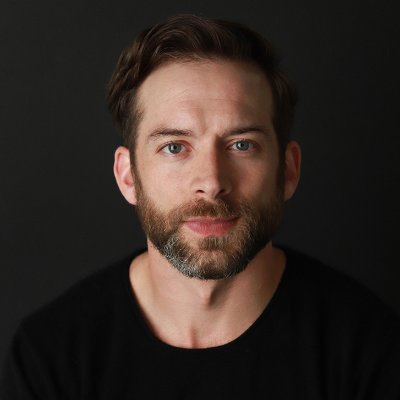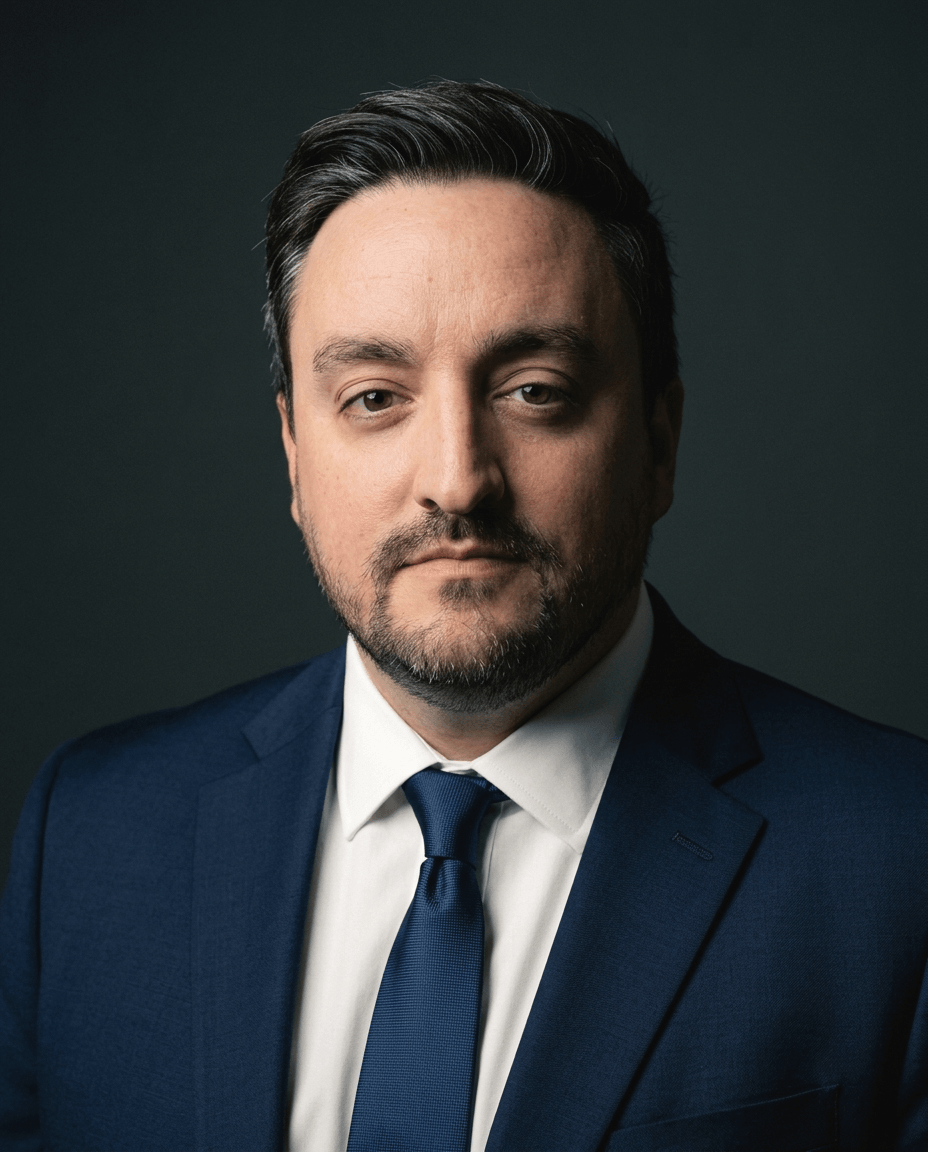
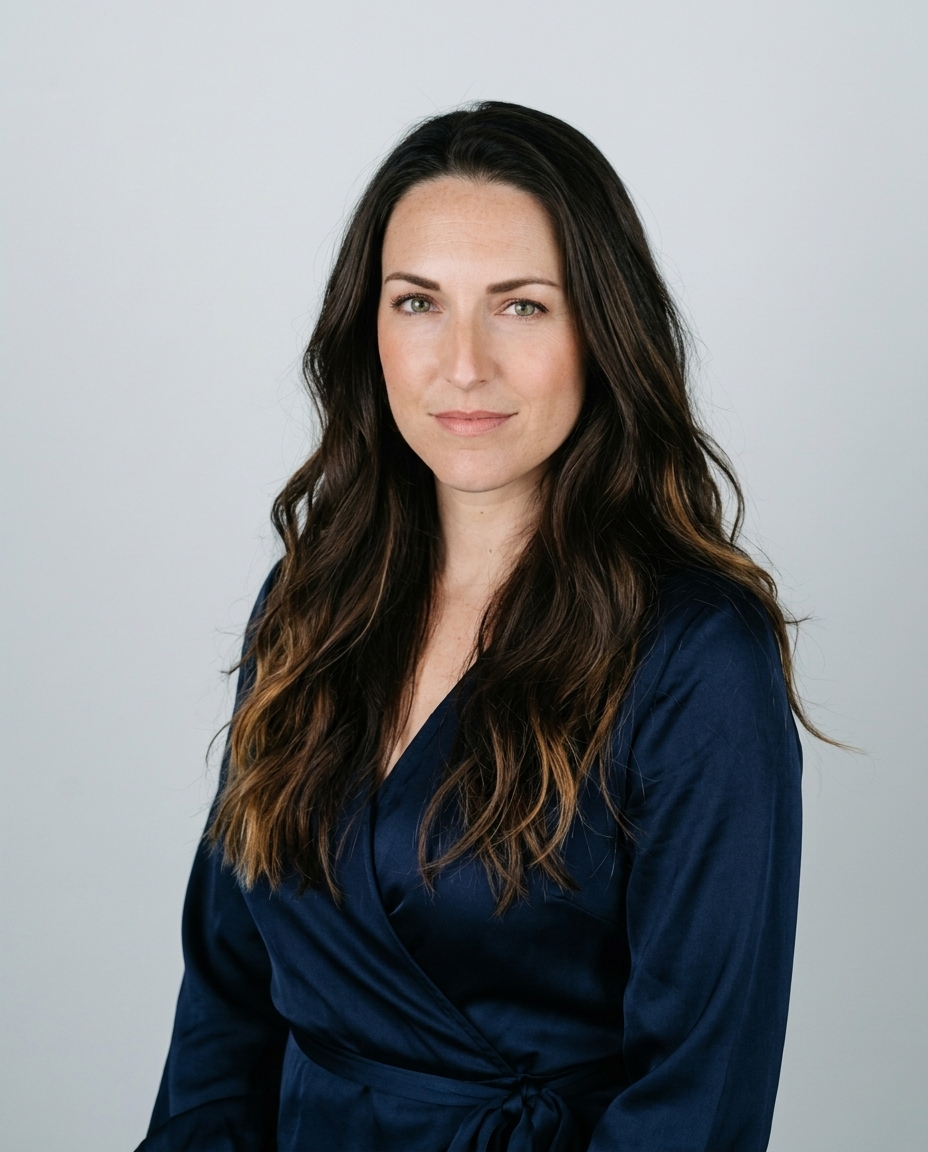
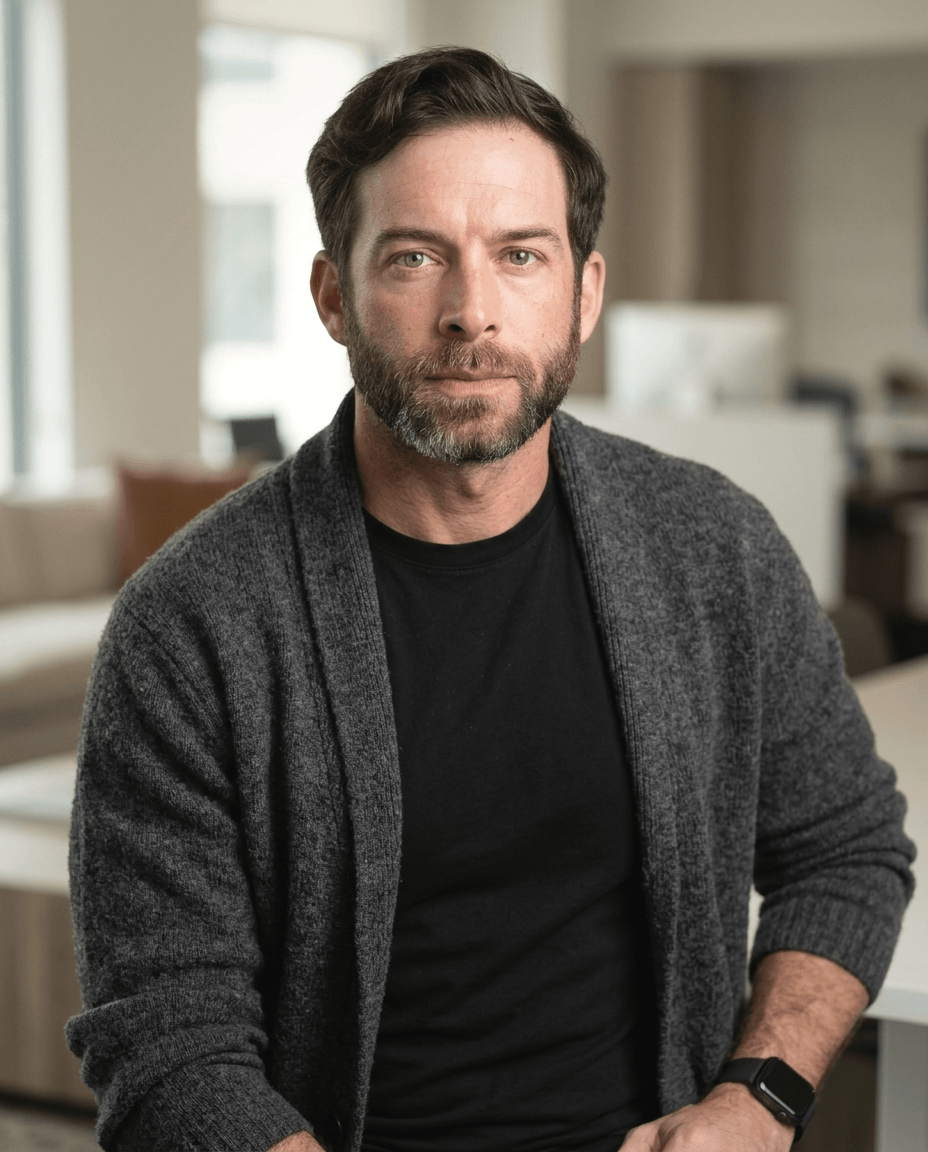
A polished headshot can still be the wrong headshot. NIST's face-recognition guidance identifies lighting, exposure and camera position as causes of recognition errors. That's why choosing an AI corporate headshot generator starts with your input photos and data terms, not the most impressive sample portrait.
Table of Contents
- What an AI corporate headshot generator produces
- AI generator versus a studio session
- Input photos that keep the likeness accurate
- How the upload-to-delivery workflow runs
- What happens to your uploaded face data
- Team rollouts and disclosure by profession
- Choose a headshot route before your next profile update
What an AI corporate headshot generator produces
An AI corporate headshot generator rebuilds the scene around your face. Lighting, clothing, background and retouching are all generated fresh, so the result can pass for a studio portrait taken on a different day. It works like a rented studio with a repeatable setup rather than a fixed shooting location. Because nothing in the frame was photographed, the render can also drift from your real appearance, and your input photos are what hold it in place.
Two things decide whether a generated headshot serves you: the quality of the selfies you supply and the terms covering what the provider does with them. Both get less attention than the sample galleries, and both matter more.
LinkedIn reports that profiles with photographs receive up to 21 times more profile views and nine times more connection requests, according to Capturely's LinkedIn headshot guide. Those figures compare profiles with and without photos. They don't establish that generated portraits outperform professional photography.
An AI corporate headshot generator produces studio-standard professional portraits from uploaded photos, with lighting, background and retouching generated to a corporate standard.
Each AiHeadshots pack includes 30 or more print-ready, platform-sized headshots covered by a full commercial license and ownership rights, usable on LinkedIn, company websites and marketing materials. Our photography foundation is Studio Pod, an automated headshot studio in Houston, Texas, built before the company's AI work. Other AI headshot companies are software teams retrofitting open models on scraped internet photos. Our workflow grew out of Studio Pod.
For internal use, Pebb's guidance on how to keep distributed teams connected through photos adds useful context: recognizable employee imagery serves colleagues as well as prospective customers.
AI generator versus a studio session
| Factor | Traditional photographer | AiHeadshots |
|---|---|---|
| Session cost | Quoted against shooting time, retouching and usage | Fixed plan pricing set before you upload |
| Your time | Booking, travel, shoot and wait | Capture and upload 10–20 phone selfies |
| Turnaround | Delivery date agreed with the photographer | About 30 minutes for a 30+ headshot pack |
| Studio visit | Required for a studio session | Not required |
| Finished images | Number specified in the package | 30+ print-ready, platform-sized headshots |
| Team pricing | Scheduled session for each person | Team members generate their own, on their own time |
Compare deliverables, not just the headline fee. A photographer's quote should specify session length, finished files, retouching and usage rights. Every AiHeadshots pack carries a full commercial license and ownership rights covering LinkedIn, company websites, marketing materials and press releases. Check whether a shooting fee buys the same scope before comparing it with a complete digital pack.
The time trade-off runs deeper than convenience. A live session requires coordination but gives you immediate direction on posture, expression and clothing. Self-service generation removes the appointment, and you take responsibility for supplying useful photographs and rejecting inaccurate outputs. The quality of what you upload sets the ceiling on what you receive.
Teams feel the difference most. A studio booking means a session per person or one company-wide studio day. Generation lets each team member produce headshots on their own schedule, with uniform backgrounds and a consistent file format across the group.
Decision rule: Use generation for a repeatable head-and-shoulders portrait. Hire a photographer when the physical setting, actual wardrobe or live art direction is part of the brief.
Full-length environmental portraits belong with a photographer. A portrait showing a surgeon in a particular hospital or an architect inside a completed building should document that real location, not imply a visit that never happened.
Input photos that keep the likeness accurate
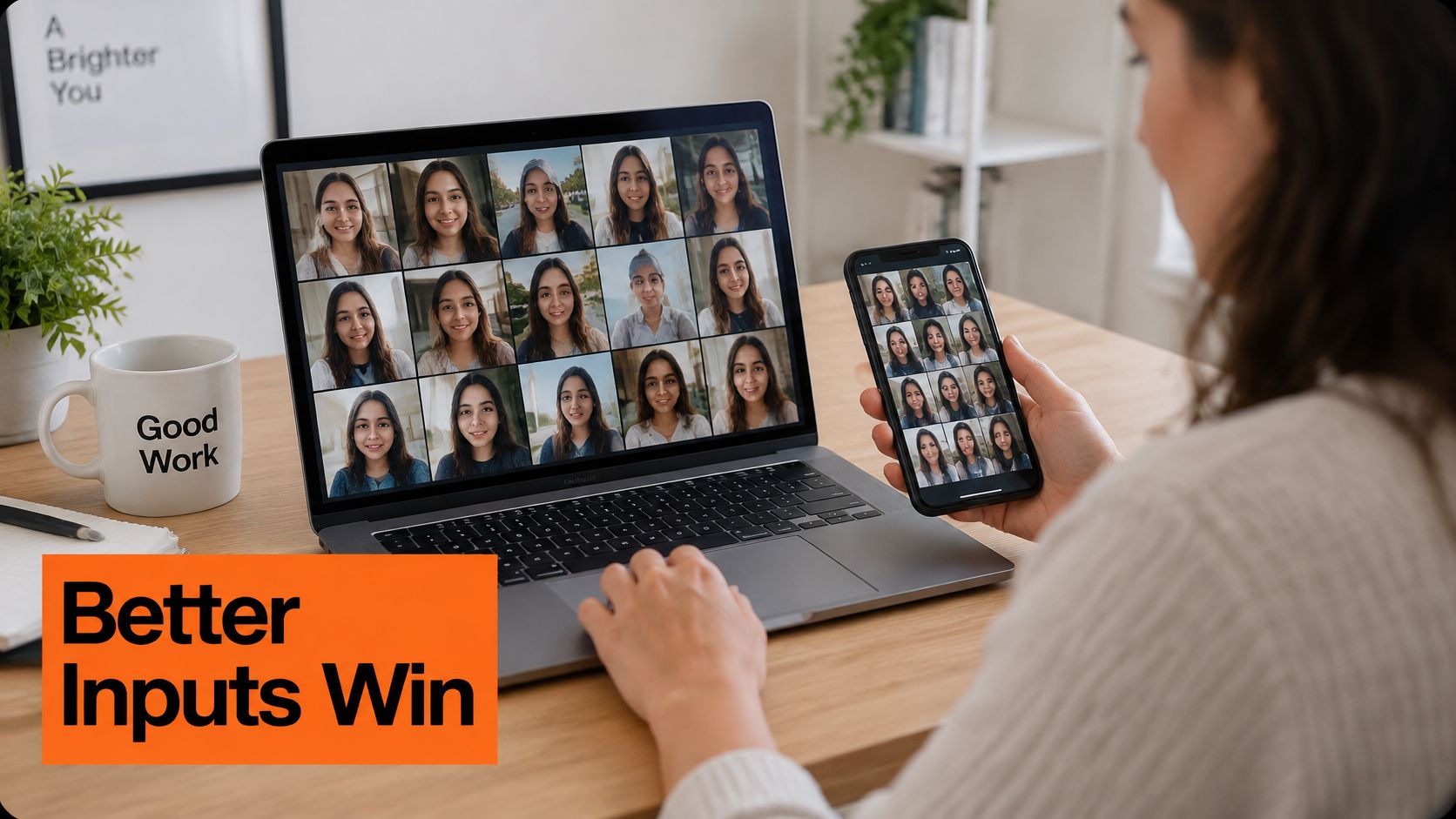
Your input photos set the quality ceiling. The system reconstructs your face from what the uploads show it, and exposure plus camera position cause most recognition errors: flat or harsh light hides features, and a lens held above or below eye level shifts the proportions the model needs to read.
Treat the 10 to 20 selfies as reference shots, not a photo shoot. Face a window or another soft light source. Hold the phone at eye level, keep your face sharp and leave space around your hair and chin so the full outline stays in frame. Remove sunglasses and hats, and skip beauty filters that reshape your jaw or smooth your skin tone.
Run through the selfie preparation guide before you lock the final set. Cover a neutral expression, a natural smile and modest angle changes. Varied frames give the system more to work with than a batch of near-identical shots.
Recognizability beats beautification. A smoothed-away mole, an altered scar or a reconstructed hairline is an identity error, not an improvement.
Lay the results beside a recent unfiltered photograph. Compare eye spacing, jaw shape, skin tone and hairline before you judge clothing or background. Reject any portrait that looks polished but depicts a different version of you.
Ten clean, well-lit photos beat twenty dim ones.
How the upload-to-delivery workflow runs
The workflow runs from style selection to downloadable files, with generation taking about 30 minutes. Treat approval as a separate task, not an automatic consequence of delivery.
The process map shows where your choices enter the workflow.
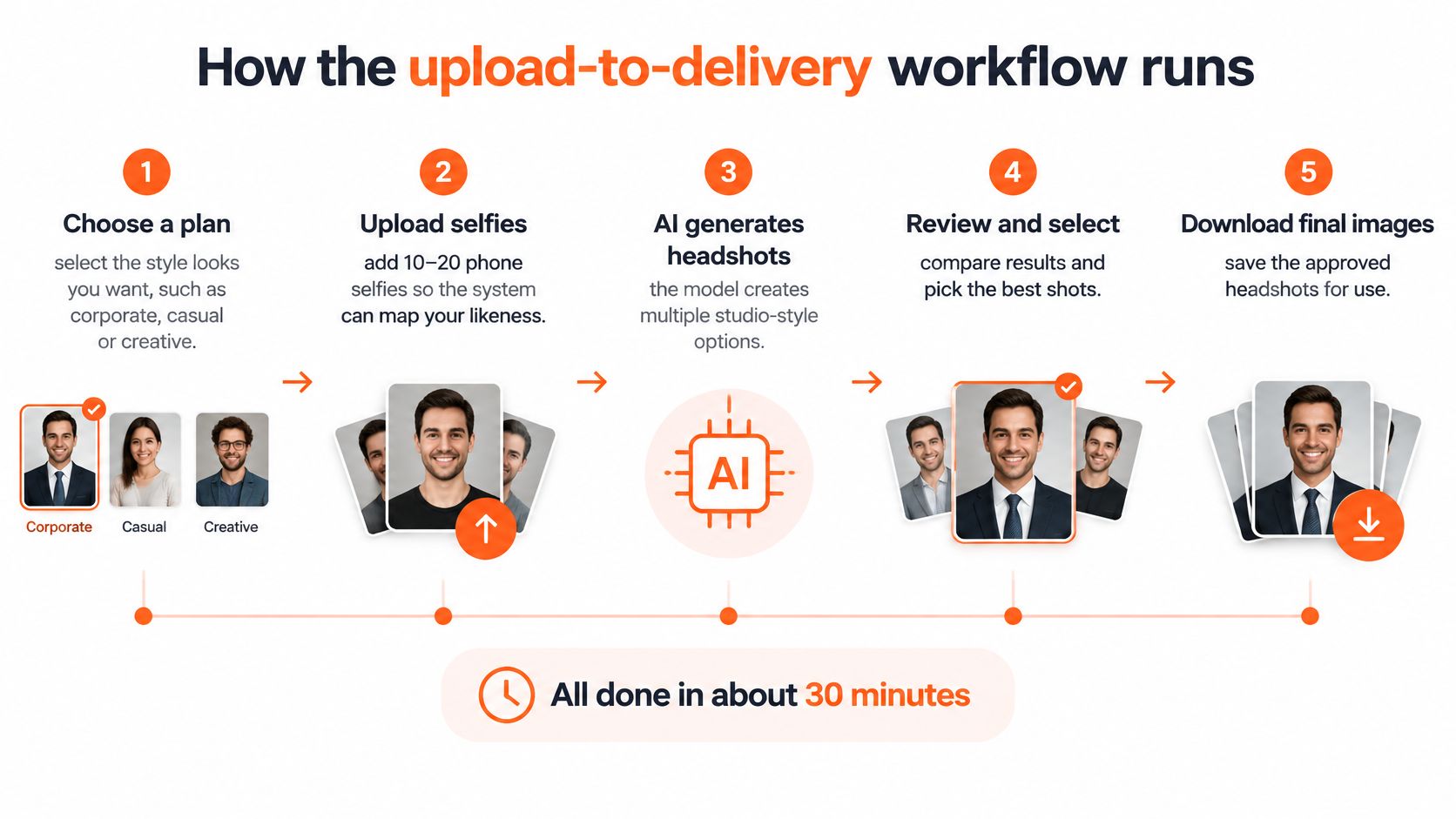
- Choose your plan and styles. Select corporate, casual or creative looks according to the destination. A staff directory needs a different visual treatment from a creative portfolio.
- Upload your selfies. Supply the required range of clear photographs. Varied references give our system more useful information than repeated crops of one picture.
- Generate the pack. Our system produces the selected portrait options. Generated clothing and backgrounds need inspection alongside the face.
- Review after notification. We email you when the pack is ready. Check identity first, then inspect teeth, ears, glasses, collars and hair edges.
- Download approved images. Save the originals before making platform-specific crops. Keep a local copy rather than treating the delivery gallery as permanent storage.
Team members complete this process on their own time. Nobody needs to coordinate a company-wide studio day.
The video provides another view of the process.
A usable pack shows the same person throughout, with coherent lighting and clean boundaries around hair and shoulders.
What happens to your uploaded face data
A polished image can still sit on top of a weak data workflow. AI Business Weekly's headshot-generator coverage frames the key questions for uploaded face photographs: biometric-identifying information, training reuse, retention and deletion. Those terms decide whether a corporate headshot stays safe to use after the render looks good.
Before an employer-wide upload, name the data controller and processor. Ask whether the service creates facial embeddings, where those records live, who can access them and which subprocessors touch the files. AiHeadshots states that customer photos are used only to generate that customer's headshot pack. Treat that as the purpose boundary, then ask for documentation on access controls, processing location, encryption and deletion confirmation.
Our data-management and retention information covers input selfies, generated headshots and billing records separately because they serve different purposes. Confirm the current periods during procurement rather than assuming one clock applies to every file. European storage-limitation guidance, summarized in Radboud University's retention policy, requires personal data not to be retained longer than its purpose needs.
Put training restrictions, subprocessors, processing region, deletion confirmation and breach notice into the review. Obtain written employee consent where appropriate, and have your privacy lead determine the legal basis. HR Management 365's guidance on choosing employee document management tools is useful when deciding where approvals and consent records belong; keep them out of personal inboxes.
An individual buying a profile photograph and an employer collecting employee face images are different governance situations. A short retention window alone does not settle the employer's obligations.
Team rollouts and disclosure by profession
A company rollout needs uniform output and individual approval. Our team workflow provides an invite flow, brand lock and bulk export, with identical or highly similar backgrounds across employees. Marketing should set the visual standard; employees should approve their own likeness.
This is a practical example of the operational questions discussed in Benely's guide to HR innovation for growing businesses. Assign an owner for invitations, exceptions, approvals and replacement portraits rather than leaving the project between HR and marketing.
Approval standard: Brand consistency must never require employees to accept a face that doesn't look like theirs.
Disclosure adds another decision. Profile Bakery's discussion of AI headshots on LinkedIn reports that recruiters preferred generated images in blind comparisons 76.5% of the time, yet 66% reacted negatively after learning an image was generated. Visual preference and acceptance of the process aren't the same measure.
For lawyers, physicians, therapists and financial advisers, choose conservative editing and strong identity continuity. Creative freelancers have more room for stylization, but not identity substitution. Check destination rules: medical fellowship applications and certain casting platforms require disclosure.
Before publishing, confirm that the image resembles you today, preserves distinctive features and identifies AI assistance wherever the destination requires it.
Choose a headshot route before your next profile update
Choose generation for standardized profile imagery; choose a photographer for a portrait built around a real place or directed session. A sample gallery alone is a weak reason to buy either route.
Compare your intended use with the actual deliverables. The Professional plan costs $39 and includes 50 finished headshots in five style looks, an outfit and up to four backgrounds. Each pack arrives print-ready and platform-sized, with commercial and ownership rights for LinkedIn, company websites, marketing materials and press releases.
Make the final decision on likeness
The finished render only reflects what you feed it. Ten to twenty casual selfies with varied angles and clean light give the model enough to hold your features; a thin upload set produces drift no background can hide. Inspect portrait examples for natural skin texture, realistic proportions and believable clothing. Read customer reviews for the buying experience, then judge your own results against a current photograph. Studio Pod photography heritage informs the finish; your recognition test decides whether a portrait is publishable.
The service has served 30,000+ customers across all 50 states. Uploaded photos are used only to generate your own pack, and every image carries a full commercial license, so a likeness that passes your recognition test is cleared for professional use. Those proof points describe reach and terms, not a promise of interviews or business results.
Download promptly and inspect each frame at full size. Accept an image when the face reads as you today; a polished backdrop cannot rescue a weak likeness.
AiHeadshots turns 10–20 phone selfies into 30+ professional headshots in about 30 minutes, with the Professional plan at $39. Visit AiHeadshots to choose your style, or compare pricing before you upload your selfies.