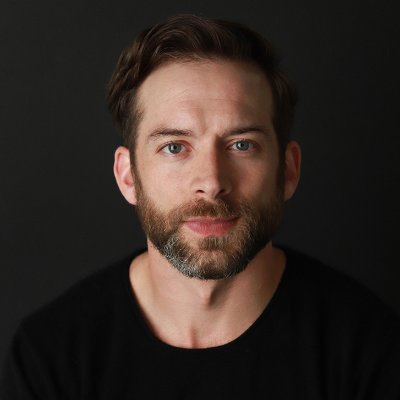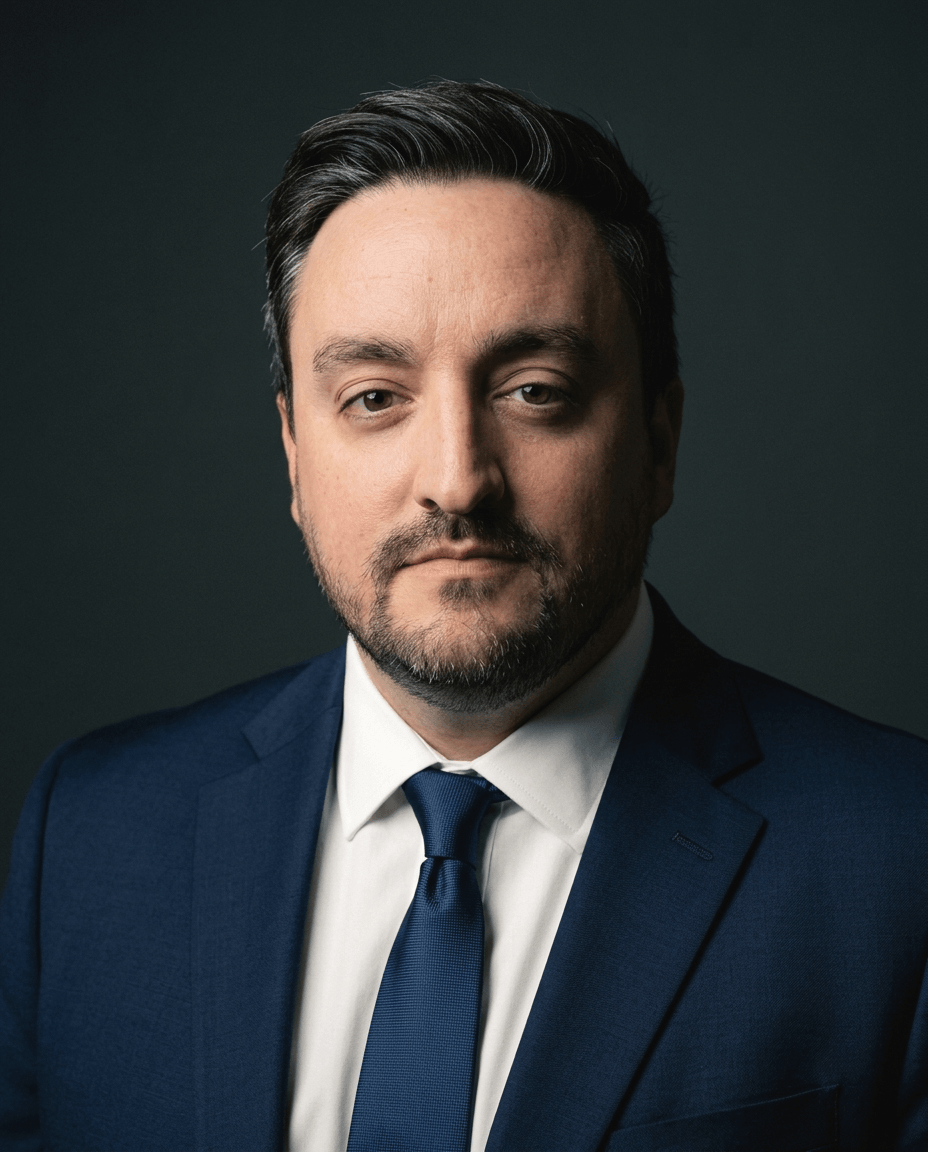
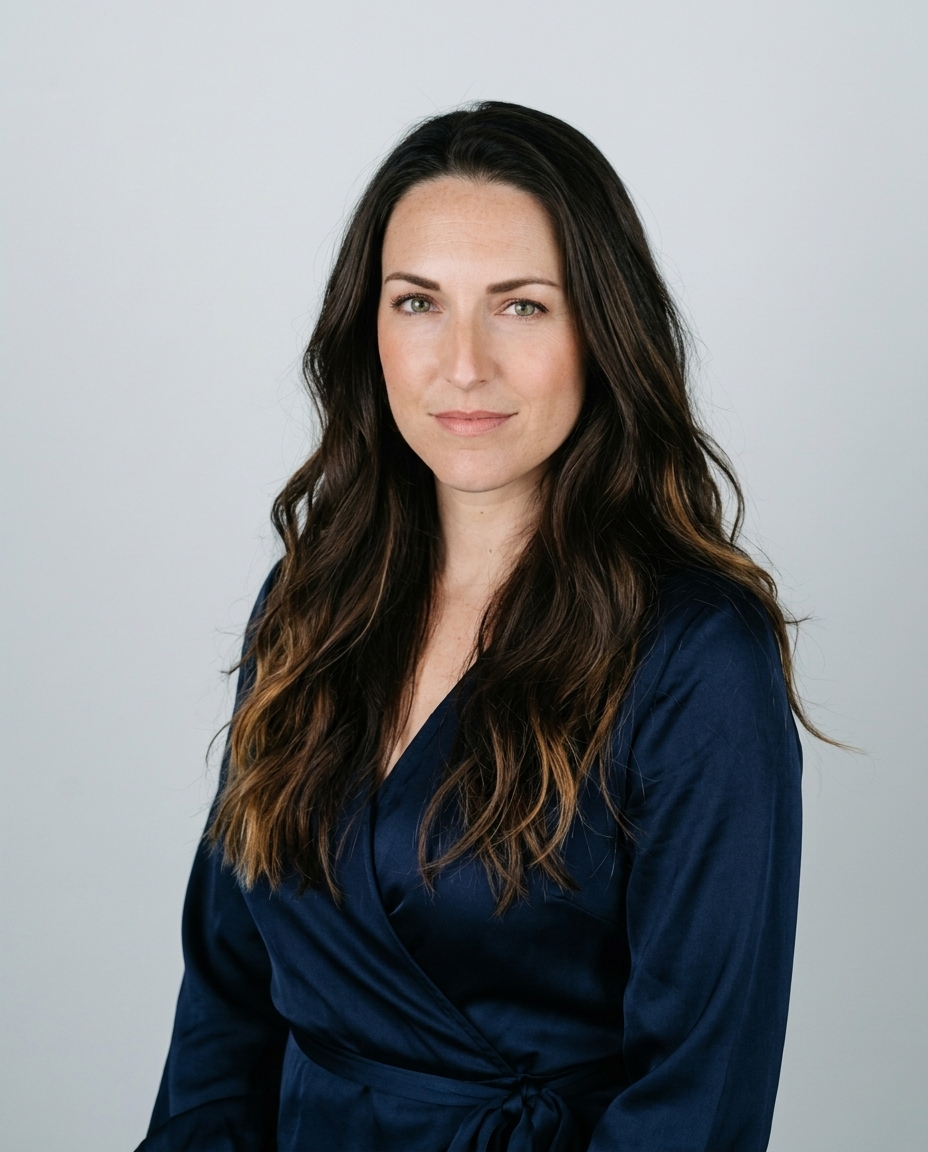
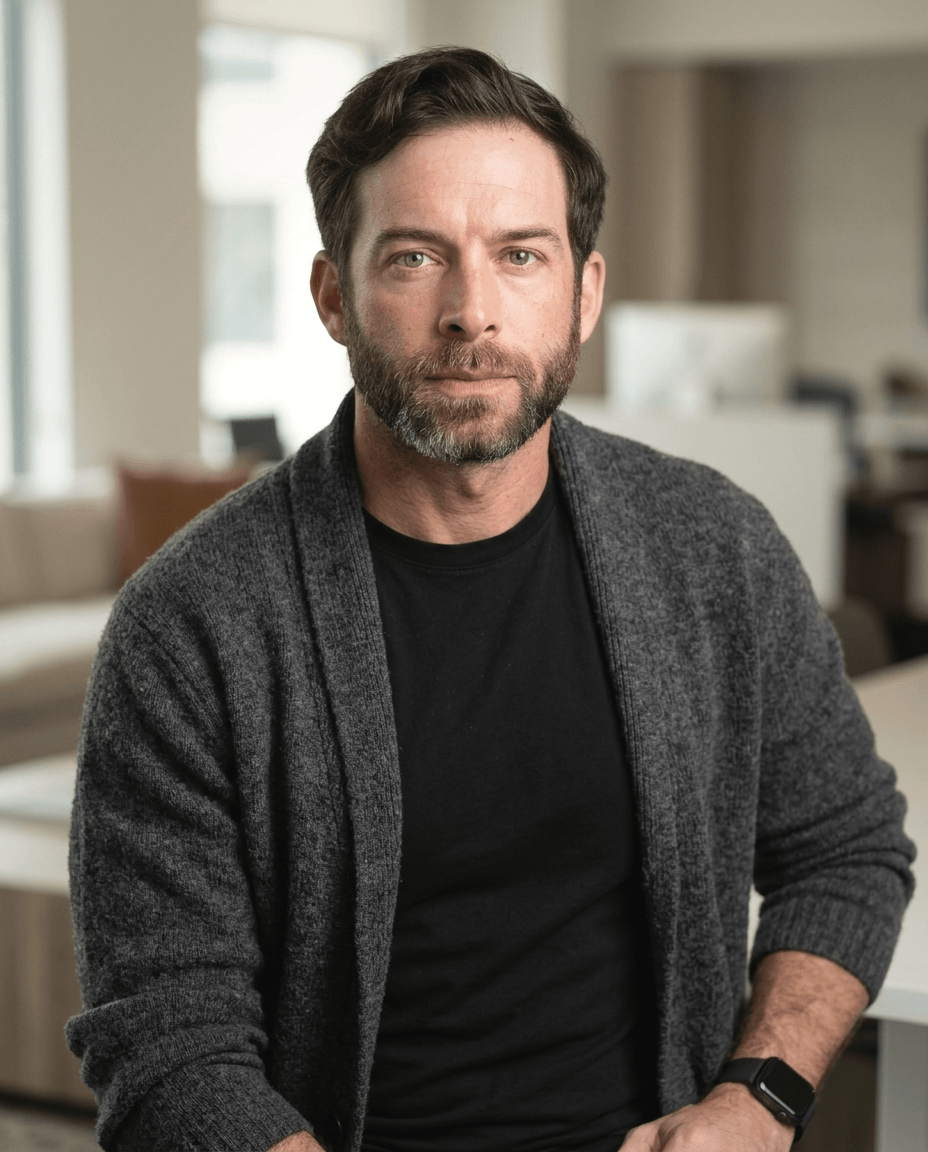
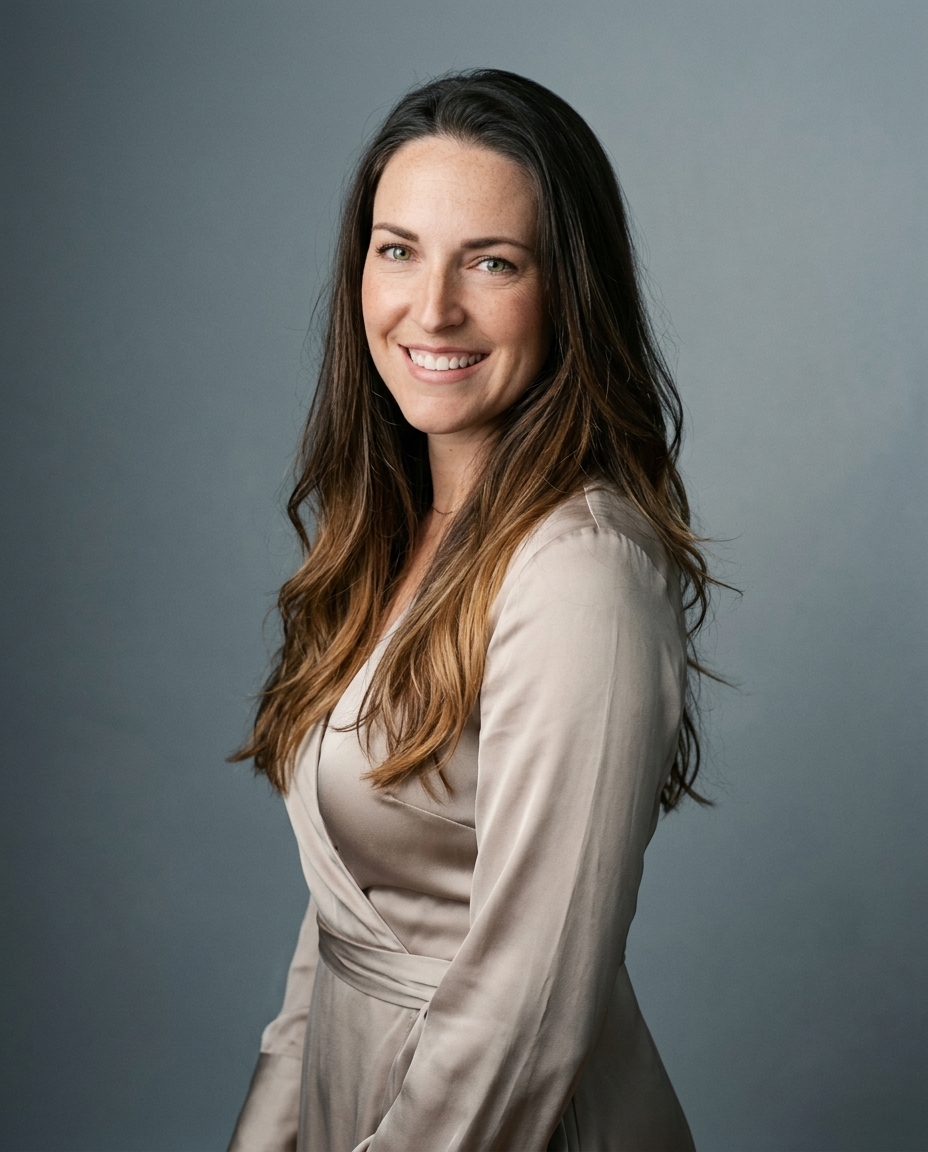
A more polished headshot isn't necessarily a more professional one. Portrait guidance from Snappr emphasizes clear facial visibility, soft light, and an uncluttered background, not dramatic transformation. When you choose a professional photo editor online, judge what it preserves as carefully as what it changes.
The useful result is a better photograph of you. Not a different person wearing your jacket.
Table of Contents
- What a professional online photo editor must deliver
- Desktop editing functions a browser editor must carry over
- Color and export settings that keep headshots sharp
- Retouching limits and likeness control
- Team batches and employee photo privacy
- Which tests fit each corporate use case
- Confirm the fit before you upload
What a professional online photo editor must deliver
A professional online photo editor is judged by the photo it returns, not by the number of filters or sliders it offers. Start with the finished portrait, then inspect the controls that produced it.
Quality standard for a professional headshot
| Criterion | Professional standard | Why it matters |
|---|---|---|
| Framing | Head and shoulders, face 60–70% of circular crop | Keeps the face readable at thumbnail size |
| Resolution | At least 1,200 x 1,200 px | Three times the 400 x 400 LinkedIn minimum per side |
| Lighting | Soft and even, no harsh shadows | Keeps eyes and mouth clearly visible |
| Background | White, gray, muted blue or softly blurred office | Keeps attention on the subject |
| Likeness | Recognizable as the same person | Protects credibility on profiles and company sites |
| Color | sRGB, converted before export | Keeps skin tones predictable on unmanaged screens |
The dimensions and framing targets follow Starkie's LinkedIn photo guidance, which recommends 1,200 x 1,200 pixels, against LinkedIn's 400 x 400 minimum, and a face occupying approximately 60% to 70% of the circular crop. That guidance also cites a LinkedIn analysis reporting up to 21 times more profile views and 36 times more messages for profiles with professional photos than profiles without photos, plus initial recruiter reviews of 30 seconds or less. Those comparisons don't establish that a particular editor produces better hiring outcomes. They establish why an easily readable portrait deserves attention.
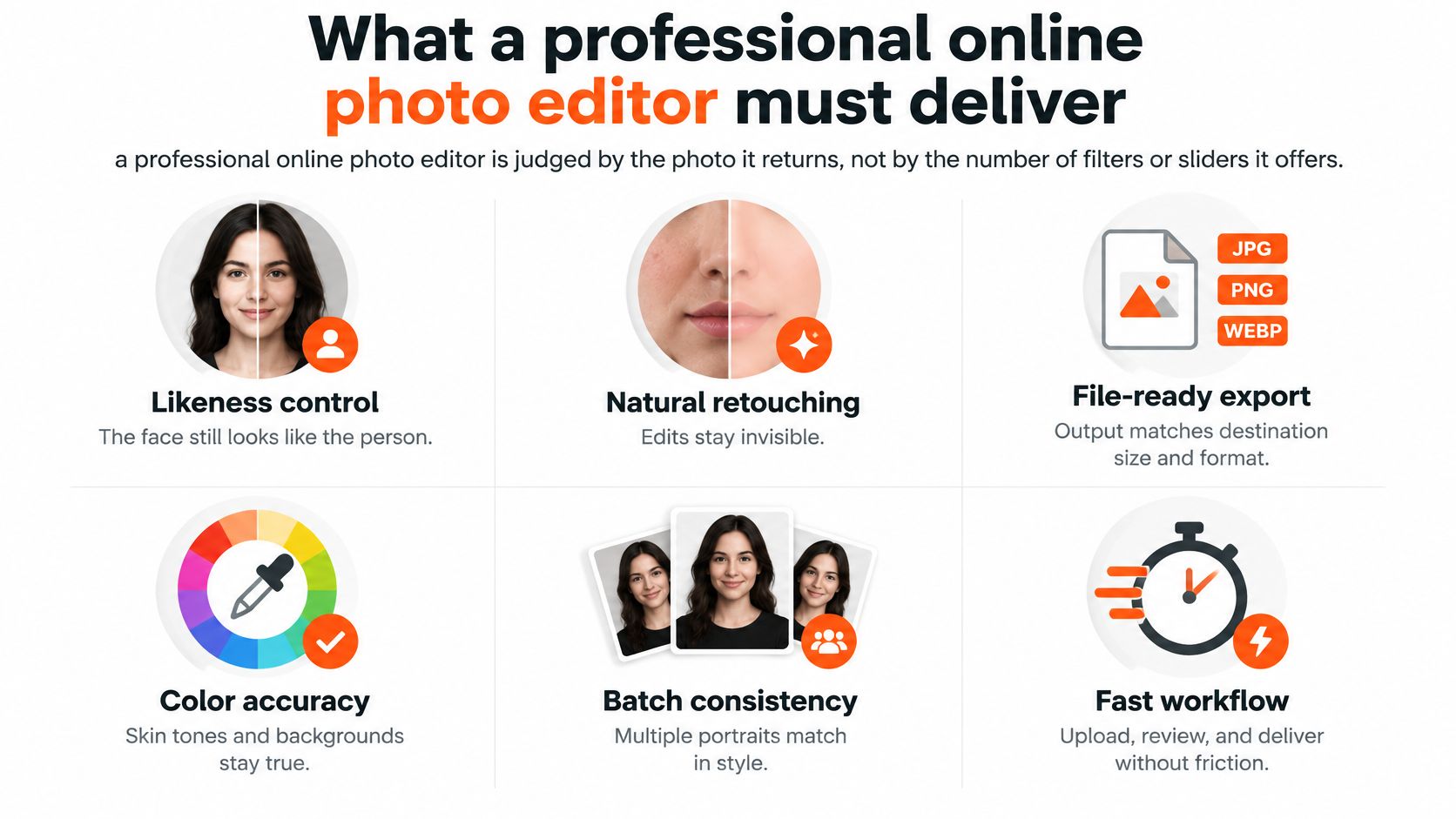
A conventional editor works on the photograph you supply. It corrects exposure, color, framing, and background without needing to generate a new face. A headshot generator follows a different process, so its output needs an especially careful likeness review.
Buying rule: Mark every standard yes or no before paying. A convincing background doesn't compensate for an unfamiliar face.
Inspect the result at profile size, not only in the editor's enlarged preview. Eyes should remain distinct, glasses shouldn't merge with eyebrows, and the crop shouldn't squeeze the chin against the edge.
Desktop editing functions a browser editor must carry over
Does the browser editor deliver the working functions of desktop software, or is it a filter app with a nicer interface? A professional interface gives you local control, not just stronger versions of the same global effect.
Adobe's Photoshop history identifies the introduction of layers in Photoshop 3.0 in 1994 as a key turning point. Layers work like tracing paper: each transparent sheet holds a separate adjustment, letting you change the background without repainting the face.
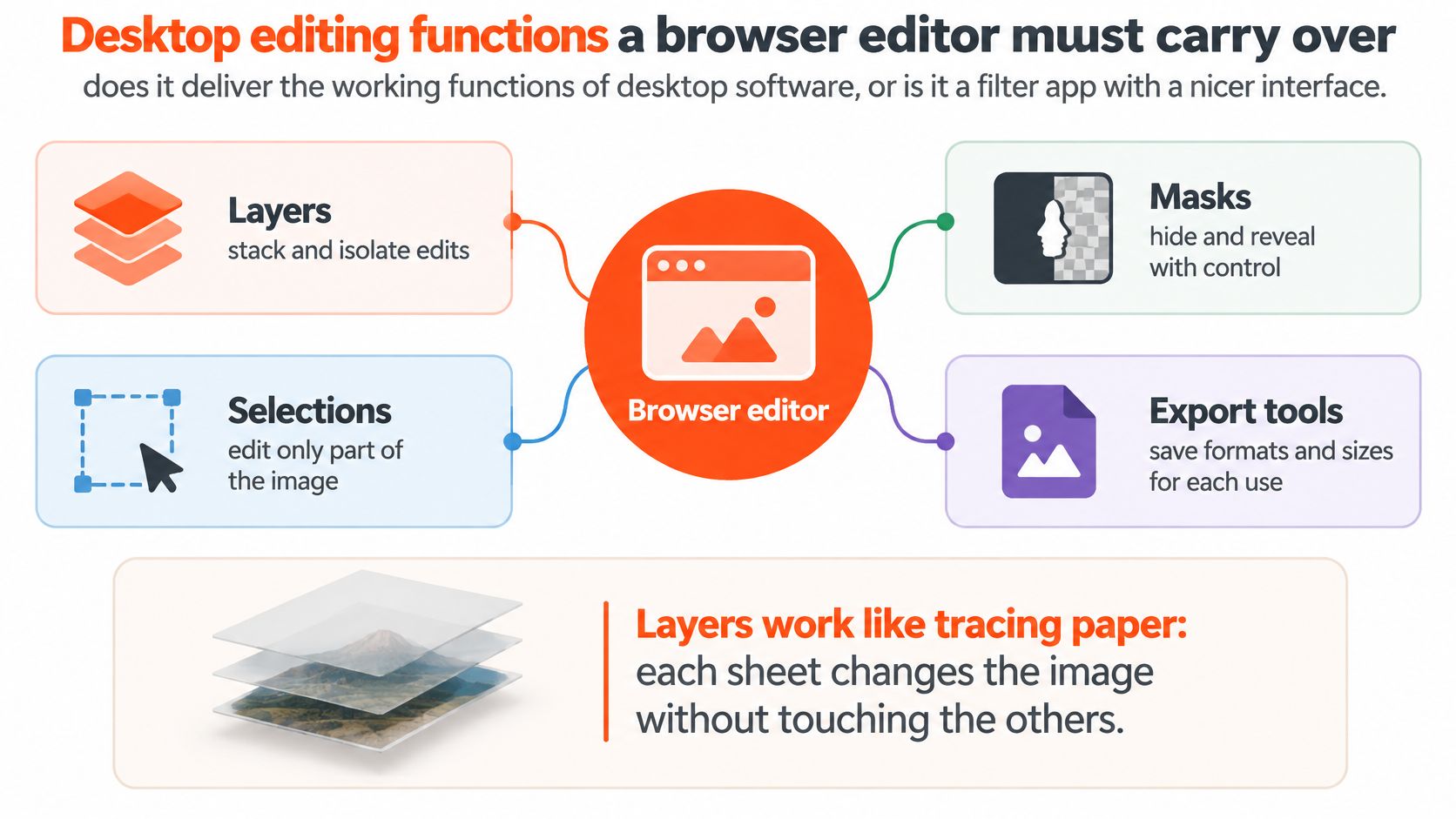
Selections and masks must hold believable edges around hair, glasses, and shoulders. Background replacement fails when it leaves a bright fringe around dark hair or cuts away translucent spectacle frames. Inspect those edges against both light and dark backgrounds.
Curves and levels should lift exposure without turning forehead highlights into blank patches. Spot healing belongs on temporary blemishes and distracting stray hairs, not distinctive facial features. A mask should let you soften a correction locally rather than applying it equally to skin, clothing, and eyes.
Check what remains editable
Reopen the project and change an earlier adjustment. Then confirm the original photograph remains untouched.
A flattened JPEG is a normal delivery file. The problem is losing the editable project, not flattening a separate export. If the service only supplies flattened results, accept that limitation consciously: future corrections will require another render or another editing pass.
For recurring corporate work, saved masks and editable adjustments are usually more valuable than an extensive filter library.
Color and export settings that keep headshots sharp
- Preserve the master. Keep the original and a high-bit-depth working file untouched.
- Convert the color profile. Convert the delivery copy to sRGB and embed the profile.
- Match the destination. Resize a derivative rather than repeatedly resizing your master.
- Choose the format. Use WebP where supported and JPEG where compatibility requires it.
- Inspect the actual export. Check at full-size zoom, then open it on an ordinary phone.
Convert and assign aren't interchangeable. Assigning a profile changes how existing color values are interpreted; converting changes those values to preserve the intended appearance. Adobe's online color guidance recommends sRGB for online viewing, including conversion from wider-gamut spaces such as Adobe RGB.
Use a perceptual or relative-colorimetric conversion workflow and inspect the result. Skin, lips, hair, and neutral backgrounds reveal hue errors quickly. A calibrated monitor is useful, but it shouldn't be your only review device.
Export targets by destination
| Destination | Color profile | Size and format | Check before publishing |
|---|---|---|---|
| LinkedIn profile | sRGB | 1,200 x 1,200 px, square crop | Face readable inside the circle |
| Corporate website bio | sRGB | Sized to display width, WebP with JPEG fallback | Matches other team photos in size and tone |
| Applicant tracking system | sRGB | JPEG within the system's pixel and file-size limits | Confirm the upload limits with the system |
| Internal team directory | sRGB | Uniform square, one naming preset | Same crop and background for every person |
Google's WebP comparison found files 25–34% smaller than JPEG at equivalent structural similarity in its tests. That's a useful website-delivery advantage, not permission to ignore visible compression damage. Check hair, glasses, and jacket edges for blocking or smeared detail.
Separate capture quality from export quality
Smartpicsuk®’s resource on professional headshot photography provides useful context for the photography side of the process. Export settings preserve a good portrait; they don't repair missed focus.
Our guide to high-resolution portraits addresses another distinction: a larger file isn't automatically a more detailed photograph. For teams, save an export preset so colleagues don't receive different sharpening, compression, or filename treatments.
Retouching limits and likeness control
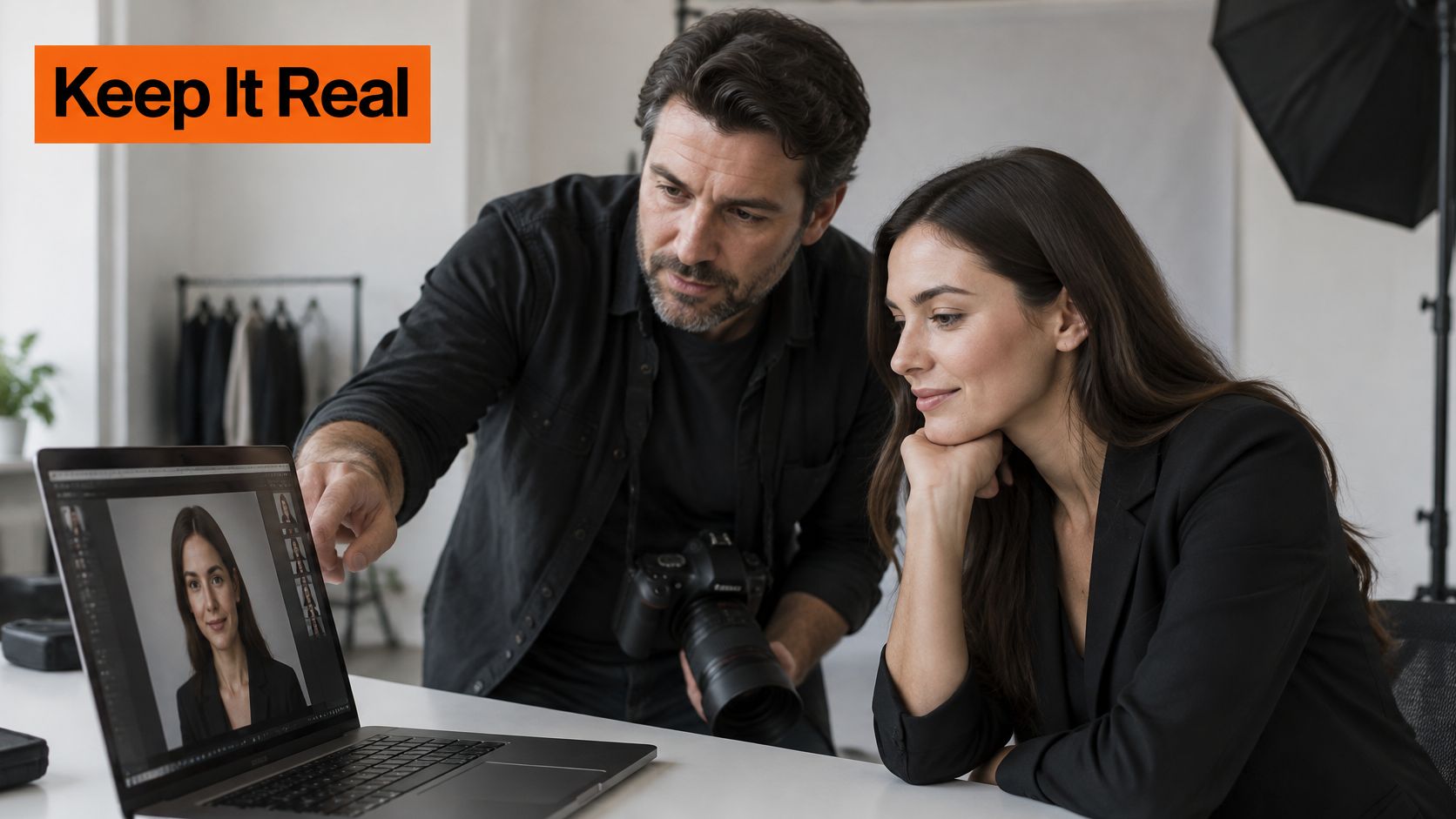
More retouching doesn't automatically read as more professional. It often makes a portrait harder to trust.
CNBC's reporting on AI headshots says LinkedIn permits AI-enhanced or AI-created profile photos only when they reflect the user's likeness, and noncompliant images face removal. The report also describes recruiters' concerns about overly edited portraits appearing fake, even as recruiters struggle to identify generated images reliably.
Acceptable and unacceptable headshot edits
| Edit | Verdict | Rule of thumb |
|---|---|---|
| Lighting and exposure | Acceptable | Changes the light, not the face |
| Background replacement | Acceptable | Keeps the same head and shoulders |
| Color correction to sRGB | Acceptable | Keeps skin tone as it appears in life |
| Blemish and stray-hair cleanup | Acceptable in small amounts | Stop when a colleague would not notice the edit |
| Skin smoothing until pores disappear | Borderline | Keep visible skin texture |
| Reshaping jaw, nose or eyes | Crosses the line | Changes facial structure |
| Changing age, hair color or length | Crosses the line | Changes identity markers |
| Adding or removing glasses, tattoos or scars | Crosses the line | Changes what people recognize |
These are editorial boundaries for credible professional portraits, not a claim that every platform prohibits every listed alteration. Glasses deserve particular care: use a current reference that reflects how you normally present yourself rather than asking software to invent or erase frames.
Nereo's portrait photo editing tools offer a relevant place to examine retouching controls. Judge any such tool by whether you can apply a restrained correction without changing surrounding texture. Our guide to AI photo retouching provides further context for reviewing automated edits.
If someone who knows you notices the transformation before recognizing you, reject the image.
Make disclosure a practical decision
Place the result beside a recent, unfiltered photograph. Ask a colleague who has met you to check facial proportions, hairline, expression, and distinguishing features.
Follow any disclosure requirements in the destination's policies. Where no requirement exists, don't use disclosure as an excuse for a misleading image. If meeting you would make a viewer feel misled, revise the portrait before publication.
Apply the same boundaries to everyone on a team. Each person approves their likeness, and a colleague performs the final review.
Team batches and employee photo privacy
A team batch needs one visual standard, not identical faces. Keep lighting direction, background tone, crop, and export treatment consistent while preserving each employee's complexion, hair, and facial structure.
Assign HR or operations to set the standard. Use a filename convention such as lastname_firstname_role, and let each employee approve their own image before publication. The photo batch editing guide covers ways to keep a set consistent.
| Responsibility | Required action |
|---|---|
| Employee | Opt in and approve likeness |
| Batch owner | Check visual consistency and access |
| Company administrator | Store approved final files in company systems |
| Provider review | Confirm retention, deletion, and derived-data handling |
Treat privacy as a procurement term. Before uploading employee photos, obtain each provider's written retention and deletion periods, and ask how it handles any data derived from those photos. The FacePrivacy privacy policy distinguishes uploaded facial photographs from biometric data derived from them, a distinction worth checking in any provider's terms.
Customers retain full ownership of photos uploaded to AiHeadshots and every headshot generated from them.
Privacy check: A private upload isn't the same as permission to circulate an employee's portrait.
The guidance on how to keep event photos private offers practical context for controlling gallery access and sharing. Confirm who can access the finished files and how they can be shared before the batch is published.
An employee who declines participation keeps their existing photo. Set up the batch so participation is optional.
Which tests fit each corporate use case
Public exposure changes which defects matter most. A LinkedIn portrait needs immediate recognition, while a press image must also withstand close inspection after an editor places it prominently on a page.
A company biography adds a different constraint: your portrait appears beside other people. An individually attractive image still fails the layout if its crop, background brightness, or color temperature differs sharply from the rest.
Requirements by corporate use case
| Use case | Framing | Edit tolerance | Test before publishing |
|---|---|---|---|
| Public LinkedIn profile | Head and shoulders, face 60–70% of circle | Light touch only | View at 60 px wide |
| Company bio page | Head and shoulders, matched to the team | Light touch only | Compare beside three colleagues |
| Speaker or press kit | Head and shoulders at full resolution | Light touch, sharp eyes | Check at full size on a laptop |
| Attorney, doctor or realtor directory | Same crop across the directory | Light touch, no identity change | Compare with a recent photo of the person |
| Internal team directory | Uniform crop and background | Light touch only | Review every person in one grid |
The small-width and side-by-side checks are practical review tests, not platform specifications. Use them to reveal problems that an isolated, enlarged preview conceals.
Run a representative test
Start with varied phone photos showing different angles, expressions, and lighting. Keep the inputs current. A generator shouldn't have to reconcile an old hairstyle with your present appearance, and a conventional editor can't recover a face hidden by deep shadow.
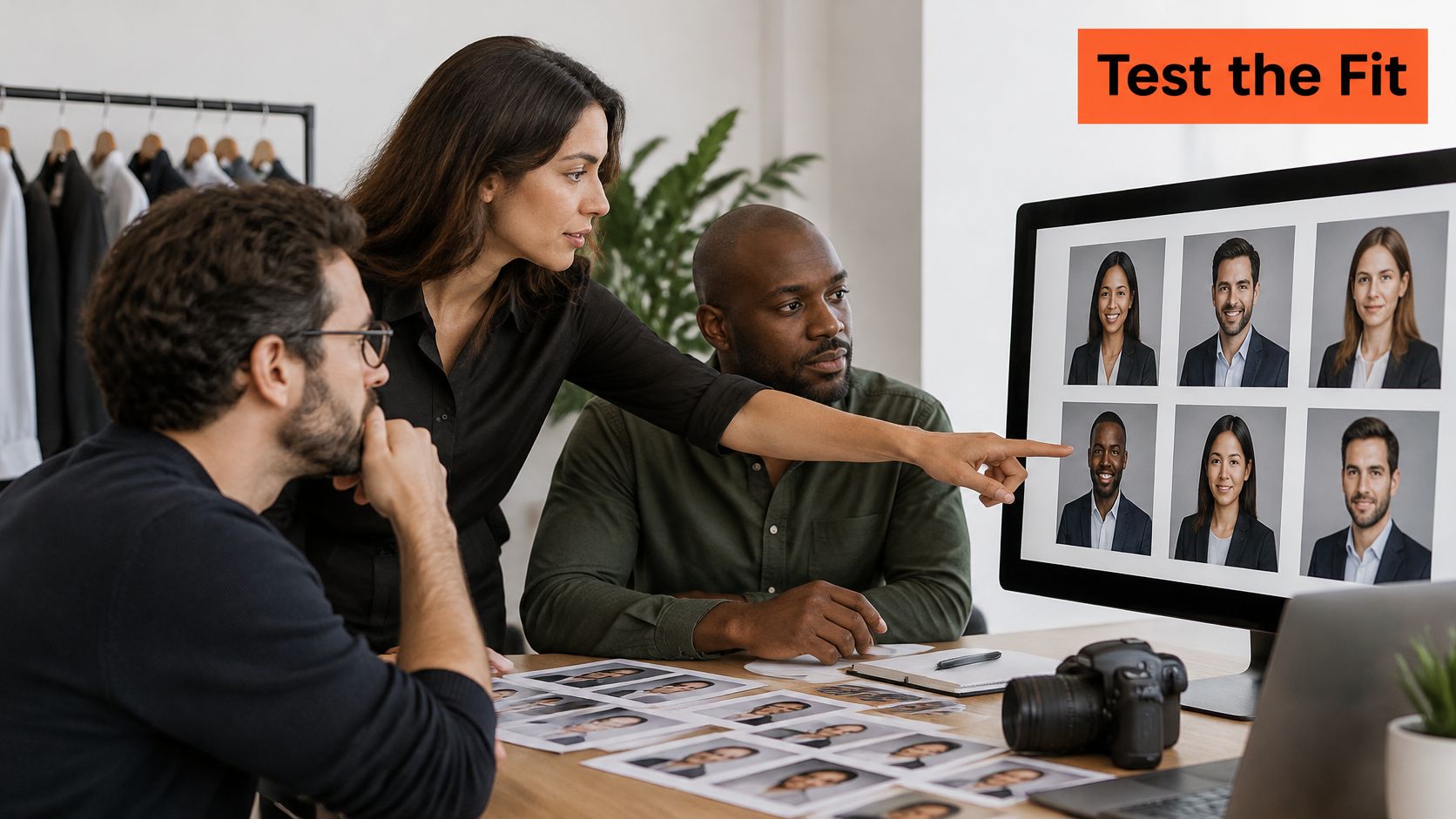
Compare the outputs against the quality standards, then inspect both a deliberately small thumbnail and the full-resolution file. A portrait that works small but fails enlarged has a detail problem. A set that changes your nose, jaw, or eye shape between images has a likeness problem.
Finally, place the candidate portrait in its actual destination. Preview the circular crop, website card, speaker layout, or directory grid before approval.
Approve by use case, not once for the entire company. A tightly cropped profile image isn't a universal press asset. Keep a suitable master and create destination-specific derivatives rather than stretching the same downloaded thumbnail into every layout.
Confirm the fit before you upload
A headshot editor earns its place when the result still looks like the person. Check likeness, usable styles, and delivery before you choose a paid pack.
AiHeadshots is built by the photographers behind Studio Pod. It generates professional headshots from photos customers upload, with a free watermarked preview available before purchase and no credit card required.
Test likeness before purchasing
Upload 10–20 casual phone selfies with varied angles, expressions, and lighting. Professional shots aren't needed. Pick styles suited to the intended use, then check whether the preview keeps your face recognizable.
AiHeadshots generates 30+ professional headshots and emails you when the pack is ready, typically in about 30 minutes. The $39 Professional plan includes 50 finished headshots in five unique style looks, plus an outfit and up to four backgrounds. Each pack is high-resolution, print-ready, and sized for platforms.
If the pack doesn't look like you, AiHeadshots offers a free re-train using better selfies before a refund. Keep the likeness test central: polished lighting and a clean background do not make a portrait successful if the face has changed.
Visit AiHeadshots to review a free preview before purchasing. Upload selfies, choose a style, and download your headshots when they are ready.